Operation
60 Rev. B4 Feb 2015 CS210
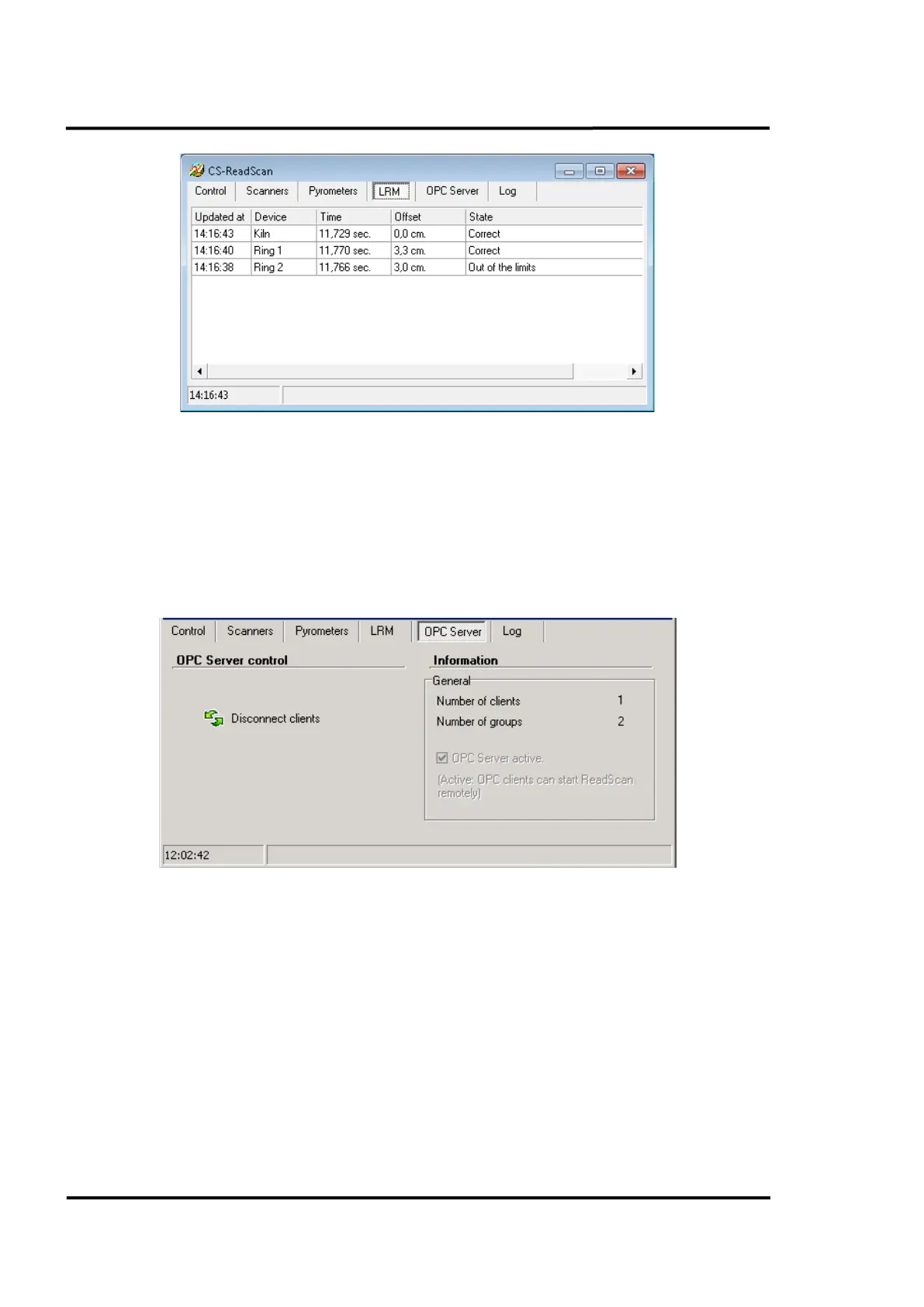
Figure 57: Main screen: <LRM> Tab
7.1.5 <OPC Server> Tab
This tab shows information related to the OPC Server utilized by ReadScan. To make the OPC server
active, you have to check the <OPC server active> check box in CS Config, see section 6.2.1.2
<Communications settings> Tab, page 29. Under this section you can also find a list of available OPC
items.
The <Disconnect clients> button forces the disconnection of all the OPC clients connected.
Figure 58: Main screen: <OPC Server> Tab
7.1.6 <Log> Tab
By clicking on this tab the user can see a summary of the actions taken by ReadScan: the commands
sent to every device and a log showing both correct operation and any errors or alarms. It also gives
out information about every image that the system chooses to save.
Clicking the right mouse button activates a pop-up menu, which lets you copy, print, save and delete
all of the information displayed.



 To Next Page