Configuration
CS210 Rev. B4 Feb 2015 29
The number of lines per thermogram is a parameter that can only be modified when the
database is empty, (i.e. when the database does not contain any images)!
For running of non-
western European languages (Turkish, Russian) it is strongly
recommended to use a Windows Operating System in that desired language!
Non-western European languages can also be displayed by setting the Windows codepage
accordingly.
• Go to <Start> <Settings> <Control Panel> <Regional and Language Settings>
• Under <Regional Settings> select the desired language
• Under <Advanced> select the same desired language for programmes not supporting Unicode
fonts
For old systems only, running with RS485 communications:
The number of data points per line and the number of bytes per data point needs to be considered in case of running the
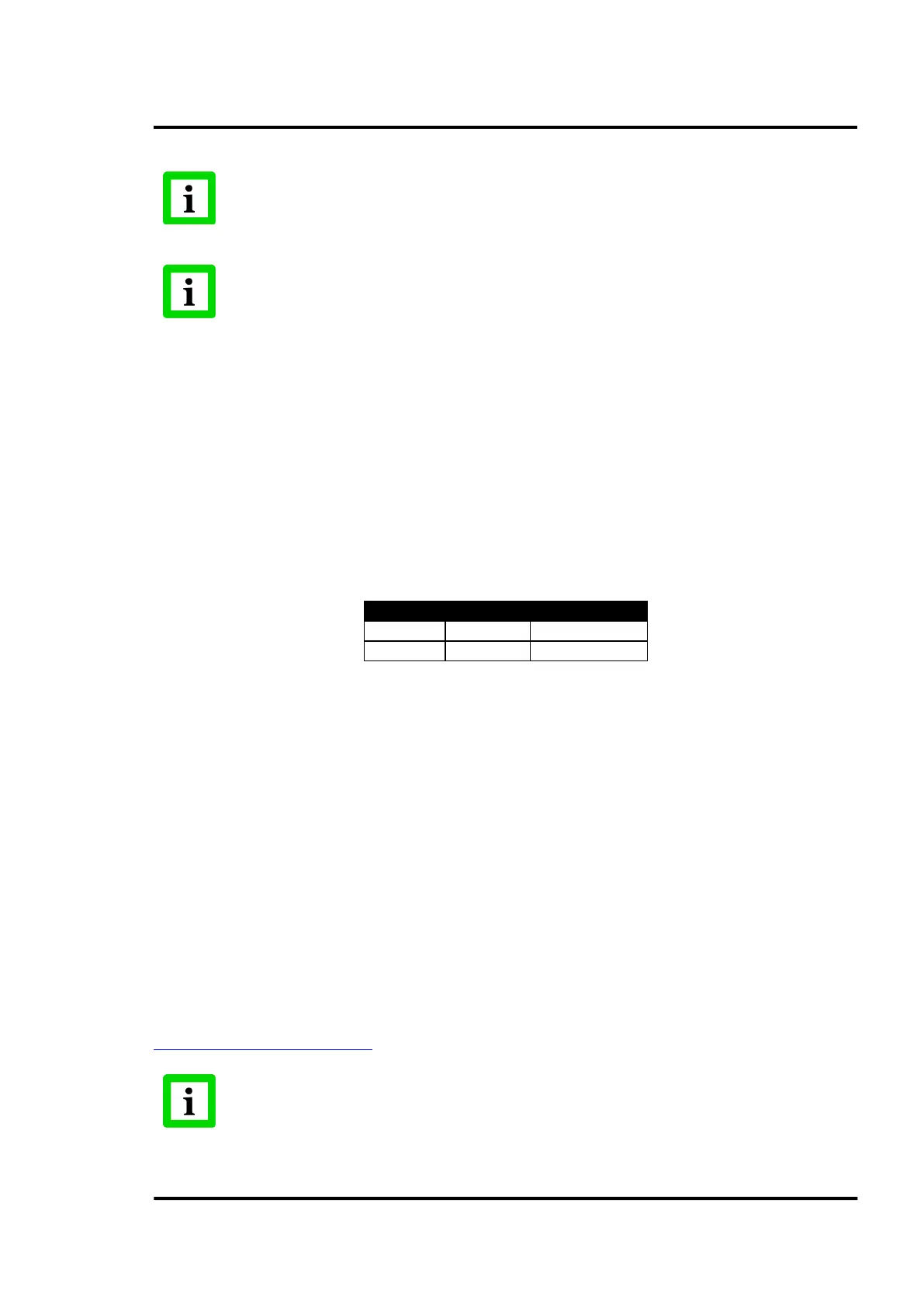
scanner via the serial RS485 communication line. The table below shows the recommended configurations.
<Points per line> defines the number of data points per line provided by one scanner.
<Bytes per point> defines the number of bytes per one data point.
Figure 16: Recommended Configurations for the Serial RS485 Communication
6.2.1.2 <Communications settings> Tab
On this tab the user can configure general communication settings for the serial devices.
The <command timeout> is the maximum time to wait after sending one command to a device. If the
device doesn’t answer in less than the time stipulated, the system will consider it as a communication
error.
The <communication timeout> is the time period between a communication error with a device and
the systems attempt to retry the communication.
<Retries for communication> defines the number of automatic trials to re-establish the communication
to a lost serial device.
By labeling the checkbox <OPC Server active>, the CS software runs as OPC server for one or more
OPC clients within a network. For interfacing to other control systems this option allows the remote
monitoring of the process.
OPC (OLE for Process Control) is an industrial standard for the data exchange between applications
based on the DCOM model from Microsoft. For further information see
http://www.opcfoundation.org/
The CS OPC server supports Data Access in version 2.0 only!



 To Next Page