Auxiliary Software
112 Rev. B4 Feb 2015 CS210
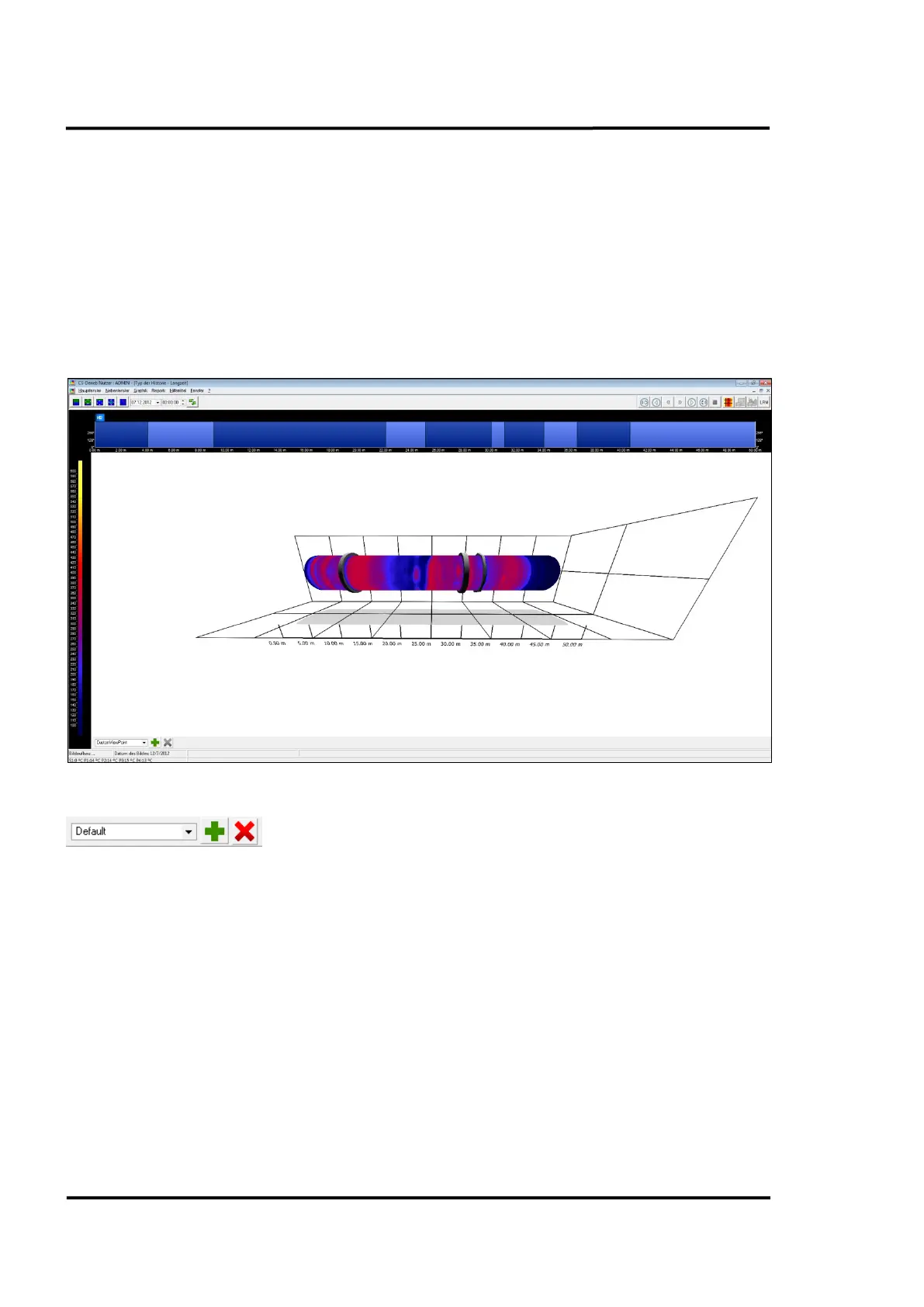
11.5 3D Real Time View
The 3D Real Time View provides a user-friendly, live, three-dimensional visualization of the kiln. This
3D visualization of the thermal image will give a better understanding of kiln shell temperature
distribution. The 3D view rotates to represent the live movement of the kiln.
A right mouse click into the view opens a context menu to adapt the appearance to show the
temperature profile, rings, and refractory.
A position indicator overlaid on the refractory zones follows the movement of the mouse pointer,
while crossing the 3D kiln to illustrate the current location on the kiln.
Figure 112: 3D Real Time View
The 3D Real Time View provides a tool bar for calling and saving dedicated views based on personal
preferences. To move the kiln to an arbitrary viewing angle, just click and draw the mouse
(alternatively, you may also use the arrow keys). By rolling the mouse wheel, you are allowed to zoom
the view. Move the 3D kiln to the desired perspective and click on the <+> button to save that view.
Predefined views can be called accessed directly under the drop down box.
A double-click on the kiln showing the refractory (context menu: <Show refractory>) centers the kiln
on the clicked position.



 To Next Page