Auxiliary Software
CS210 Rev. B4 Feb 2015 111
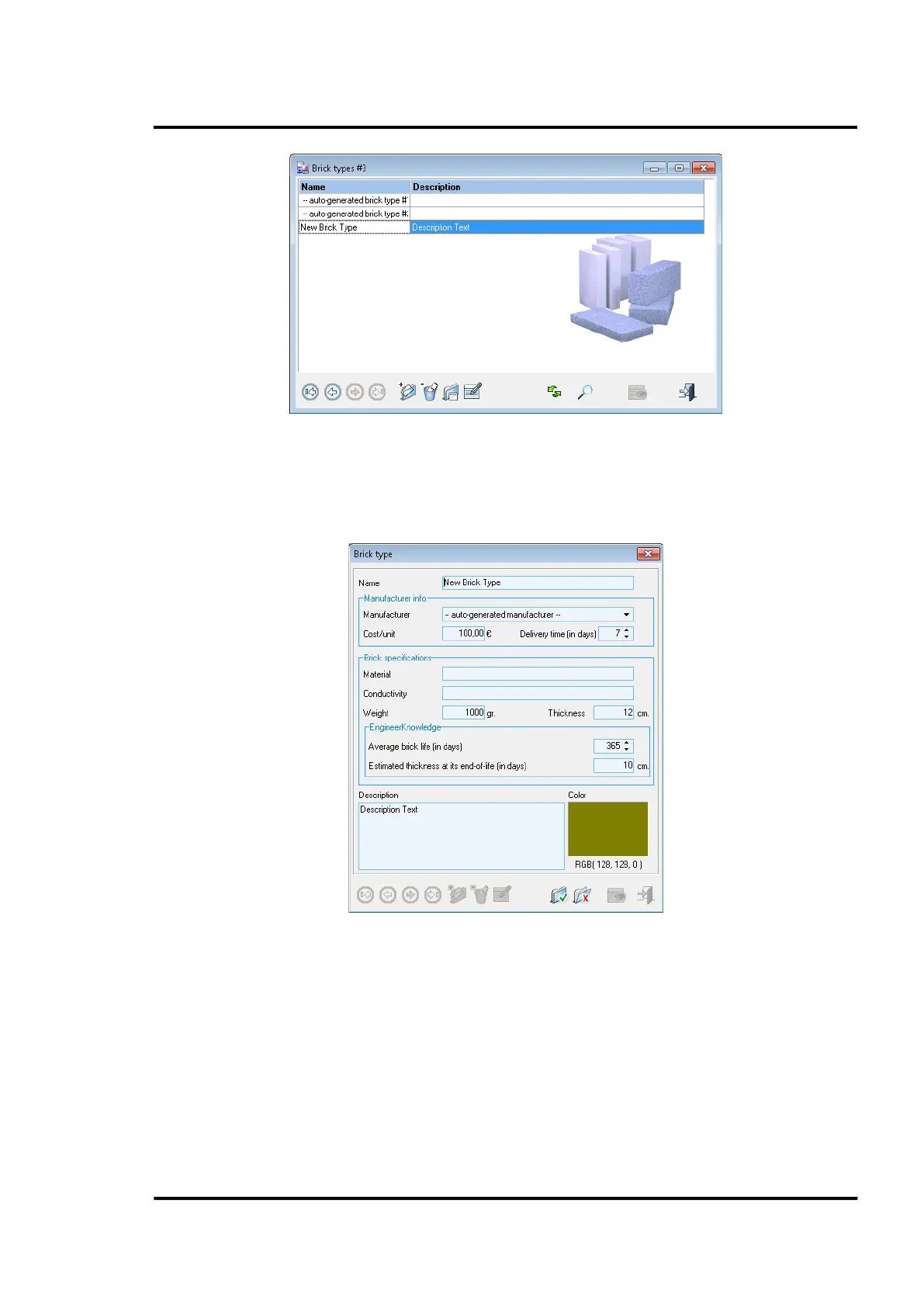
Figure 110: List of Brick Types
Within the dialog for adding/editing brick types, the user can consider the manufacturer’s brick
information, as well as the brick specification based on the user’s knowledge, such as brick lifetime
and estimated brick thickness at end of life.
Figure 111: Adding a Brick Type
Give a unique color for the brick type to identify the brick easily under the refractory configuration
view. Do not use signal colors like red because it will optically collide and obstruct the clarity of the
screen view and the real alarm signals, which typically use the red color.



 To Next Page