Configuration
CS210 Rev. B4 Feb 2015 49
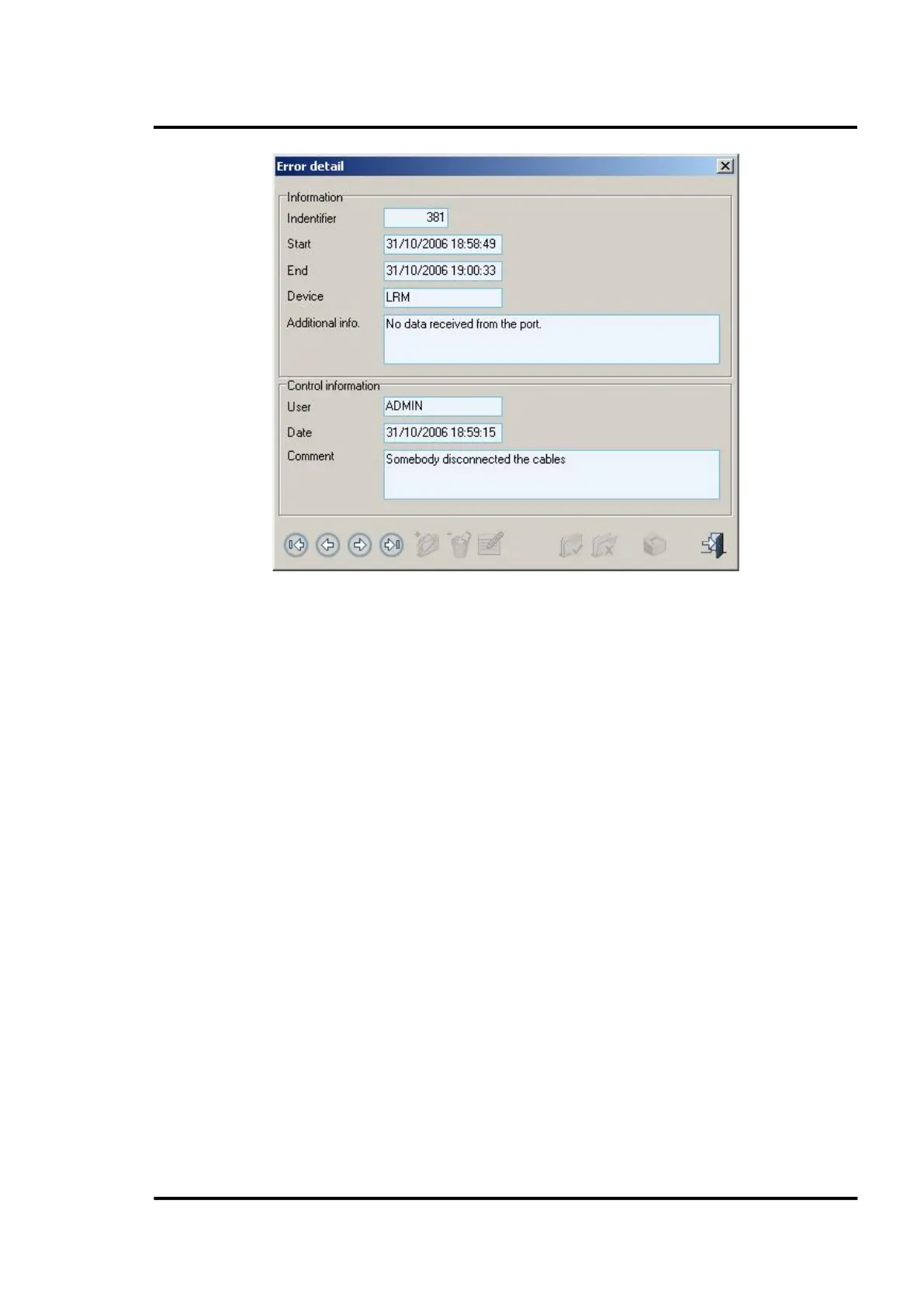
Figure 42: Error detail
6.2.12.3 Error list
Using this screen you can print reports of all errors registered in the system. These lists or reports are
fully configurable by using selection filters and sorting criteria.
Selection filters allow filtering information using:
• Error identifier
• Starting date
• Ending date
• State
• Control
• Device
Sorting criteria permits:
• The fields used to sort data.
• The order of each sorted field.
An error list can be filtered via an identifier or by starting and end date. By clicking on the <Export>
button you may convert a list into different formats such as pdf, xls, and rtf.



 To Next Page