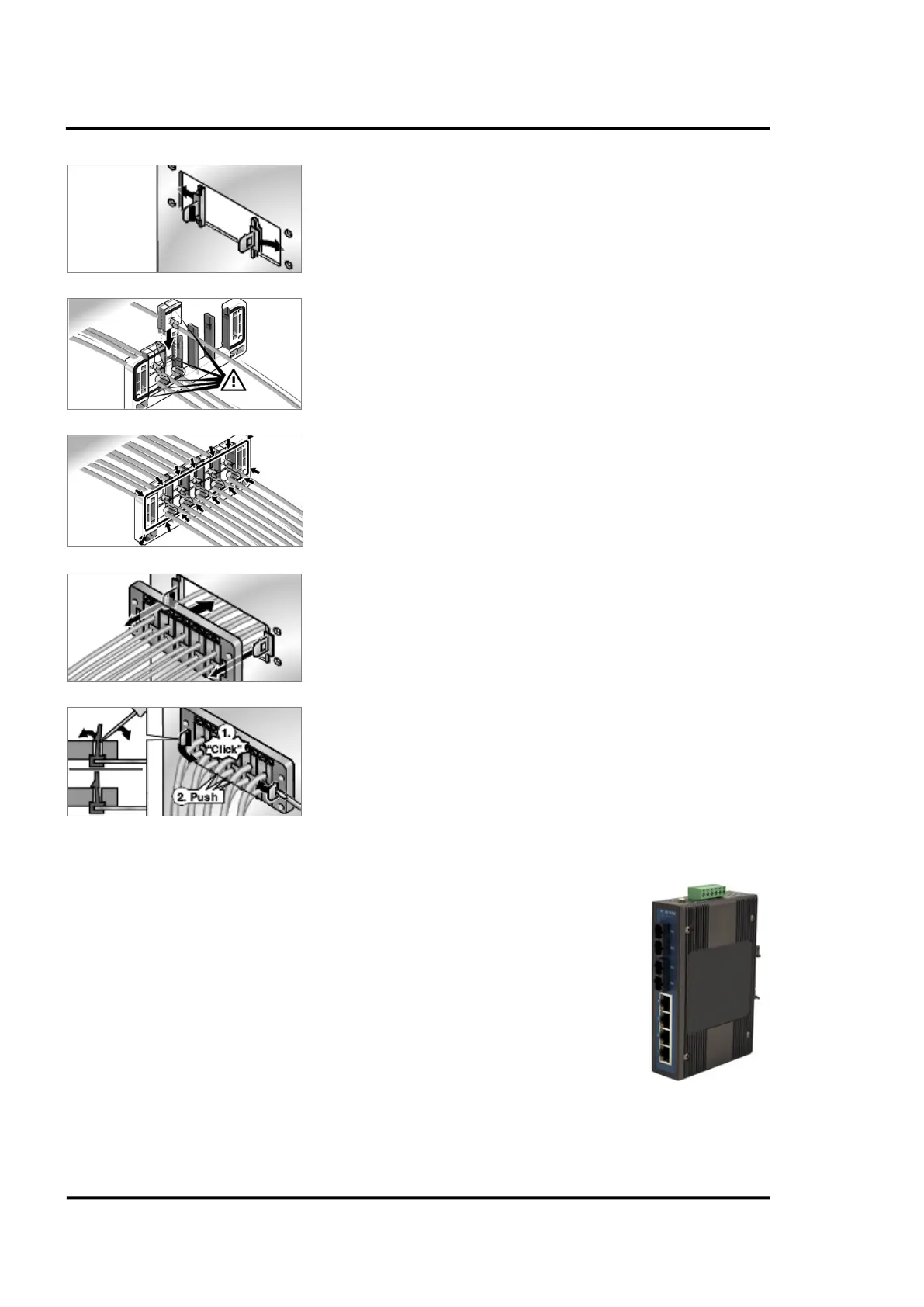
Installation
22 Rev. B4 Feb 2015 CS210
Set catch hooks into the sides of the cut-out.
The grommet must produce a continuous seal on the back side.
Set the rail onto the catch hooks and press on.
Lock the catch hooks with the rail. Press gently on grommet one
more time.
5.3 Fibre Optic / RJ45 Ethernet Converter
The Fibre Optic / RJ45 Ethernet Converter assures high reliability and
stability in harsh environments, making it a robust bridge between enterprise
fibre-optic backbones and Ethernet devices like the linescanner. Using fibre
optics, you prevent electrical interference from corrupting the CS210 system.
The Fibre Optic / RJ45 Ethernet Converter supports fast speed and high
distance transmissions. Copper based Ethernet communication is very
limited in length without using a repeater.
The Fibre Optic / RJ45 Ethernet Converter in the system connection box is
converting up to 4 Ethernet channels to support one or two scanners and the
CS210 accessories. The Fibre Optic / RJ45 Ethernet Converter in the control
room is converting the glass fibre signals back to TCP/IP Ethernet again. For further technical details
see appendix 14.3 Fibre Optic / RJ45 Ethernet Converter, page 129.



 To Next Page