Operation
68 Rev. B4 Feb 2015 CS210
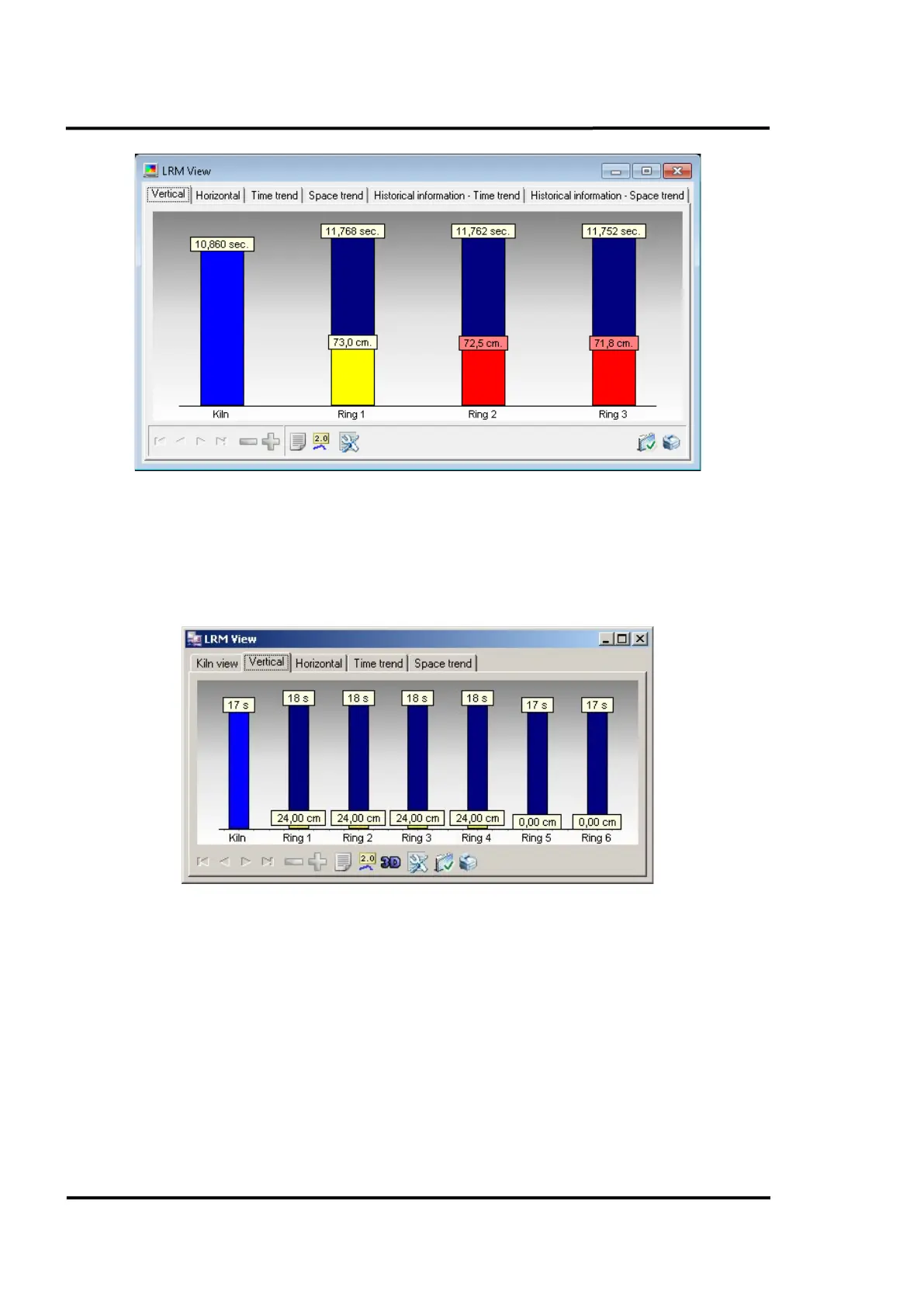
Figure 67: <Kiln view> Tab of the LRM view
7.2.7.2 <Vertical> Tab
This tab shows, on a vertical bar chart, the time duration for each ring to complete the current lap, and
the offset relative to the driven tire. Right clicking on the chart will launch a pop-up menu allowing
the user to toggle between time and offset or to display both simultaneously.
Figure 68: <Vertical> Tab of the LRM view
7.2.7.3 <Horizontal> Tab
Almost identical to the screen described above (section 7.2.7.2 <Vertical> Tab), this chart is rotated by
90°.



 To Next Page