Operation
70 Rev. B4 Feb 2015 CS210
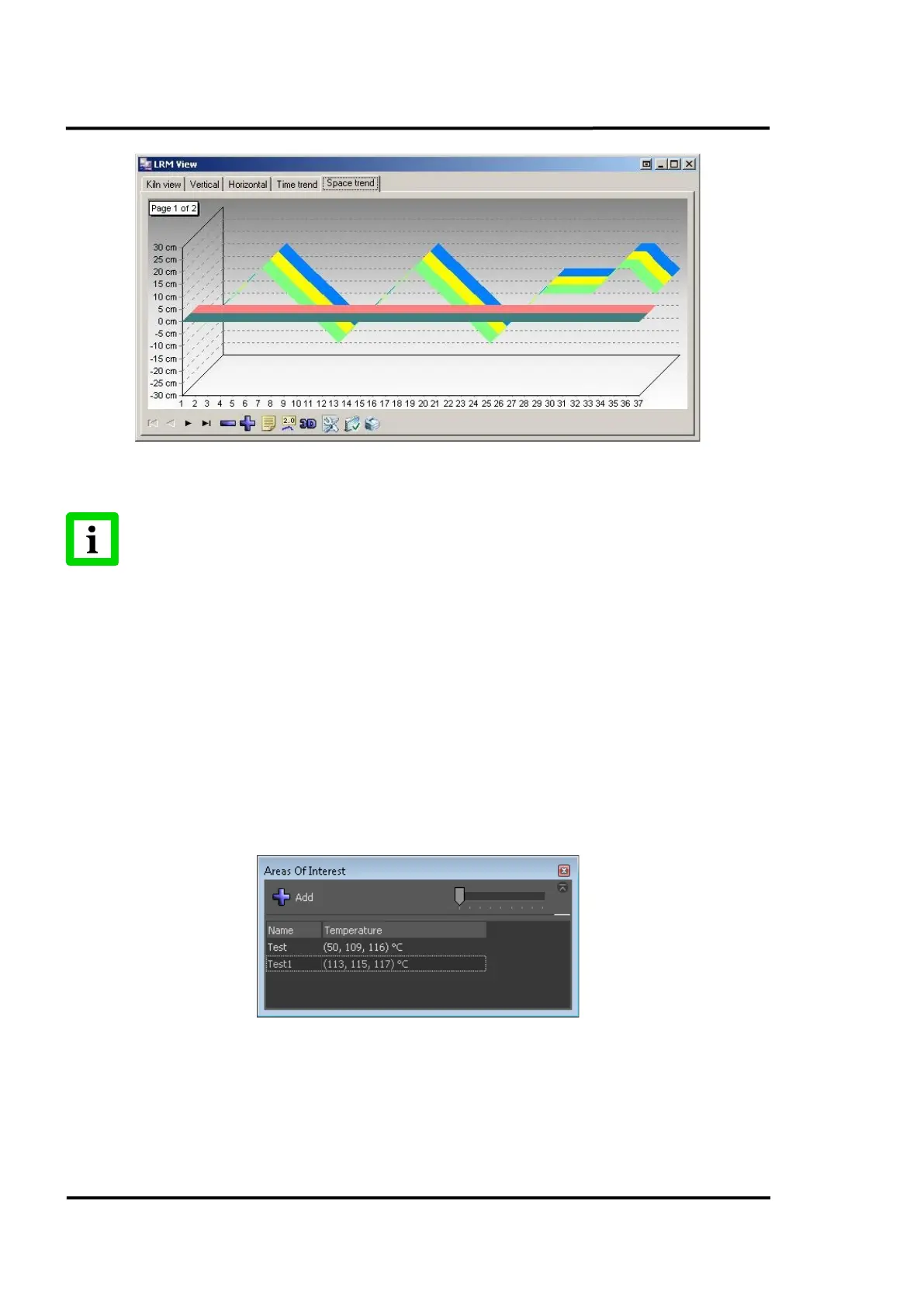
Figure 71: <Space trend> Tab of LRM view
In normal operation the data on all tabs explained above is updated in real-time.
However, the offset data cannot be updated until the corresponding revolution of the
kiln has been completed!
7.2.8 <Secondary> <Areas of Interest>
In the <Real time> view, one can place a dedicated window called <Areas of Interest> to monitor a
specific area of the thermal image. Click on the <Add> button to generate a new area of interest. To
place an area, move the mouse over <Real time> view and shift the cross line to the desired position.
The first crossing line marks the upper left corner of the area; the second one determines the bottom
right corner. Click on the <Confirm> button in the <Areas of Interest> dialog to set the formed area on
the <Real time> view. The area is added to the list of areas showing the current temperatures in its
minimal, averaged, and maximal value. A double click on the area in the list recalls the position
markers on the view.
The slider changes the font size for the displayed areas.
Figure 72: <Areas of Interest> Window
7.2.9 <Secondary> <Errors>
The <Errors> screen shows all errors recorded by the system with the following features:



 To Next Page