Configuration
52 Rev. B4 Feb 2015 CS210
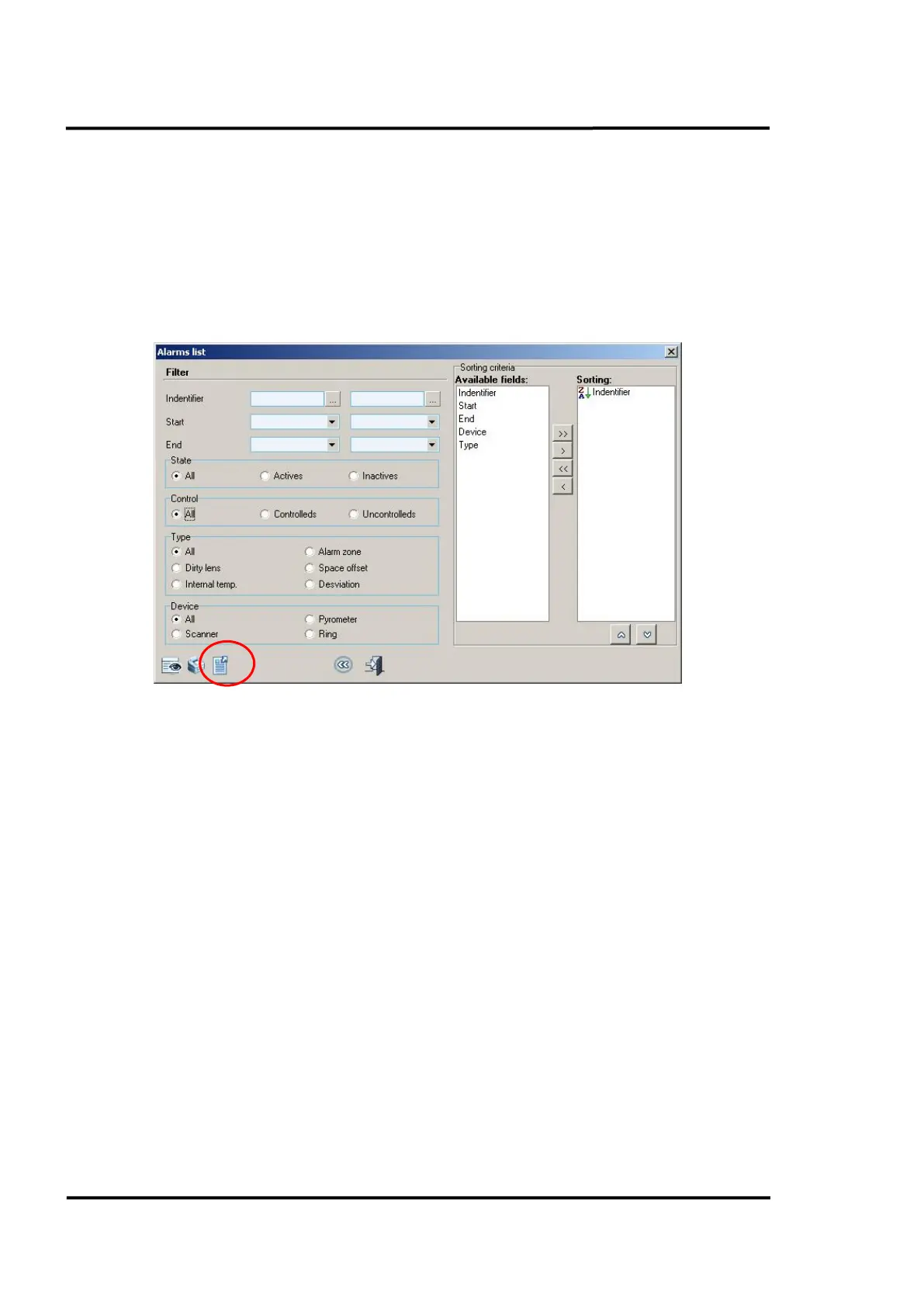
• Alarm type
• Device
Sorting criteria permits:
• The fields used to sort data.
• The order of each sorted field.
An alarm list can be filtered via an identifier or by starting and end date. By clicking on the <Export>
button you may convert a list into different formats such as pdf, xls, and rtf.
Figure 46: Alarms list
6.2.14 <Users>
The repository of users is accessible via the menu <Utilities> <Users>.
The user’s management allows the entry of new users, as well as the modification and deletion of
existent ones. Each user can be assigned an appropriate security level to maintain system integrity.
6.2.14.1 Users Repository
This window shows all users currently registered in the system. There is always one default user, with
the preset user code of ‘ADMIN’ and no password.



 To Next Page