Auxiliary Software
CS210 Rev. B4 Feb 2015 99
It is advisable to choose a time for automatic backup where nobody is working with the
application, for instance during the night or early morning!
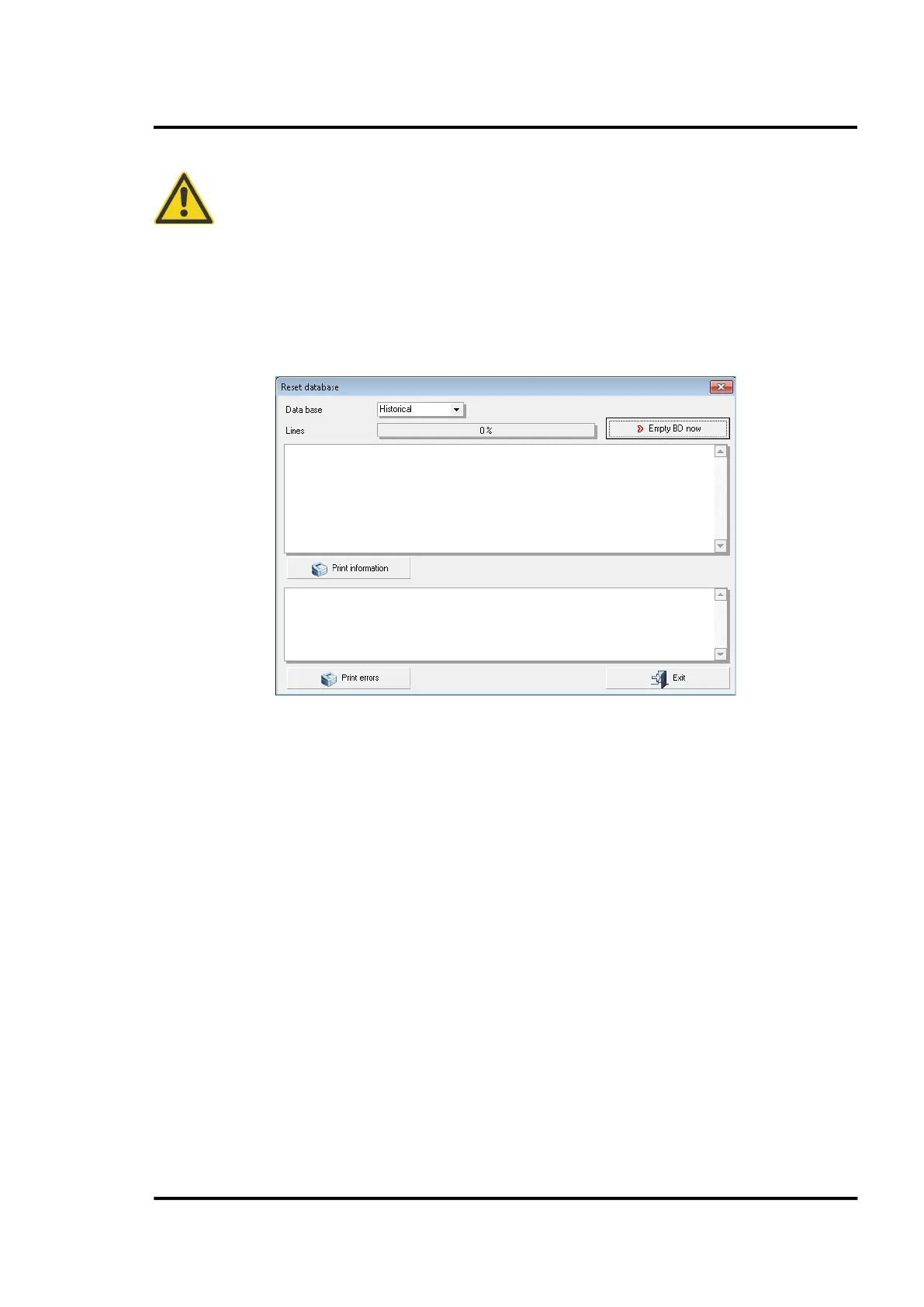
11.1.6 Reset database
Go to <Operations> and select <Reset database>. Clicking on the <Empty BD now> button starts the CS
software with an empty database by deleting all data in the SQL database. To avoid accidental data
loss, a backup copy will be stored automatically in the CS subfolder BACKUP.



 To Next Page