Accessories
CS210 Rev. B4 Feb 2015 83
Environment
Operating temperature 0 to 60°C (32 to 140°F)
Storage temperature -20 to 80°C (-4 to 176°F)
Operating humidity 5 to 95% RH
10.3.2 LED Indicators
There are LEDs display the power status, network status, and serial communication status located on
the front panel of the Serial RS485 / RJ45 Ethernet Converter, each of them has its own specific
meaning as below table.
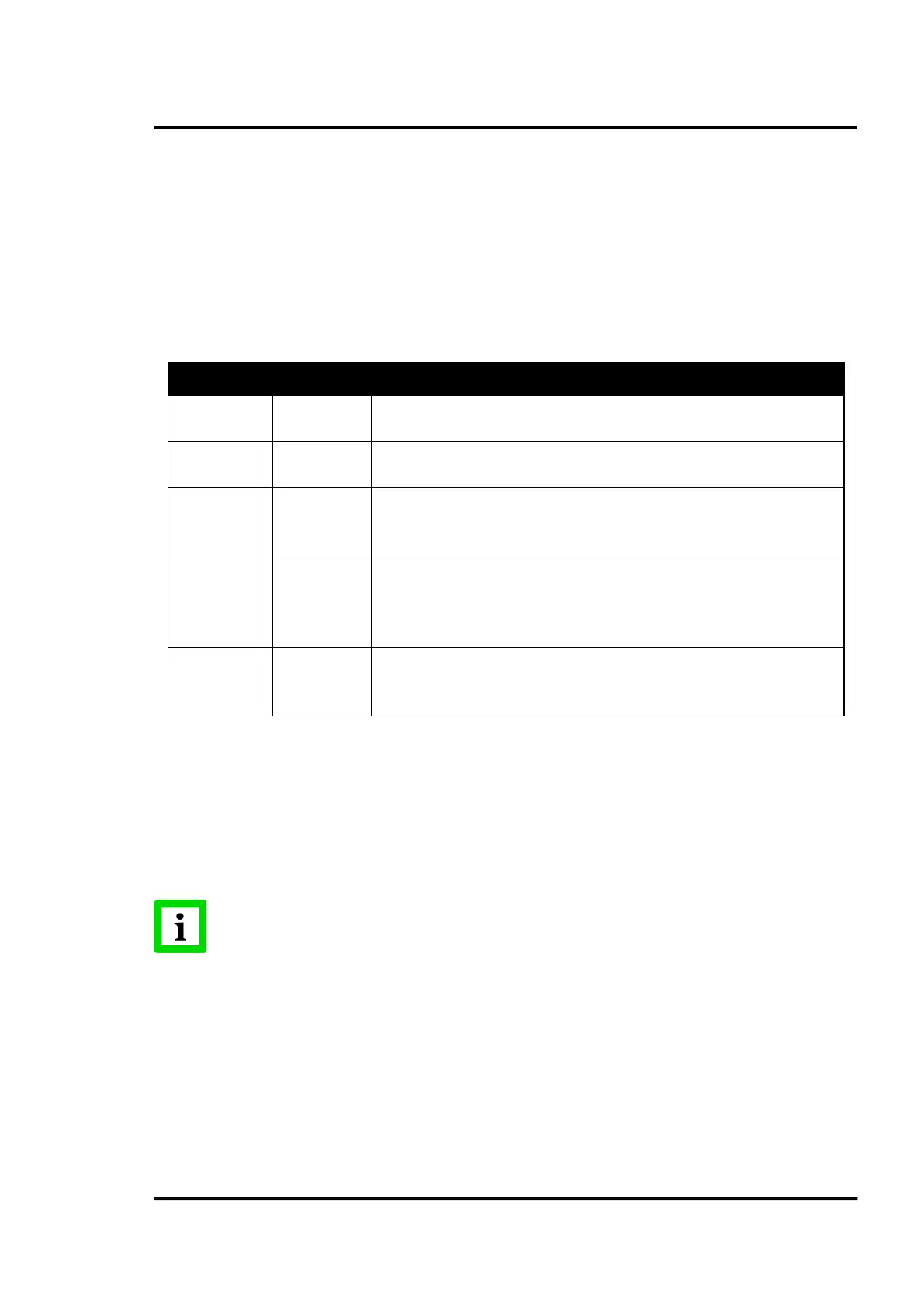
LED Color Description
P1 Green
Power 1 is on.
Power 1 is off, or power error condiction exits.
P2 Green
Power 2 is on.
Power 2 is off, or power error condiction exits.
Status Orange
Blinking: System is ready.
Steady on: the device has been located by utility’s location function.
Ethernet Orange
Green
Blinking: Ethernet port is transmitting or receiving data.
Steady on: Ethernet has the good link for 10 Mbps or 100 Mbps operations.
On: 100 Mbps Ethernet connection
Off: 10 Mbps Ethernet connection
Serial Orange
Green
Serial port is transmitting data.
Serial port is receiving data.
No data is transmitted or received through the serial port.
Table 1: LED Indicators
10.3.3 Driver Installation
The following procedure describes the way to install a virtual COM port on the CS computer by using
the Configuration Utility Software. The virtual COM ports work like standard Windows COM ports,
so the CS software sees no difference between both.
Please reserve TCP/UDP port 5048 and 5058 in your Ethernet network, Configuration
Utility Software will use these ports to communicate with the Serial RS485 / RJ45
Ethernet Converter! Make sure that a possible firewall does not block these ports!
For an overview of all ports in use, see section
4.6 PC Requirements, page 17.
1. Power on the Serial RS485 / RJ45 Ethernet Converter!
2. Insert the Advantech driver utility
DVD for the Serial RS485 / RJ45 Ethernet Converter into the
DVD
drive (e.g. E:\) on the host PC.
3. Use Windows explorer to execute the setup program, the path for the setup program on the
DVD should be:
E:\Utility& Driver\SerialDeviceServerConfigurationUtility\Serial_Device_Server_Config
uration_Utility_[Version]_Release_[date].exe



 To Next Page