Configuration
42 Rev. B4 Feb 2015 CS210
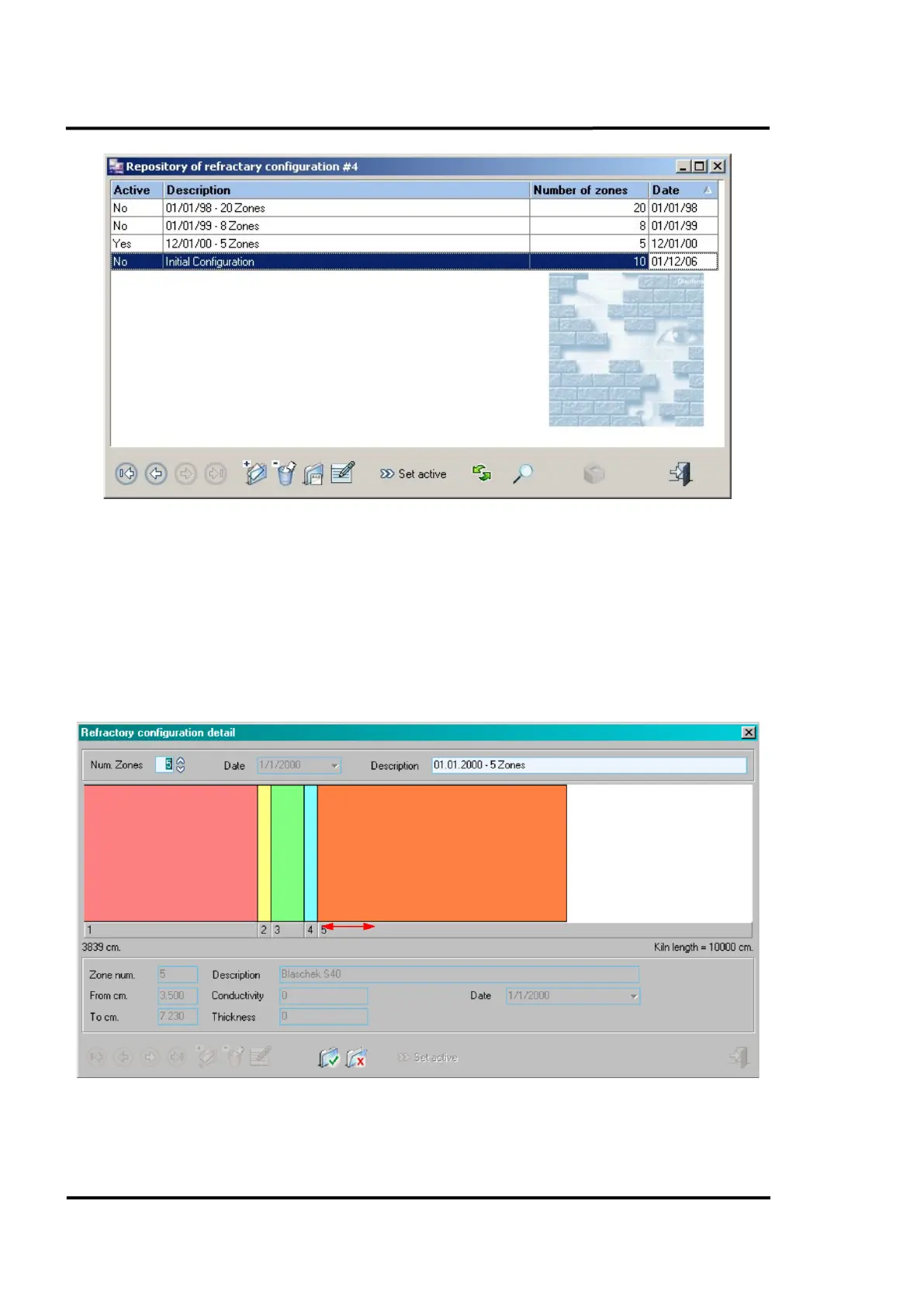
Figure 32: Repository of refractory configuration
6.2.7.2 Refractory configuration detail
Clicking on any refractory configuration will open a refractory configuration detail screen. The
refractory zones will be displayed on a mimic diagram along with some basic configuration
information along the bottom of the screen. Click on any zone to see more detailed configuration
information.
It is possible to adjust the size of a zone directly in that dialog box. To do this, you need to drag the
edges of the lower bar (adjacent to the Zone number) corresponding to the zone to be edited.
Figure 33: Refractory configuration detail



 To Next Page