Operation
CS210 Rev. B4 Feb 2015 71
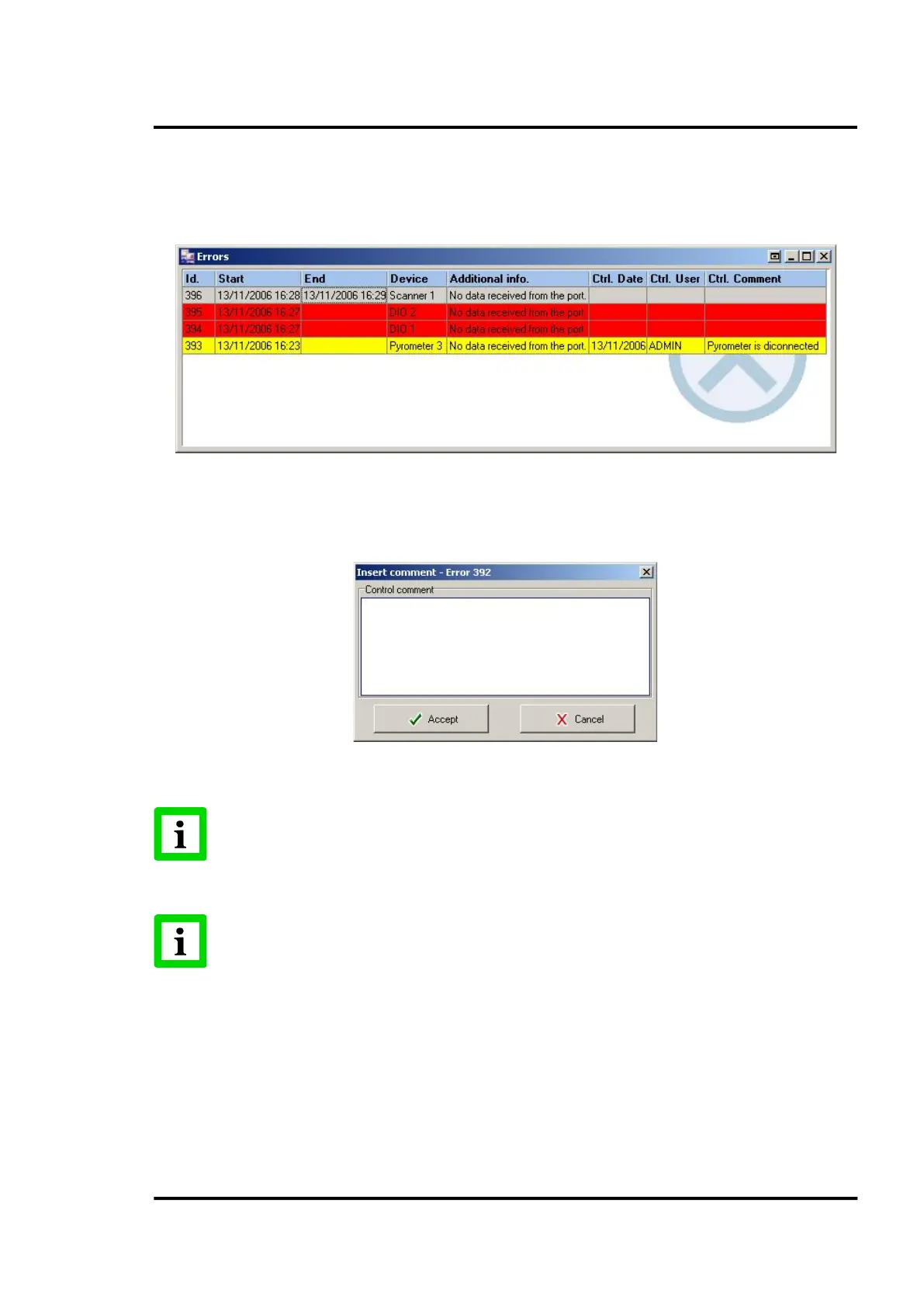
• The error is still active and not controlled (RED)
• The error is still active but controlled by the user (YELLOW)
• The error is not active anymore (GREY)
Figure 73: Errors’ screen
Control of an error is made via the <Controlling error> option, shown in the error’s pop-up menu or
by double clicking on the error itself.
Figure 74: Control screen and comments
Errors that are no longer active will be deleted from the system as soon as ReadScan
confirms that a user has taken action to control the error!
In the CS Config, see section 6.2.14.2.3 <Others> Tab
, the user can configure the system
to “beep” while errors are active!
7.2.10 <Secondary> <Alarms>
This screen is basically the same just explained above in the section 7.2.8 <Secondary> <Areas of
Interest>
, page 70. The only difference being that the information shown in this case is about alarms
instead of errors.



 To Next Page