Configuration
34 Rev. B4 Feb 2015 CS210
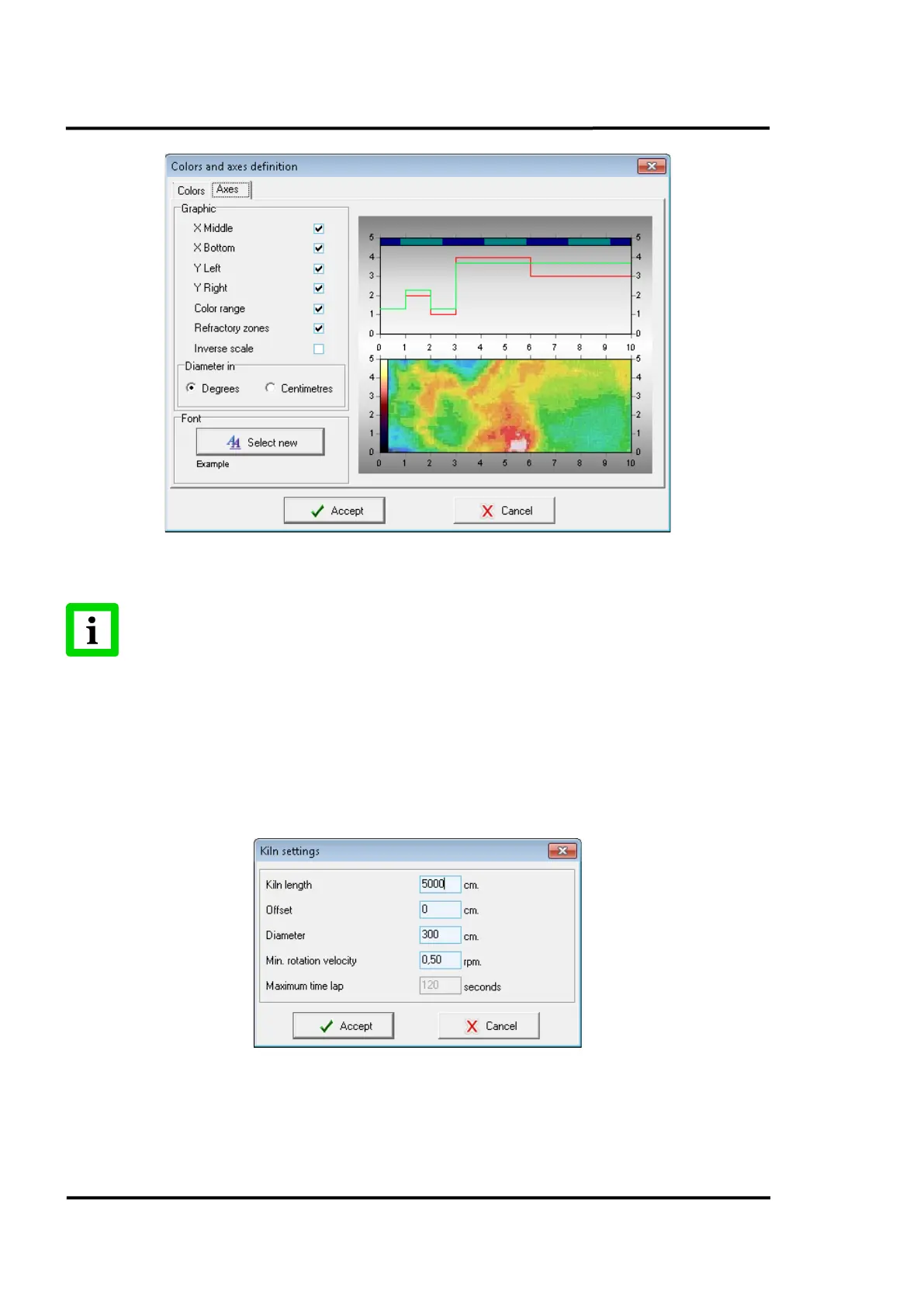
Figure 21: Colours and axes definition: <Axes> Tab
The option <Inverse scale> only affects the labels of the screen ‘x’ axis. When this
option is selected, the actual optical parameters of the scanners and pyrometers will not
be affected!
6.2.3 <Kiln Settings>
Clicking the <Kiln settings> menu will open a screen where details about the kiln can be entered.
These specifications are the kiln size (length and diameter) and the longitudinal offset. The
longitudinal offset only affects the labels of the screen x-axis. The actual optical parameters of the
scanners and pyrometers are not affected.
Figure 22: Kiln settings
<Rotation velocity> is the parameter that defines the minimum kiln speed that the system expects
before launching a non-synchronized alarm. When not synchronized, the system will not save any



 To Next Page