Operation
CS210 Rev. B4 Feb 2015 65
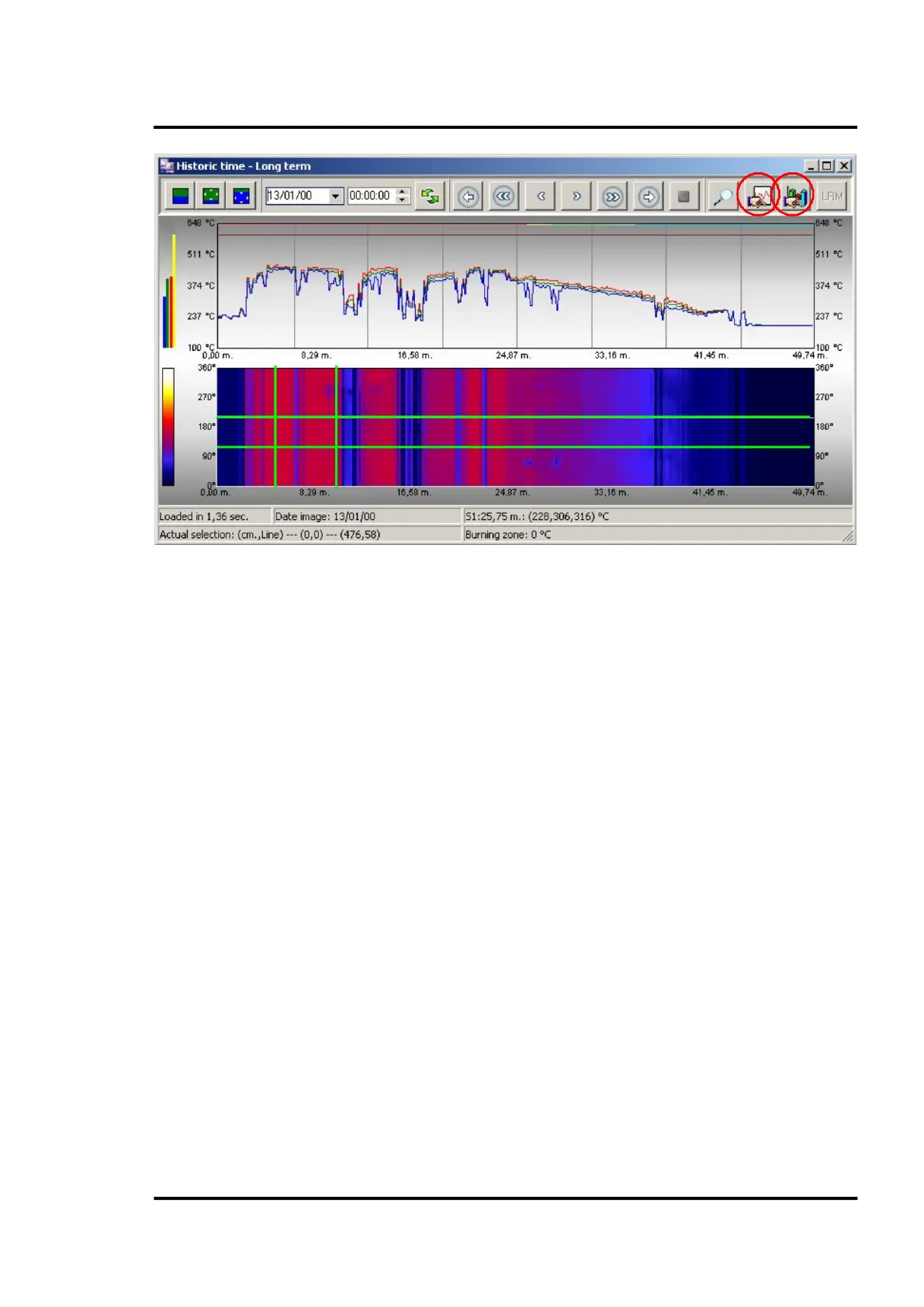
Figure 63: Short term - Historic time screen in Marking mode
Once the area is selected just click on the corresponding chart icon to display the desired information.
The data will be displayed, and the length and lines of the chart options will adjust automatically.
To exit the Marking mode and come back to zoom mode, just click on the <Go to mode Zoom> icon.



 To Next Page