Configuration
26 Rev. B4 Feb 2015 CS210
Figure 11: Installation screen
• Once you have completed selecting your preferences, you can click on <Install> to proceed
with the installation.
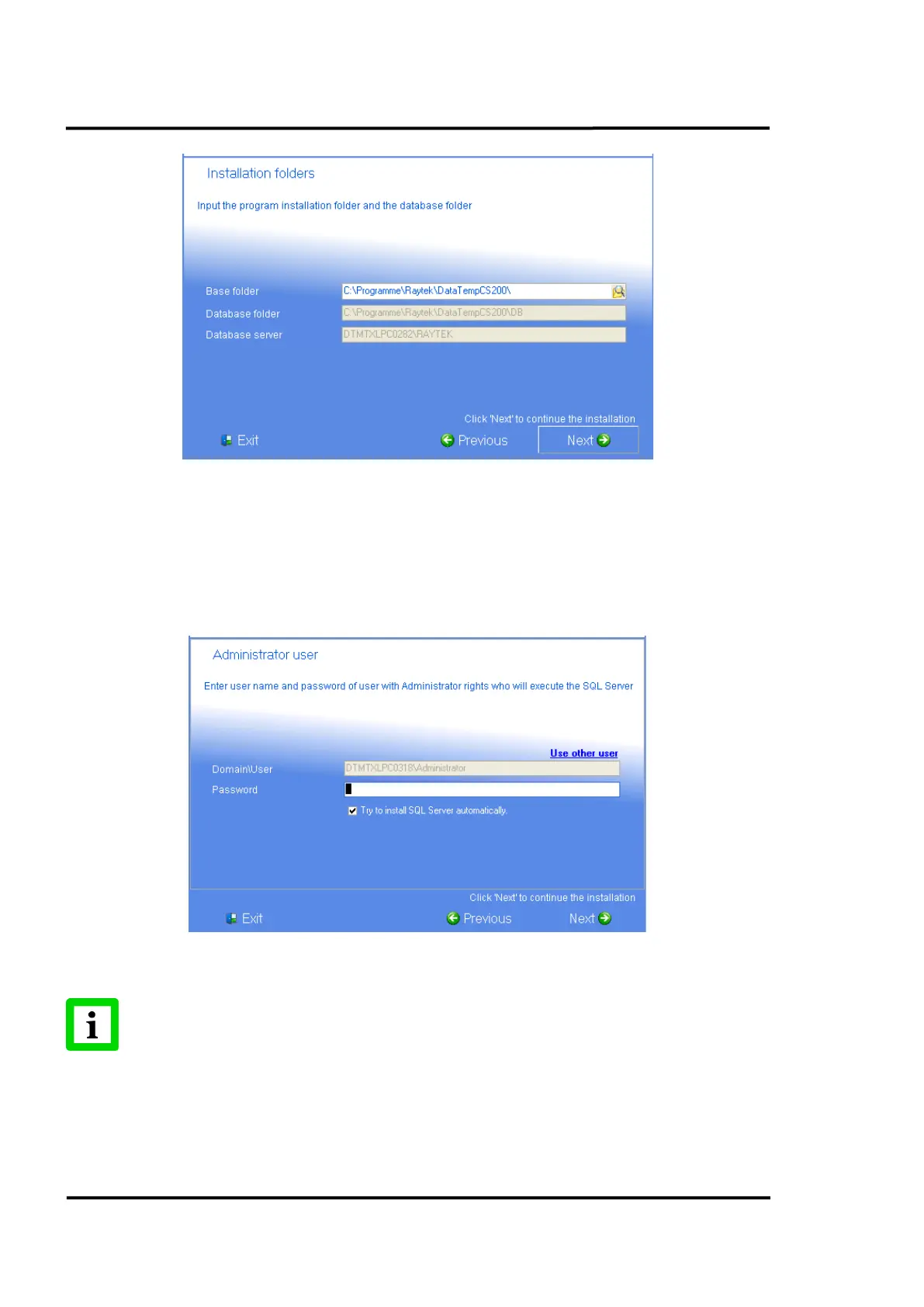
• In one of the next screens, you have to give a valid <user name> and <password> for an
administrative user for a domain on the installation computer to allow the SQL database
server to be executed.
Figure 12: Administrative User for the Computer Domain
In case of installation problems uncheck the <Try to install SQL Server automatically>
item!
• On the last installation screen, you can activate the check box to import an old CS100
configuration and a CS100 database into CS software. After closing the install setup you will
be guided through the migration procedure.



 To Next Page