COPY ADJUSTMENTS: PRINTING/SCANNING
B039/B040/B043 3-52 SM
3.13.2 SCANNING
NOTE: 1) Before doing the following scanner adjustments, check and adjust the
printing leading-edge and side-to-side registrations and the printing
blank margins (as described above).
2) Use an S5S test chart to perform the following adjustments.
Registration: Platen Mode
1. Place the test chart on the exposure glass and make a copy from one of the
feed stations.
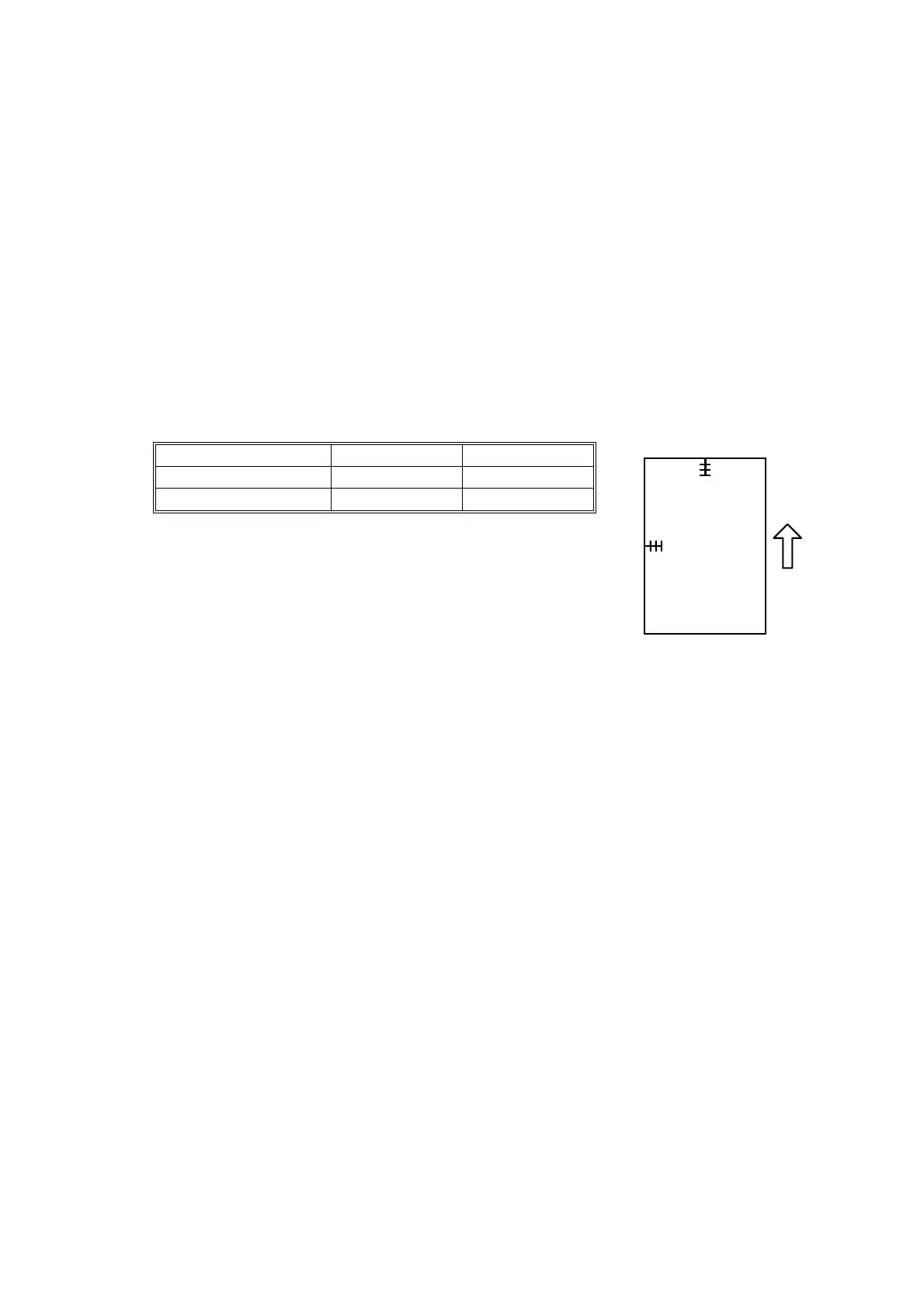
2. Check the leading edge and side-to-side registration, and adjust as necessary
using the following SP modes.
SP mode Specification
Leading edge SP4-010
2 ± 1.5 mm
Side-to-side SP4-011
2 ± 1.5 mm
B
A
A250R515.WMF
A: Leading edge registration
B: Side-to-side registration



 To Next Page