USING SERVICE PROGRAM MODES
B039/B040/B043 5-2 SM
How to Select a Program Number
Each program number consists of two or three levels (“classes”). To select a
program, you need to enter each class number in sequence.
1. Enter the first-class program number with the numeric keypad (or change the
number using the Right or Left cursor key), and then press the ' key or the
OK key.
2. Select the second-class program number with the numeric keypad (or Right or
Left cursor key), and press ' or OK.
3. To select a third-class program (if there are any): select the second-class
number and then use the Right or Left cursor key.
4. To return to the next higher class, press !.
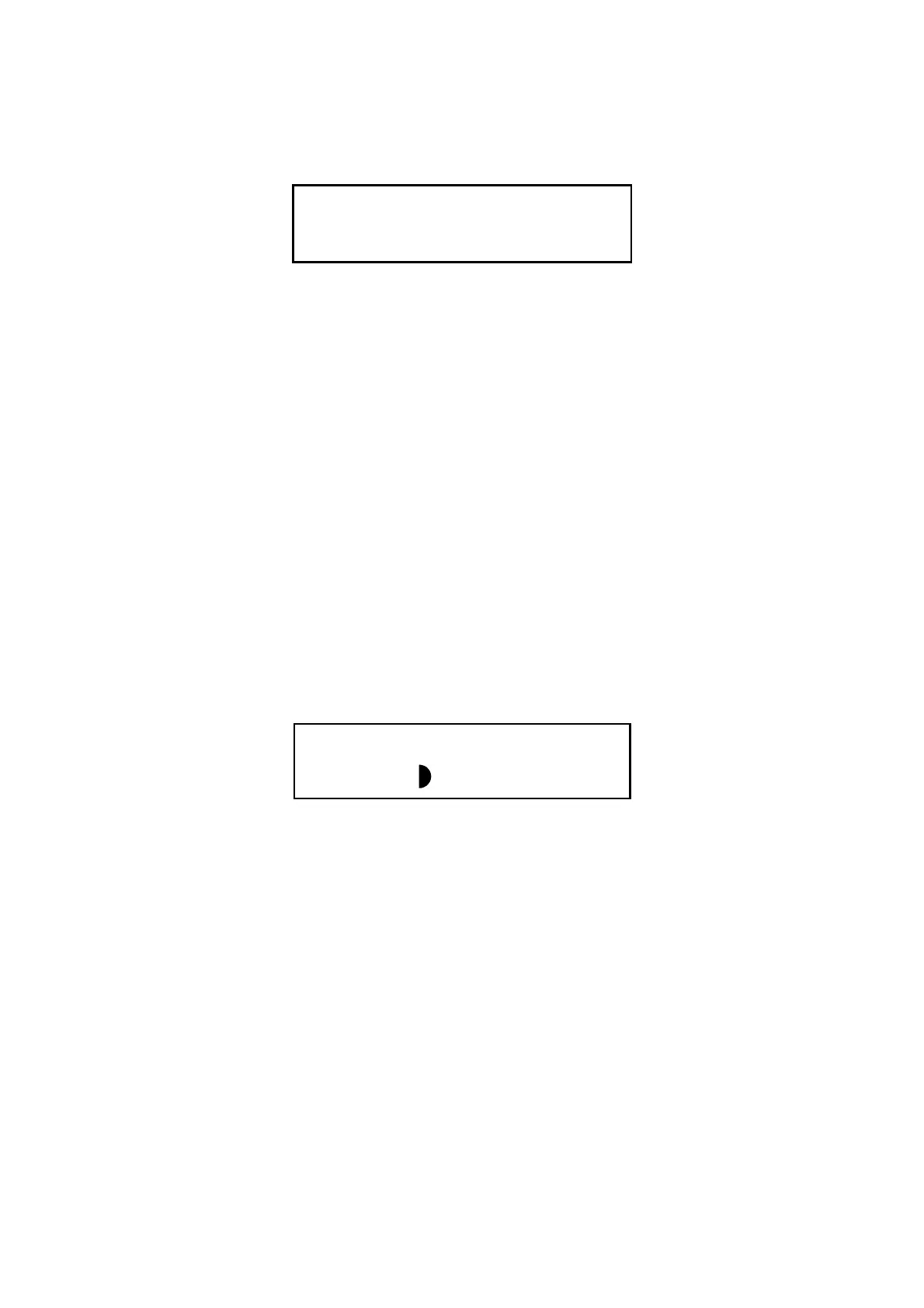
NOTE: 1) If the screen is not large enough to display information about all of the
available selections, the screen displays a solid semicircle mark as
shown below. The mark means that you can press the Darker key to
view the contents for each selection.
2) An asterisk (*) to the right of mode name indicates that its value has
been changed from the default.
To Input a Value or Setting for an SP Mode
1. Enter the required program mode as explained above.
2. Enter the required setting using the numeric keys, and then press ' or the OK
key.
NOTE:
1) If you forget to press ' or OK, the previous value remains in effect.
2) If necessary, use the ! key to select “+” or “–” before entering the
value.
C1(1)Feed C2 105
Fusing Temp Adjustment
∗
B039M003.WMF
SMC Printing
(1 - 5) 0
B039M004.WMF



 To Next Page