USING SERVICE PROGRAM MODES
B039/B040/B043 5-38 SM
5.1.6 SMC PRINTING (SP5-992)
NOTE: To use this feature on B039 models outside of North America, the optional
16MB must be installed.
1. Access SP mode 5-992 and select the number corresponding to the list that
you wish to print.
2. Press & to access the copy mode display.
3. Select the paper size.
4. Press & again to print the list.
5. After printing the list, press ! to exit from copy mode.
6. Exit SP mode.
5.1.7 ORIGINAL JAM HISTORY DISPLAY (SP7-905)
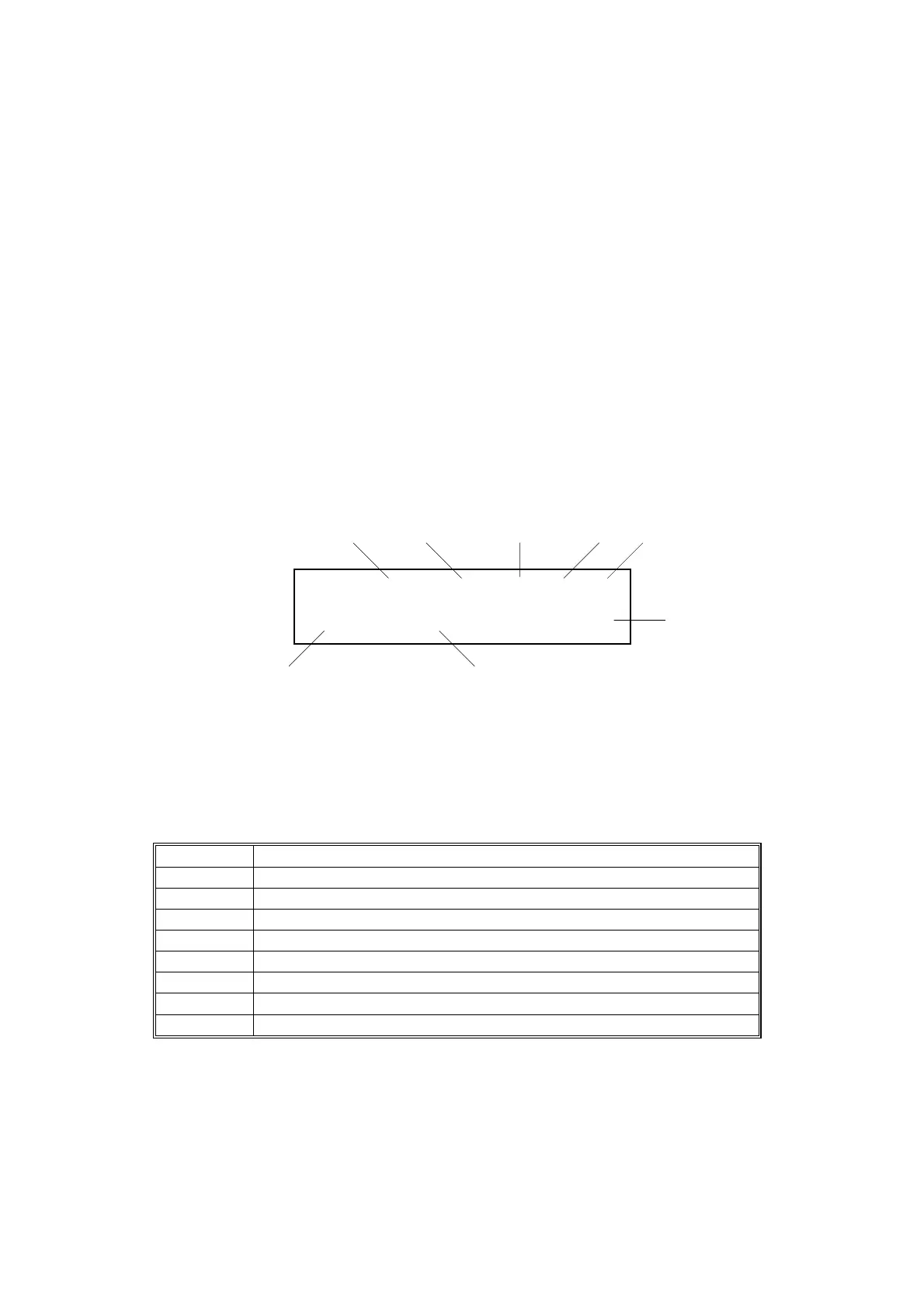
After entering the SP mode, select “1” and press OK or '. The following message
is displayed.
1. Jam history number
2. Main motor operating time: Date
3. Hour
4. Minute
5. Second
6. Jam code (see the table below)
7. Original size
8. Total counter value when the
original jam occurred
Jam Code Meaning
210 Original does not reach the registration sensor.
211 Original caught at the registration sensor.
212 Original does not reach the feed-out sensor.
213 Original caught at the feed-out sensor.
214 Original does not reach the inverter sensor.
215 Original caught at the inverter sensor.
216 Short interval between originals.
218 No original at the stamp.
NOTE: The NVRAM can store data for up to 10 original jams. If more than 10
original jams occur, the oldest data will be erased.
Jam No01 1001:06:58:43
210 Org:A4
(
1107645
B039M009.WMF
1 2 3 45
6 7
8



 To Next Page