Trouble-
shooting
SERVICE CALL CONDITIONS
SM 4-1 B039/B040/B043
4. TROUBLESHOOTING
4.1 SERVICE CALL CONDITIONS
4.1.1 SUMMARY
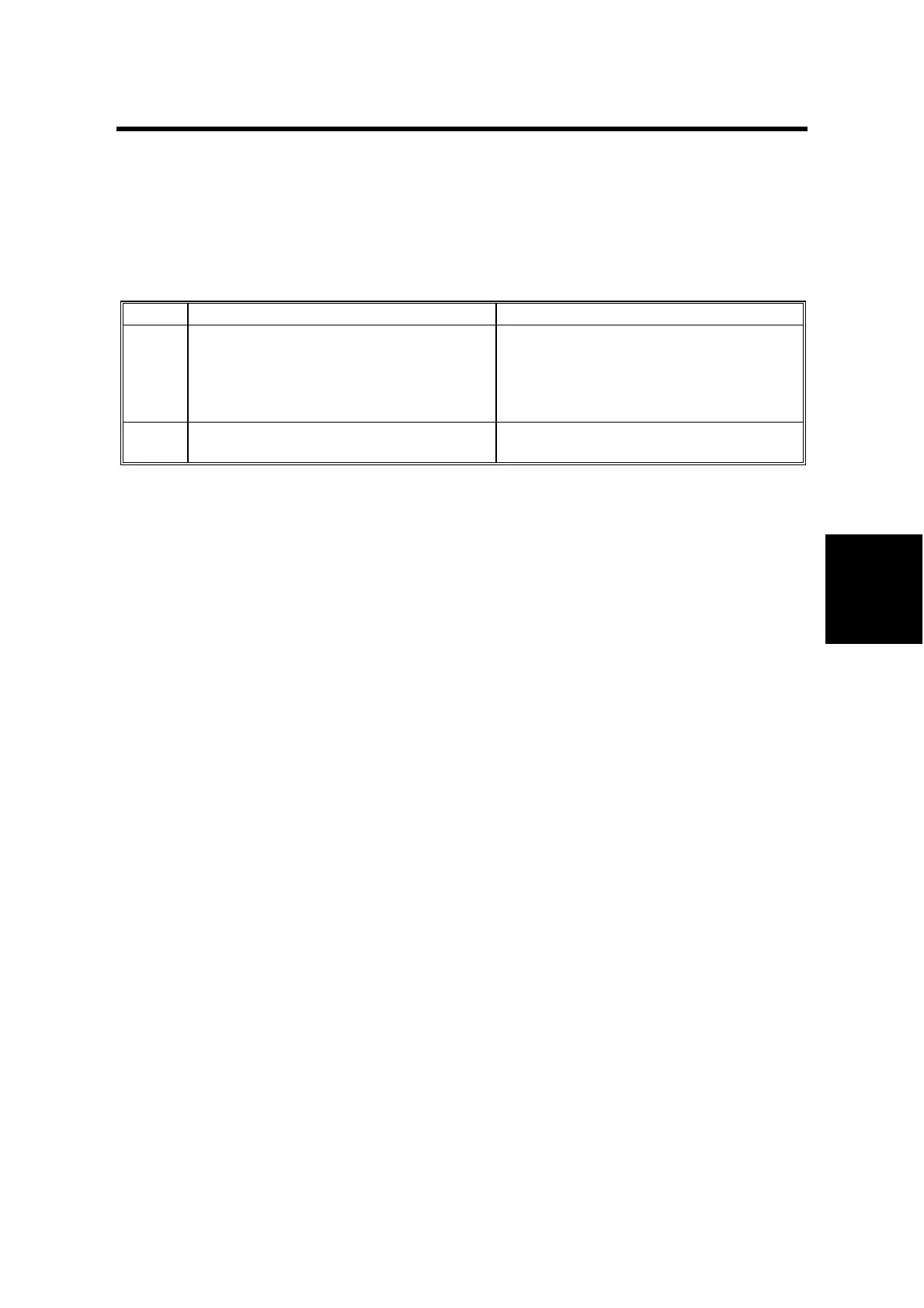
There are 2 levels of service call conditions.
Level Definition Reset Procedure
A
To prevent the machine from being
damaged, the SC can only be reset by a
service representative.
The copier cannot be operated at all.
Enter SP 5-810 (SC code reset) and
select “1”. Then hold down the
Original
type key and the OK or ! key at the
same time (this does not require the
main switch to be turned off and on).
B
The SC can be reset by turning the
main power switch off and on.
Turn the main power switch off and on.
NOTE: 1) If the problem concerns electrical circuit boards, first disconnect then
reconnect the connectors before replacing the PCBs.
2) If the problem concerns a motor lock, first check the mechanical load
before replacing motors or sensors.



 To Next Page