DATA TRANSFER
B404 5-10 SM
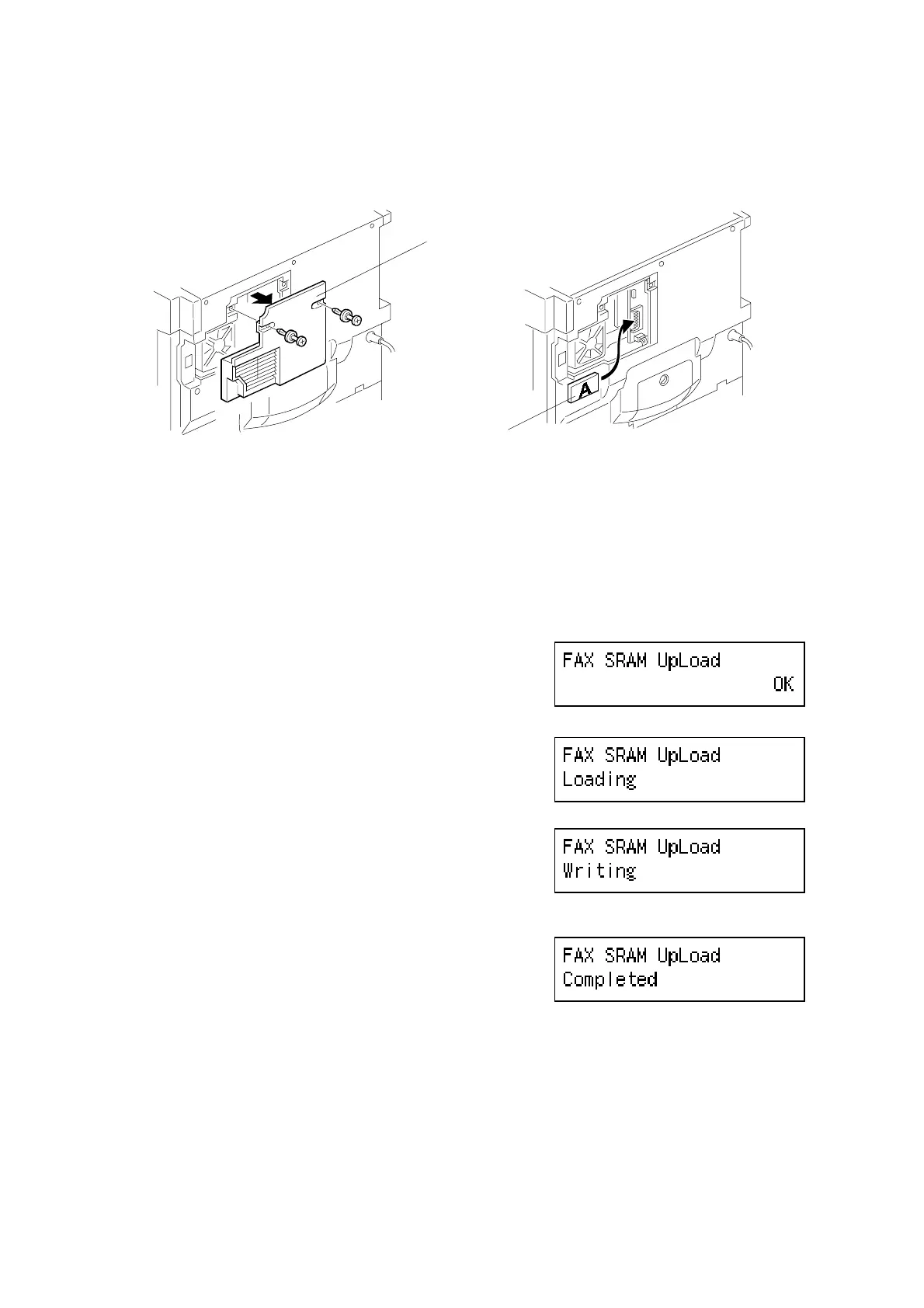
5.2.3 FAX SRAM UPLOAD
1. Turn off the main switch.
2. Remove the small rear cover [A].
3. Connect a blank IC card [B] to the BiCU.
4. While holding the ‘Tone’ key down, turn on the main switch.
5. Select “FAX SRAM Upload” using the arrow
keys.
6. Press ‘OK’.
7. Turn off the main switch and disconnect the
IC card.
B039R934.WMF
B039R935.WMF
B404M560.BMP
B404M561.BMP
B404M562.BMP
B404M563.BMP
[A]
[B]



 To Next Page