PLATEN COVER INSTALLATION
B039/B040/B043 1-8 SM
1.3 PLATEN COVER INSTALLATION
1.3.1 ACCESSORY CHECK
Check that you have the accessories indicated below.
No. Description Q’ty
1 Stepped Screw 2
1.3.2 INSTALLATION PROCEDURE
!
CAUTION
Unplug the machine power cord before starting the following procedure.
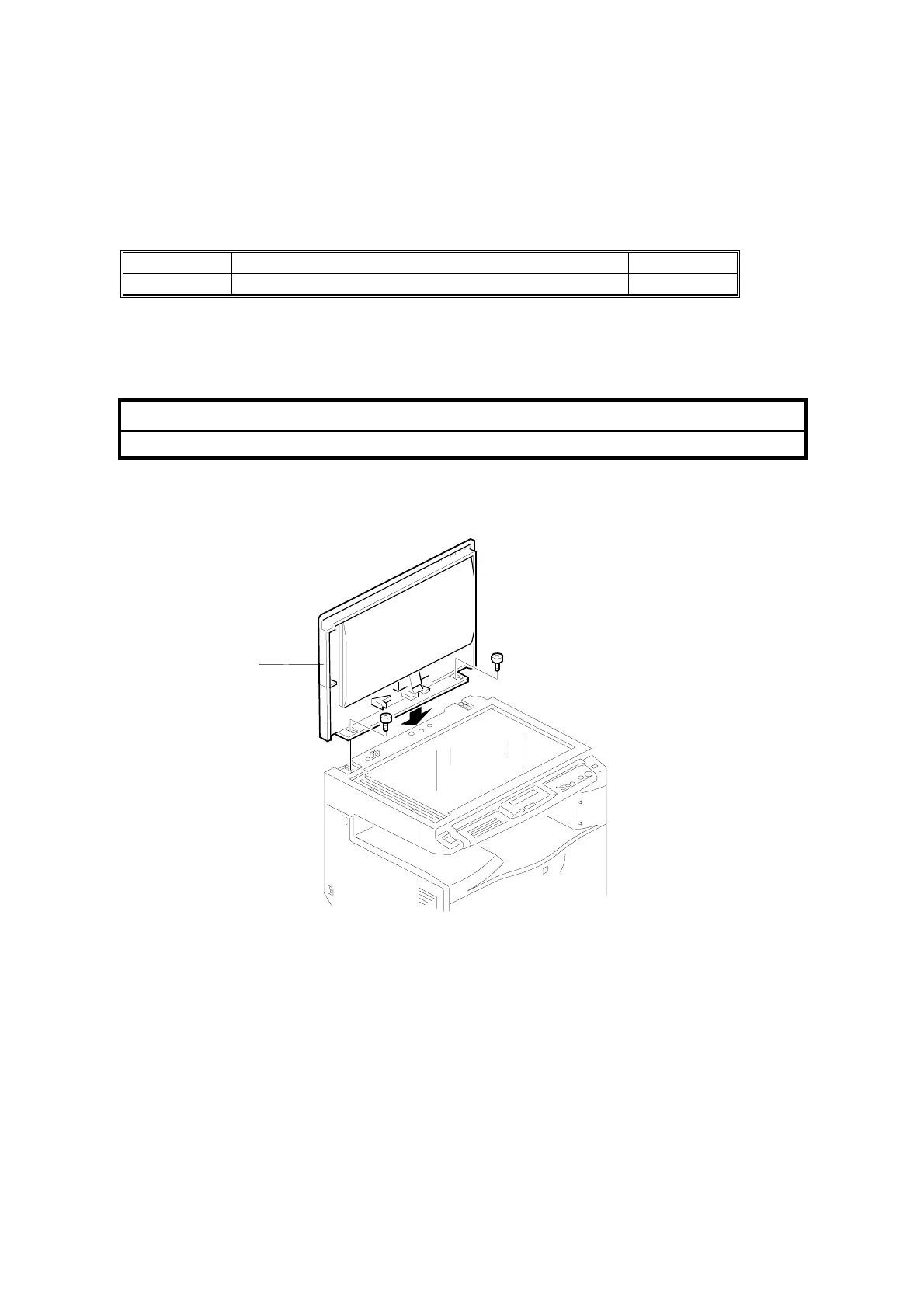
1. Install the platen cover [A] (2 screws).
B039I120.WMF
[A]



 To Next Page