System Settings
59
3
K
KK
K
Press [↓
↓↓
↓Next].
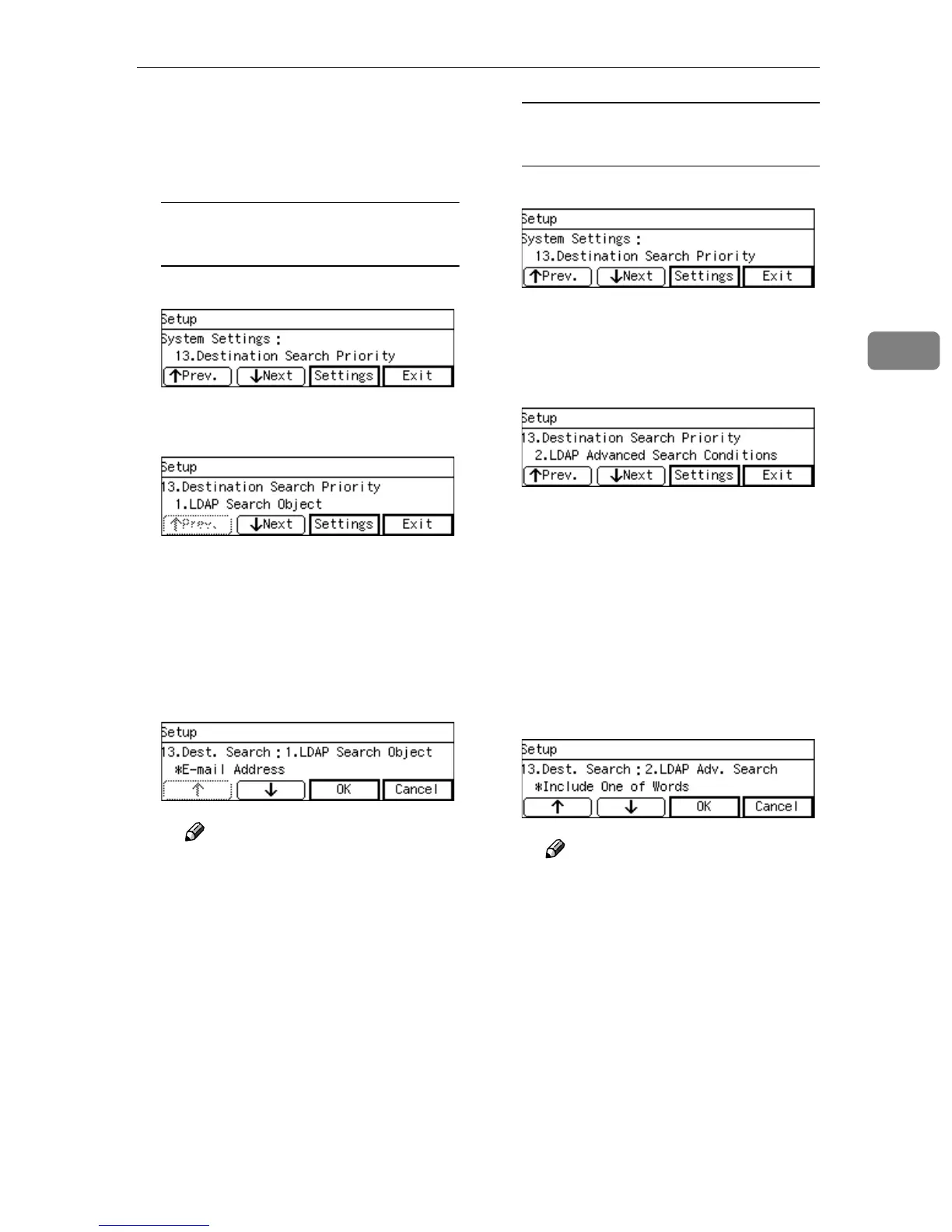
“13. Destination Search Priority”
appears.
To specify the LDAP Search
Object
A Press [Settings].
B Press [Settings] while “1. LDAP
Search Object” is selected.
You can specify the E-mail des-
tination, by either selecting “E-
mail Address”, “Name (of a
person)” or “Company Name”,
with [↓
↓↓
↓] or [↑
↑↑
↑].
C Press [OK], to select the menu
you wish.
Note
❒ The selected menu is marked
with “*” in front of the item.
❒ By pressing [Cancel] if you do
not wish to change.
D Press [Exit].
You will return to the “13. Des-
tination Search Priority”.
To specify the LDAP Advanced
Search Conditions
A Press [Settings].
B Press [↓
↓↓
↓Next].
C Press [Settings] while “2. LDAP
Advanced Search Conditions”
is selected.
You can search the E-mail desti-
nation, by entering word(s) of
conditions, among: “Search Be-
ginning Word”, “Search End
Word”, “Exact Match”, “In-
clude One of Words”, “Exclude
Words” or “Fuzzy Search”,
with [↓
↓↓
↓] or [↑
↑↑
↑].
D Press [OK], to select the menu
you wish.
Note
❒ The selected menu is marked
with “*” in front of the item.
❒ By pressing [Cancel] if you do
not wish to change.
E Press [Exit].
You will return to the “13. Des-
tination Search Priority”.



 To Next Page