SendScan Settings
71
3
L
LL
L
By pressing [Next] to display “4.
Compression (Black and White)”
through “12. ADF Thin Paper” as
the setup item, select options for
each of them in the same way that
you have done in the steps
C
CC
C
through
E
EE
E
.
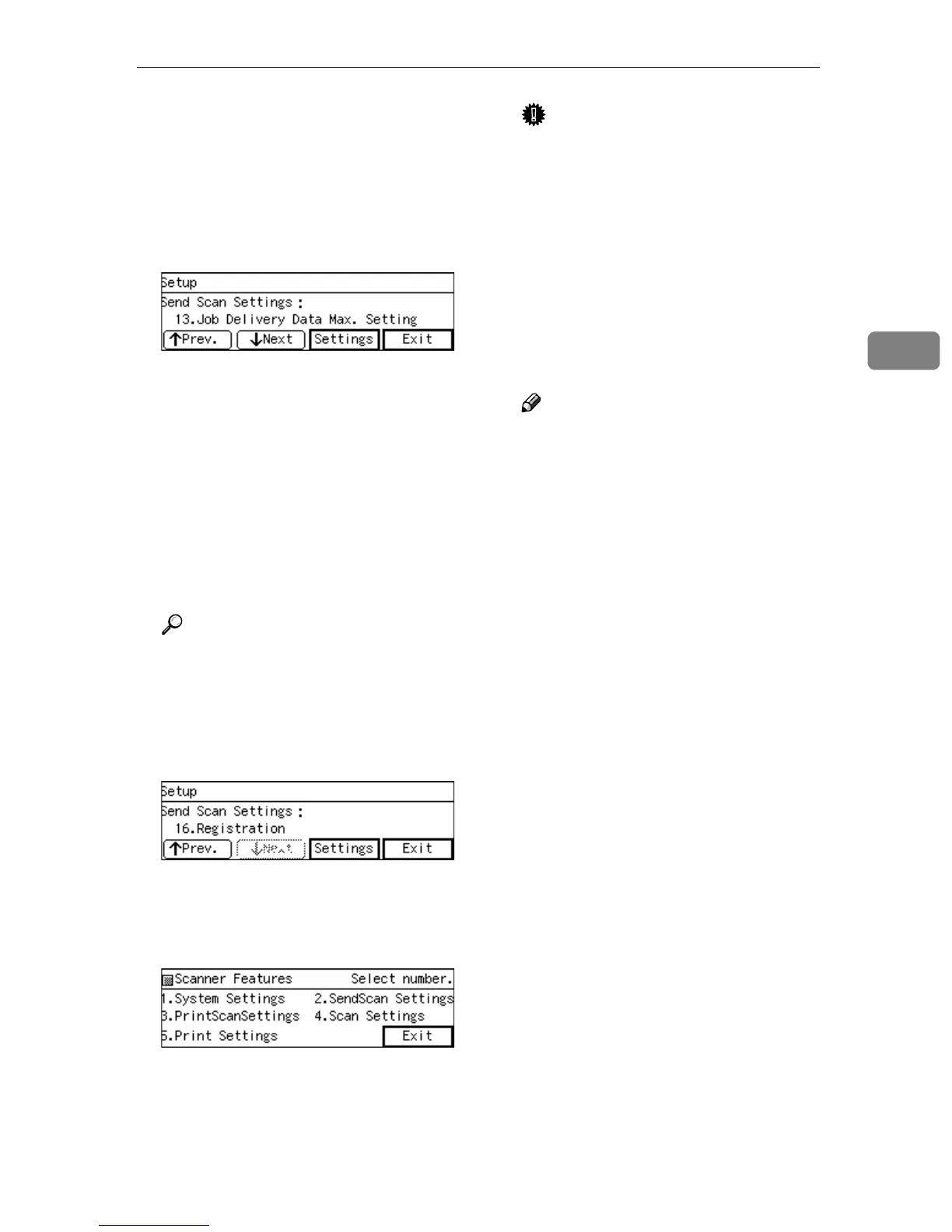
After all, “14. Job Delivery Data
Max. Setting” appears as the setup
item currently selected.
M
MM
M
Select the options you wish to re-
fer in “13. Job Delivery Data Max.
Setting”, “14. Scanned Sheet
Counter”, “15. Scanned Page
Counter”, “16. Registration”, in
the same way that you have done
in the steps
G
GG
G
through
I
II
I
.
Reference
For operation of “16. Registra-
tion”, see p.191 “Adjusting the
position to start reading the
originals”.
N
NN
N
Press [Exit].
This returns to the Scanner Fea-
tures menu.
O
OO
O
Press [Exit].
This exits the Scanner Features
menu, and returns to the standby
screen that is displayed when you
turn the power on.
Important
❒ Never turn off the power of this
machine before the standby
screen is displayed. Doing so
can discard all the settings you
have configured, and return this
machine to its factory default
status.
❒ Reboot this machine after con-
figuring [Send File/TWAIN Priority]
and [6. Select Method] to activate
your configuration values.
Note
❒ Instead of pressing [Exit], you
can press a number key to enter
another setting menu.



 To Next Page