Configuring the Scanner Settings
88
3
K
KK
K
Press [↓
↓↓
↓Next], and then select an
option for “4. Reduce/Enlarge” in
the same way that you have done
in the steps
H
HH
H
through
I
II
I
.
Note
❒ When you select the “Custom
Ratio” option, use the number
keys or [-] / [+] to enter the val-
ue.
L
LL
L
By pressing [↓
↓↓
↓Next] to display “5.
Create Margin” and “6. Quali-
ty/Speed” as the setup item, select
options for each of them in the
same way that you have done in
steps
H
HH
H
through
I
II
I
.
M
MM
M
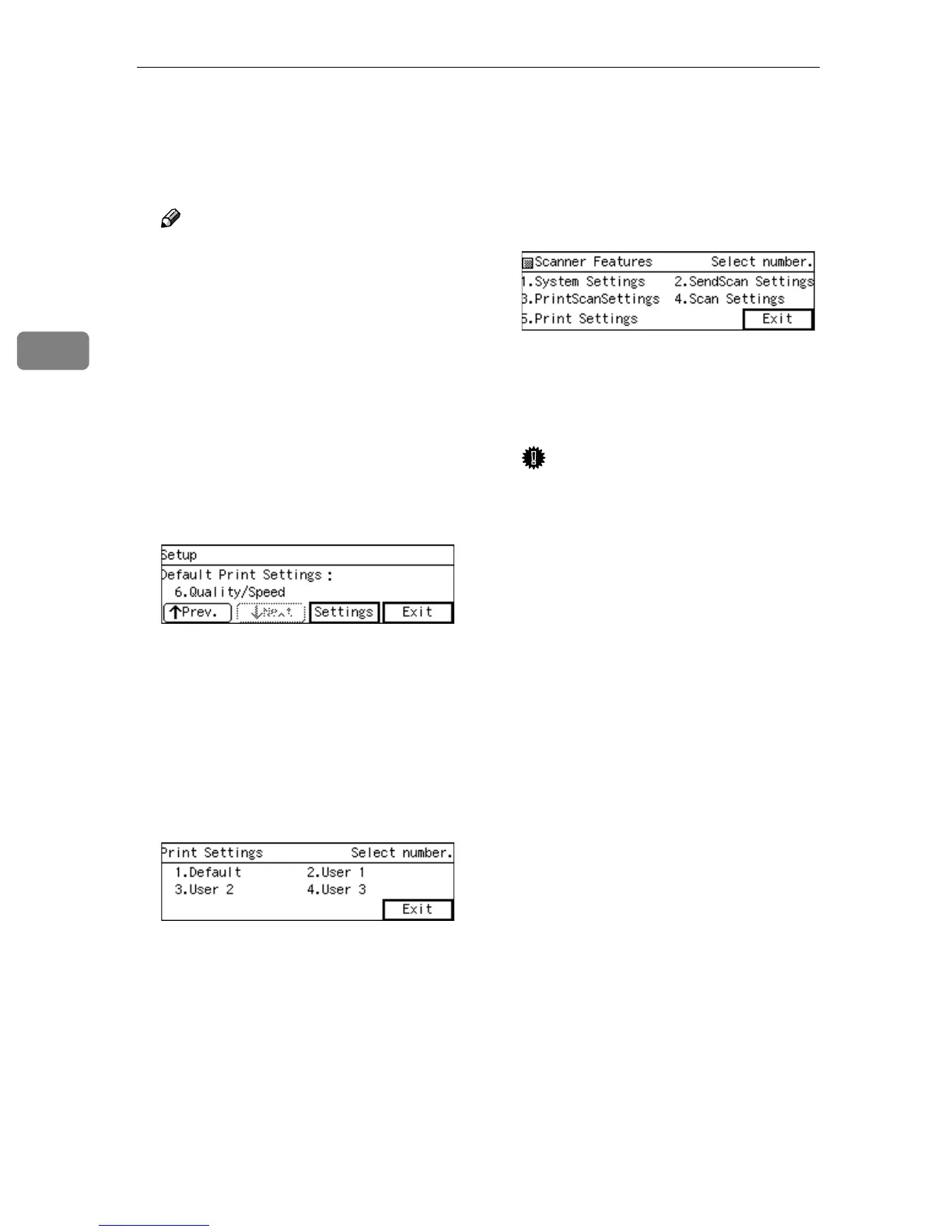
After all the settings are the way
you want, press [Exit].
This registers the print settings
you have configured to the “De-
fault” memory area, and returns to
the Print Settings menu.
N
NN
N
While the Print Settings menu is
displayed, press {
{{
{2}
}}
}, {
{{
{3}
}}
} or {
{{
{4}
}}
}
key to display a corresponding
User Print Settings menu.
For example, press the {
{{
{2}
}}
} key to
display the User 1 Print Settings
menu.
O
OO
O
Repeat steps
H
HH
H
through
M
MM
M
for each
of “User 1”, “User 2”, and “User
3” memory areas.
P
PP
P
When you are finished, press [Ex-
it].
This returns to the Scanner Fea-
tures menu.
Q
QQ
Q
Press [Exit].
This exits the Scanner Features
menu, and returns to the standby
screen that is displayed when you
turn the power on.
Important
❒ Never turn off the power of this
machine before the standby
screen is displayed. Doing so
can discard all the settings you
have configured, and return this
machine to its factory default
status.



 To Next Page