Fitness
This
is
beneficial health management content that provides stretching
and
massage
exercises that
can
be
enjoyed
by
the
whole
family.
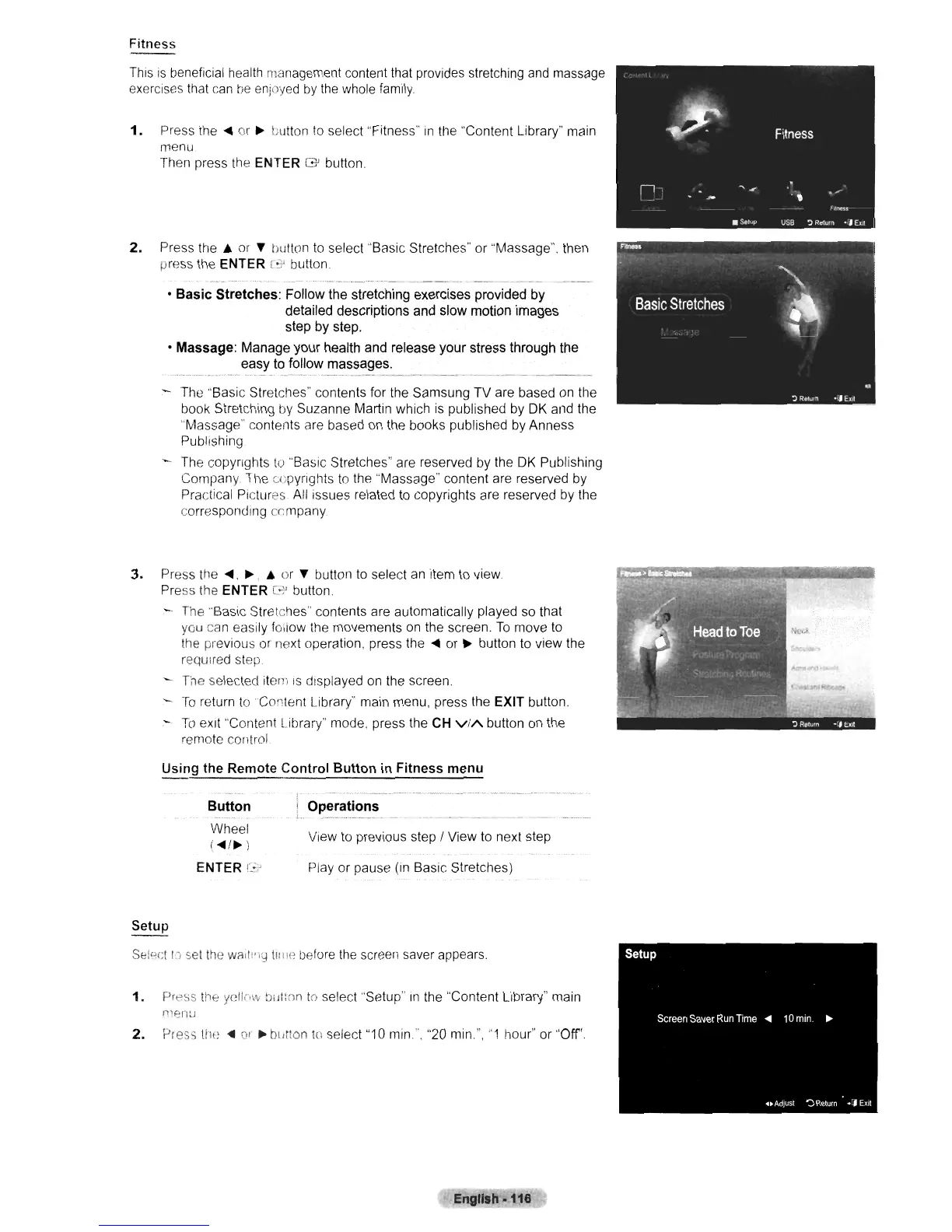
1.
Press
the.
or
~
button
to
select "Fitness"
in
the "Content Library" main
menu
Then press the
ENTER G button.
2. Press
the.
or
'f
tiutton
to
select "Basic Stretches" or "Massage". then
press the
ENTER C button .
• Basic Stretches: Follow the stretching exercises provided by
detailed descriptions and slow motion images
step by step,
• Massage: Manage your health and release your stress through the
easy to follow massages.
.............
"......
.. _._.
-'
_.
_
.•..
-------
------
- The "Basic Stretches" contents for the Samsung TV are based on the
book Stretching
by
Suzanne Martin which
is
published by
DK
and the
"Massage" contents are based
on
the books published by Anness
Publishing
The copyrights
to
"Basic Stretches" are reserved by the
DK
Publishing
Company
The copyrights
to
the "Massage" content are reserved by
Practical Pictures.
All
issues related
to
copyrights are reserved by the
corresponding company
3.
Press the
.,
~
.•
or
'f
button to select
an
item
to
view.
Press the
ENTER G-' button
-.
The "Basic Stretches" contents are automatically played so that
you can easily follow the movements on the screen.
To
move
to
the previous or next operation, press
the.
or
~
button to view the
required step
The selected item
IS
displayed
on
the screen.
To
return
toContenl
Library" main menu, press the EXIT button.
To
eXit
"Content Library" mode, press the CH
ViA
button on the
remote
control
Using
the Remote Control Button
in
Fitness
menu
Button
Wheel
(
....
/~)
ENTER
c.~'
i Operations
\-
._._.¥_
...
_~----
View to previous step / View
to
next step
Play or pause
(In
Basic Stretches)
Seloct
I·) set
the
wa,l:';\:)
II:IIe
before
the
screen saver appears.
1.
Press the
yelic,\·\J
Di II:nn
10
select "Setup"
In
the "Content Library" main
n~enu
2.
Press
til,"
....
01
• bldlon
to
select "10
min",
"20
min",
"1
hour" or "Off'.
Engllsh.116 '












 To Next Page