EasyManua.ls Logo

Samsung 950 - Page 166

Samsung 950
182 pages
Print Icon
To Next Page IconTo Next Page
To Previous Page IconTo Previous Page
Loading...
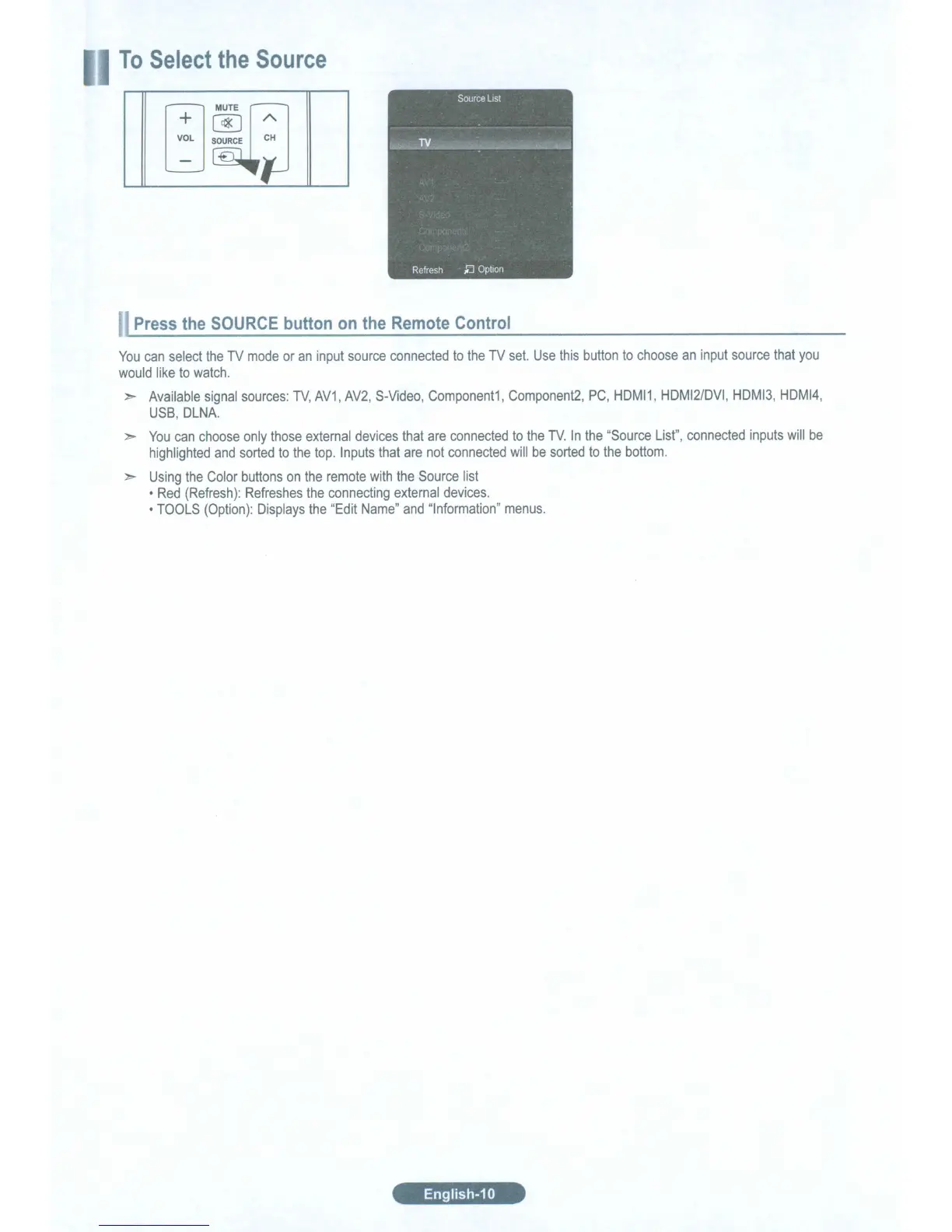
To
Select
the
Source
Press
the
SOURCE
button
on
the
Remote
Control
You
can
select
the
TV
mode
or
an
input
source
connected
to
the
TV
set.
Use
this
button
to
choose
an
input
source
that
you
would
like
to
watch.
:>
Available
signal
sources:
TV,
AV1, AV2,
S-Video,
Component1,
Component2,
PC,
HDMI1,
HDMI2/DVI,
HDMI3,
HDMI4,
USB,
DLNA.
:>
You
can
choose
only
those
external
devices
that
are
connected
to
the
TV.
In
the
"Source
List",
connected
inputs
will
be
highlighted
and
sorted
to
the
top.
Inputs
that
are
not
connected
will
be
sorted
to
the
bottom.
:>
Using
the
Color
buttons
on
the
remote
with
the
Source
list
Red
(Refresh):
Refreshes
the
connecting
external
devices.
TOOLS
(Option):
Displays
the
"Edit
Name"
and
"Information"
menus.
English-10

Table of Contents

Related product manuals