Chapter 8: Cleaning the Scanner
Procedure
Operator’s Guide 147
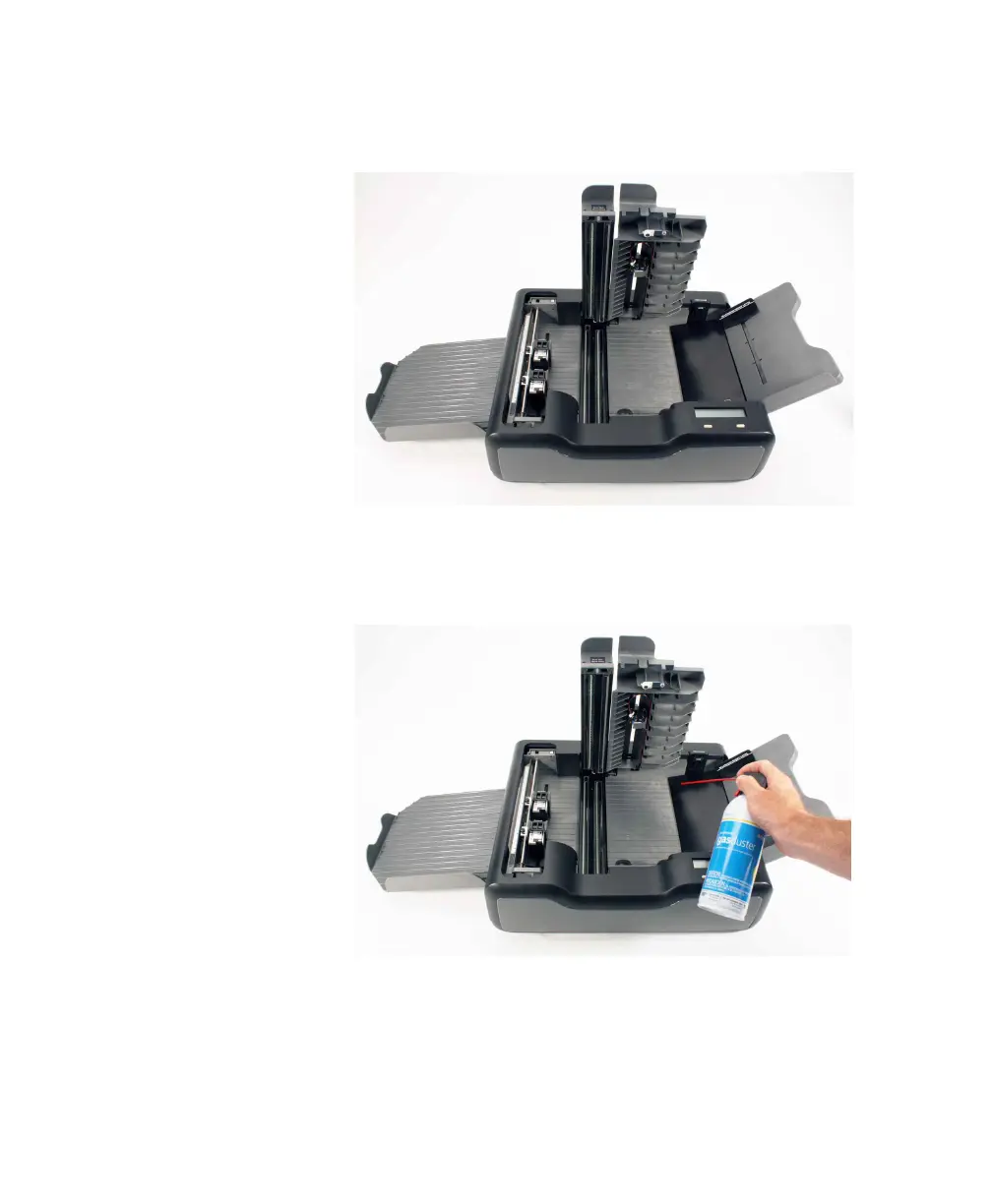
1. Raise the covers for the read head and sheet
deflector and remove the printer cover.
2. Spray canned air (with a non-condensing
propellant) directly on the transport bed area. This
removes large amounts of dust and other types of
debris.



 To Next Page