Chapter 8: Cleaning the Scanner
Procedure
148 Scantron OpScan 4ES and iNSIGHT 4ES Scanners
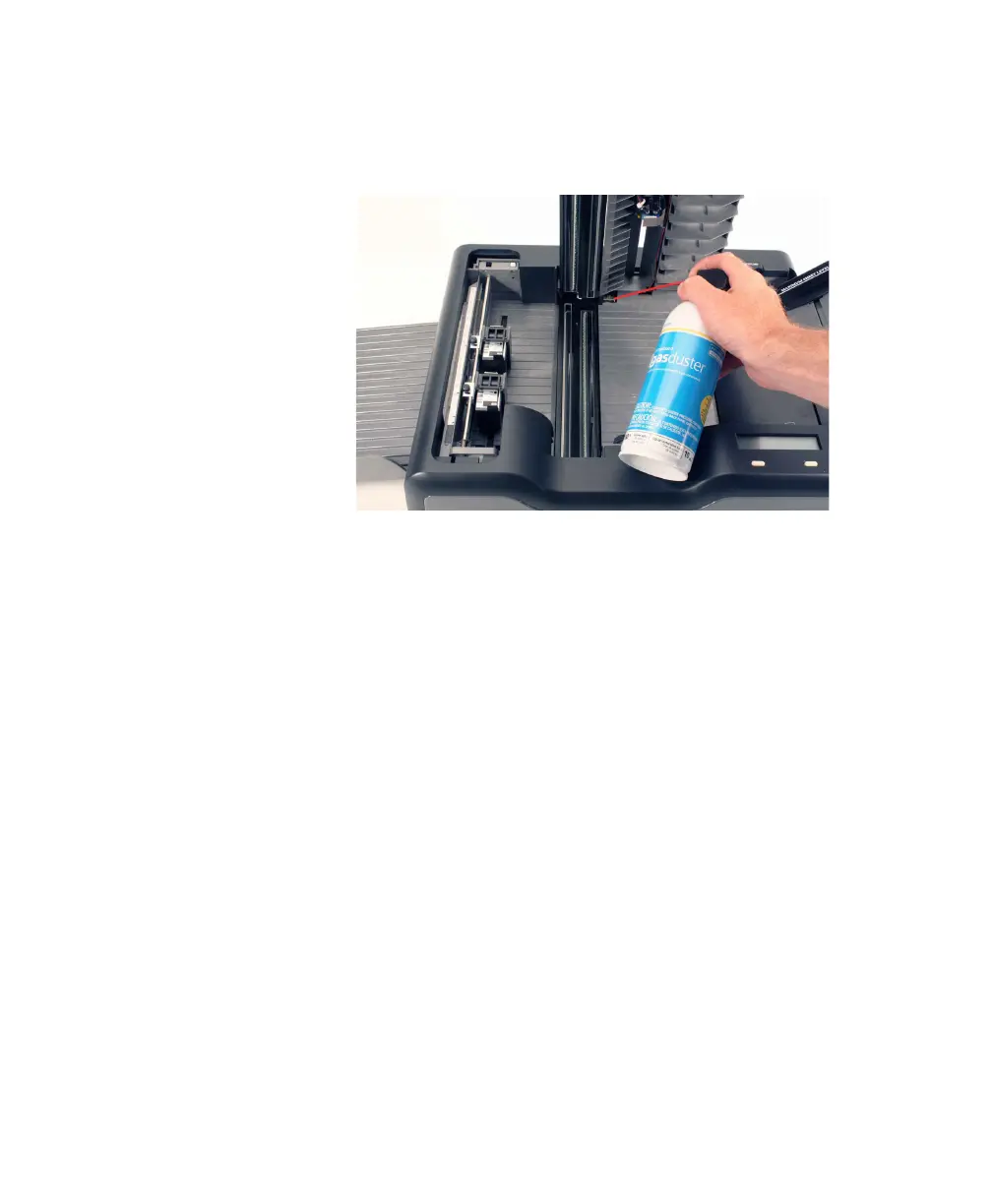
3. Clean out any dust or debris that has collected in
the area between the top and bottom read heads
where it is hinged using canned air.
CAUTION:
Do not use the canned air after this
step as it can blow dust on areas that have
been cleaned.
4. Lightly dampen a lint-free cloth with water or with
a static-reducing spray.



 To Next Page