Chapter 4: Scanner Modes
Scantron Score Emulation Mode
Operator’s Guide 59
Printer Positioning There are small triangles on the scanner printer ruler
indicating printer position locations.
When operating in Scantron Score emulation mode,
the printer position must be set to 2.5 inches and 6.2
inches to properly print the incorrect marks,
percentage, score, etc. on Scantron Score forms.
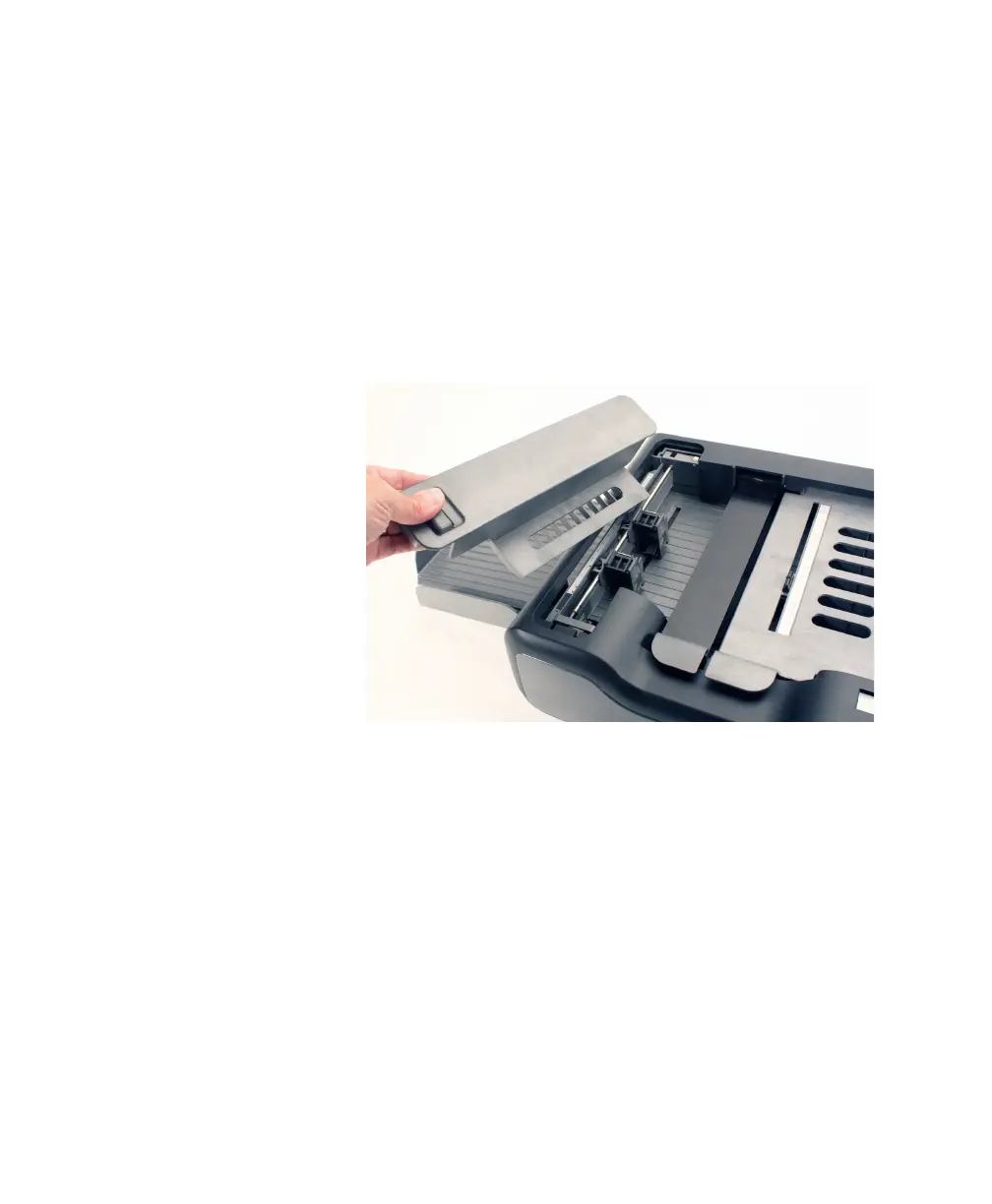
To position the printer, complete the following steps.
1. Unlatch and remove the printer cover by lifting up
on the handle and pulling the cover towards you.



 To Next Page