Chapter 4: Scanner Modes
Scantron Score Emulation Mode
60 Scantron OpScan 4ES and iNSIGHT 4ES Scanners
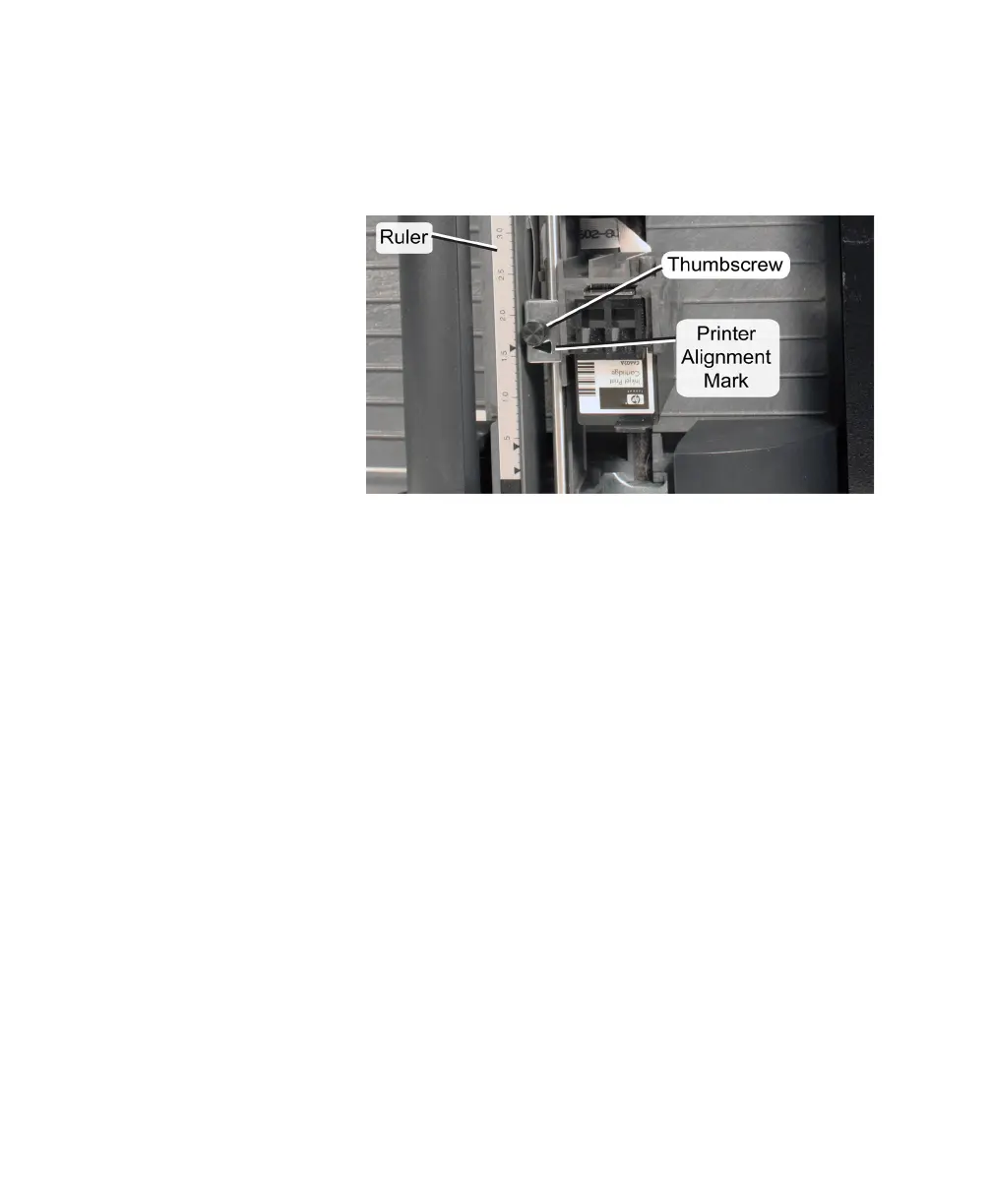
2. Note the location of the cartridge holder inside the
printer assembly. Also note the ruler, printer
alignment mark, and thumbscrew that sits beside
the cartridge holder. These are the elements used
to position the printer.



 To Next Page