Chapter 4: Scanner Modes
Scantron Score Emulation Mode
Operator’s Guide 67
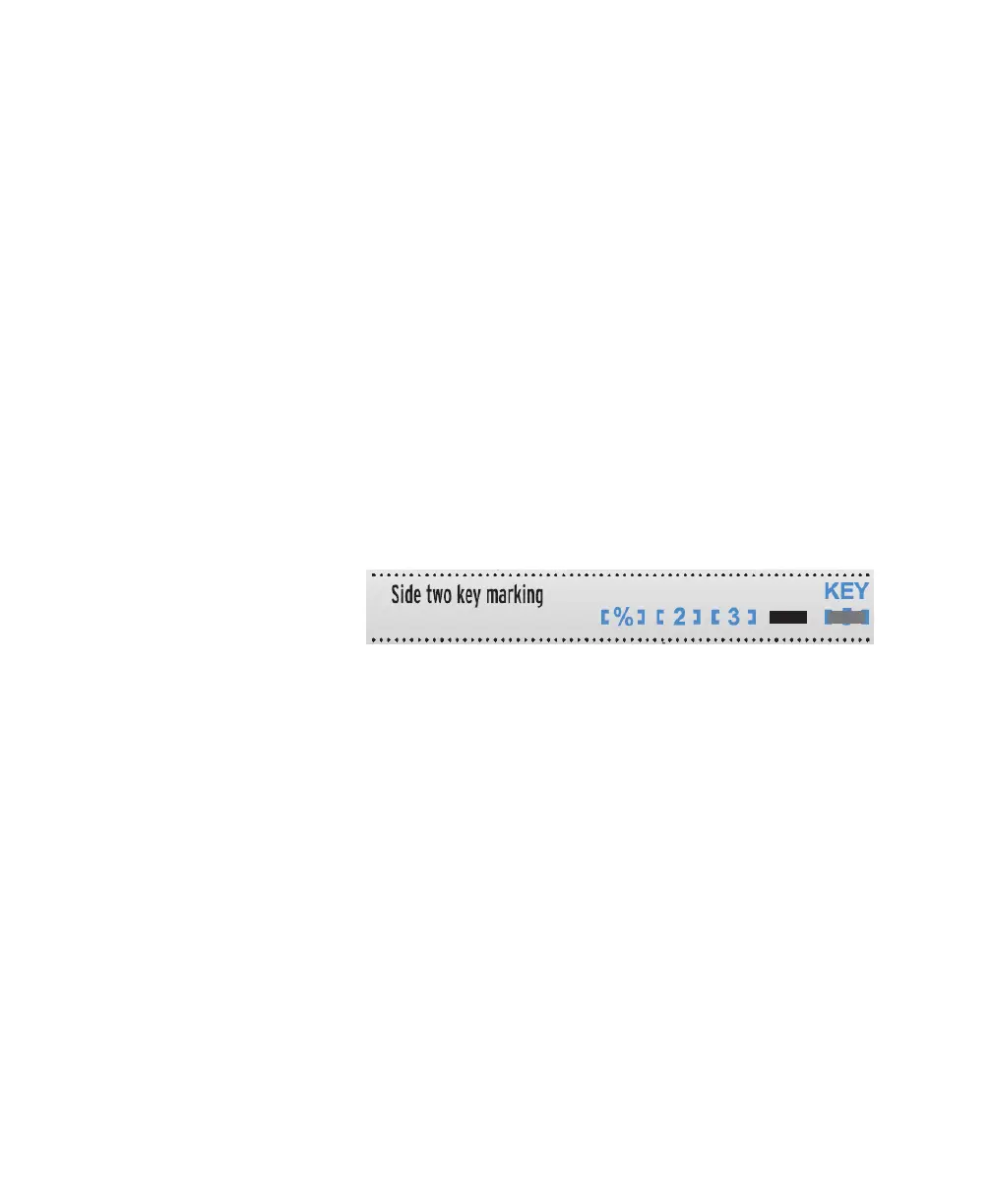
For Two Sided Keys:
When using a 4ES form, such as the SC882-4ES on a
dual head 4ES scanner, Scantron Score emulation
mode allows you to scan both sides of a form
simultaneously, and print a total for both sides. Other
forms, or a single head scanner, allow you to scan and
total a single side of a form at a time (see For Single
Sided Keys).
Mark the Key
To combine the side 1 and side 2 score:
1 Mark a key scoring option on side 1 as for single
sided (see above).
2 Mark only key bubble 5 on side 2 (all scoring
options from side 1 will carry over).
3 Mark the correct answer to each question.
Score the Tests
1Press Start.
2 Load the tests and keys into the hopper with
the keys on top (so they will scan first).
3 (optional) Feed an item analysis form by fol-
lowing the instructions on the form and on the
screen.
NOTE: For two sided forms, the scanner calcu-
lates the score from both sides of the form, but
only places error marks/correct answers for
questions on the front side of the form. The
total printed on the front side of the form



 To Next Page