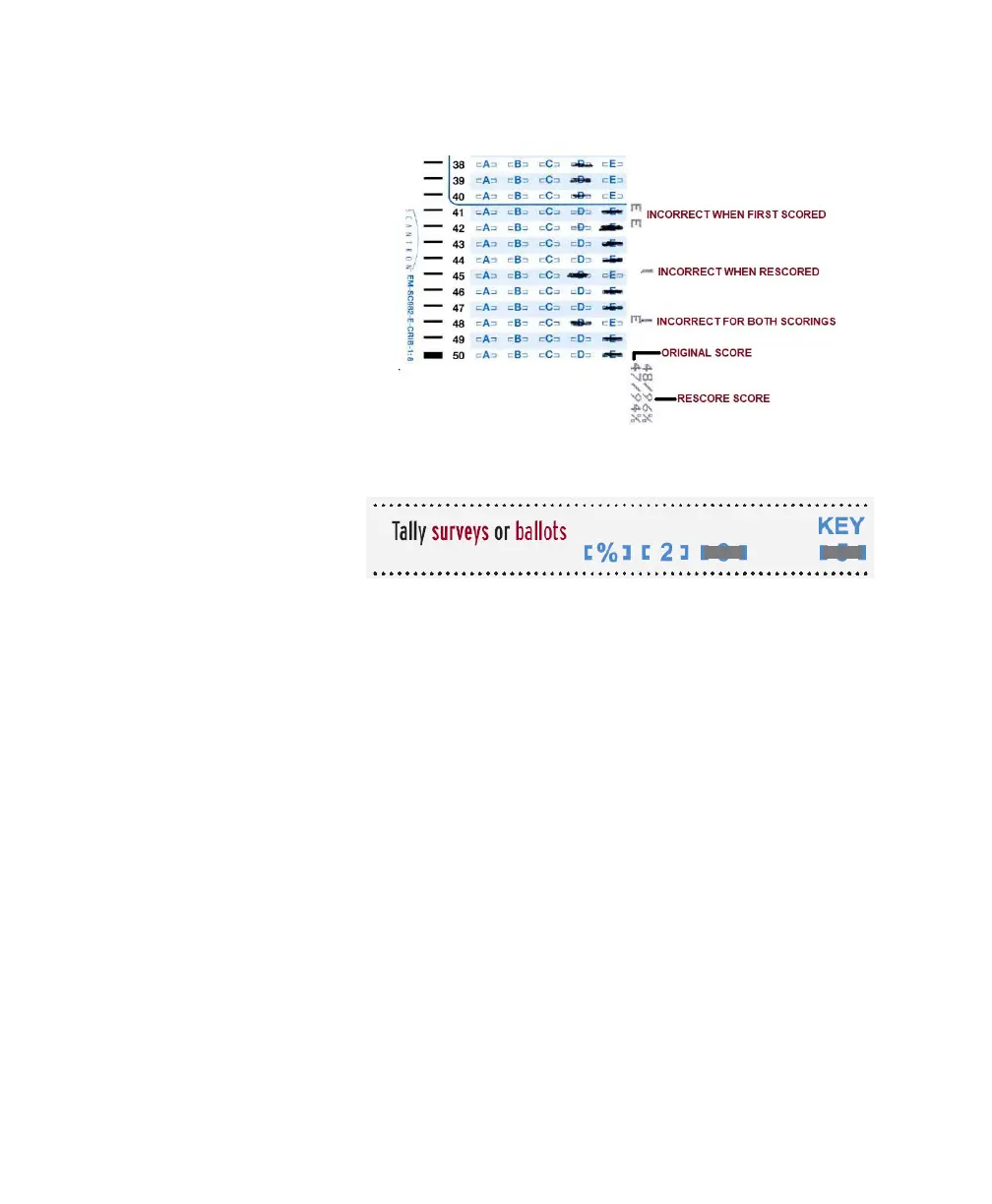
Chapter 4: Scanner Modes
Scantron Score Emulation Mode
Operator’s Guide 71
2 Feed the key and test forms as you would nor-
mally.
Ta l ly in g Su rve ys o r
Ballots
1 Mark the key marking row for surveys or ballot:
2Press Start.
3 Feed the ballot or survey key.
4 Feed the ballot or survey forms (up to 9,999).
5 Feed a Tally form.
Troubleshooting • View on-screen error messages for error type and
recovery information.
• For technical assistance, contact Scantron Support
at 1 800 338 5544.



 To Next Page