Chapter 4: Scanner Modes
Scantron Score Emulation Mode
70 Scantron OpScan 4ES and iNSIGHT 4ES Scanners
Subjective Scores (on select forms):
Mark the Key
To print a combined objective and subjective score on
each test:
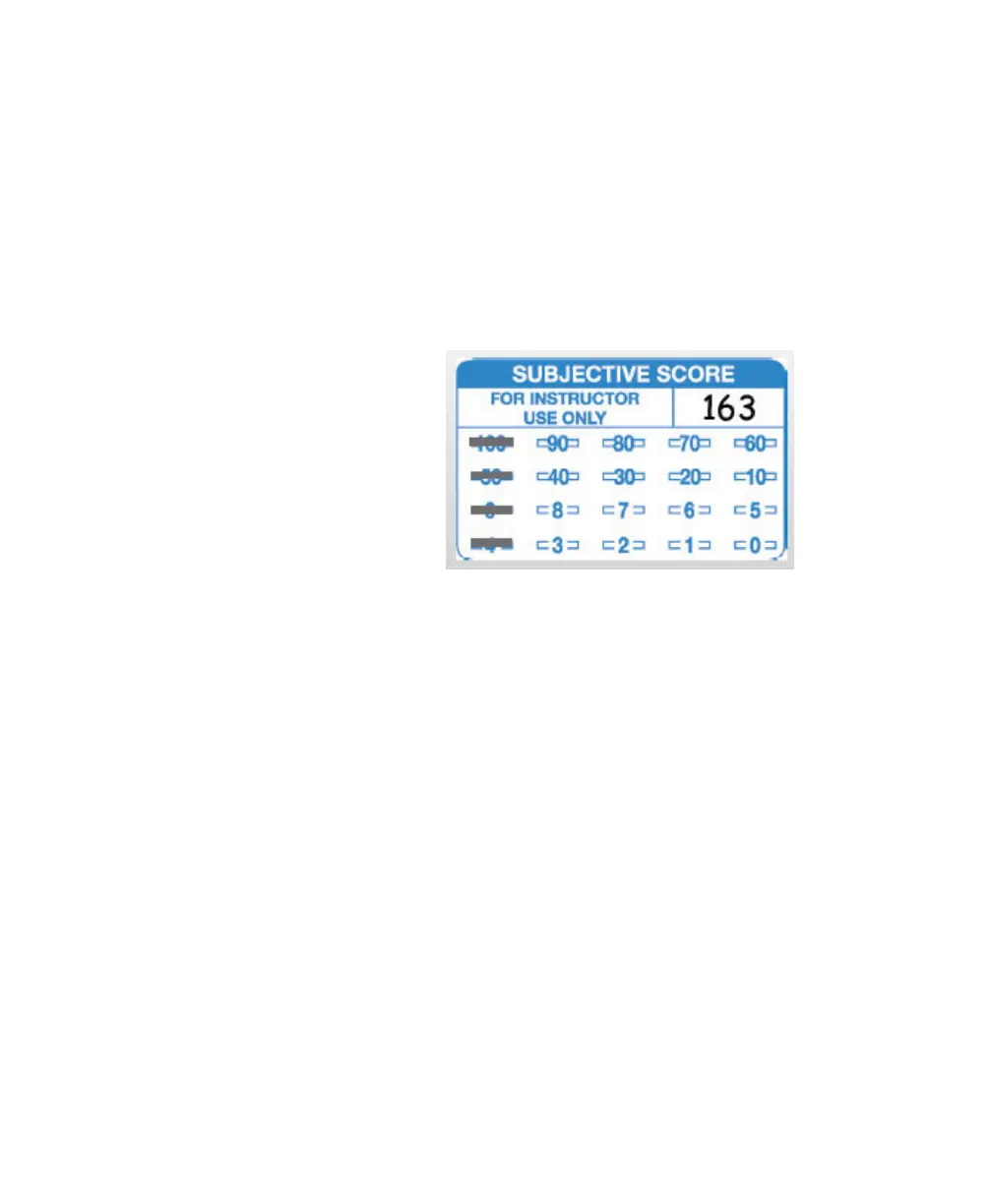
1 Mark the total possible subjective points in the
Subjective Score area of the test key. Mark only
one bubble per line, for a maximum of 163
points.
2 Mark the subjective score on the on the stu-
dent test forms before scoring them.
Score the Test
Scan key(s) and tests as you would normally (see
above).
Rescoring Tests The Rescore button offsets the printing slightly, so you
can score tests a second time and see differences
clearly.
1Press Rescore.



 To Next Page