Commissioning and Diagnostics
5-14
ET 200X Distributed I/O Device
EWA 4NEB 780601602-06
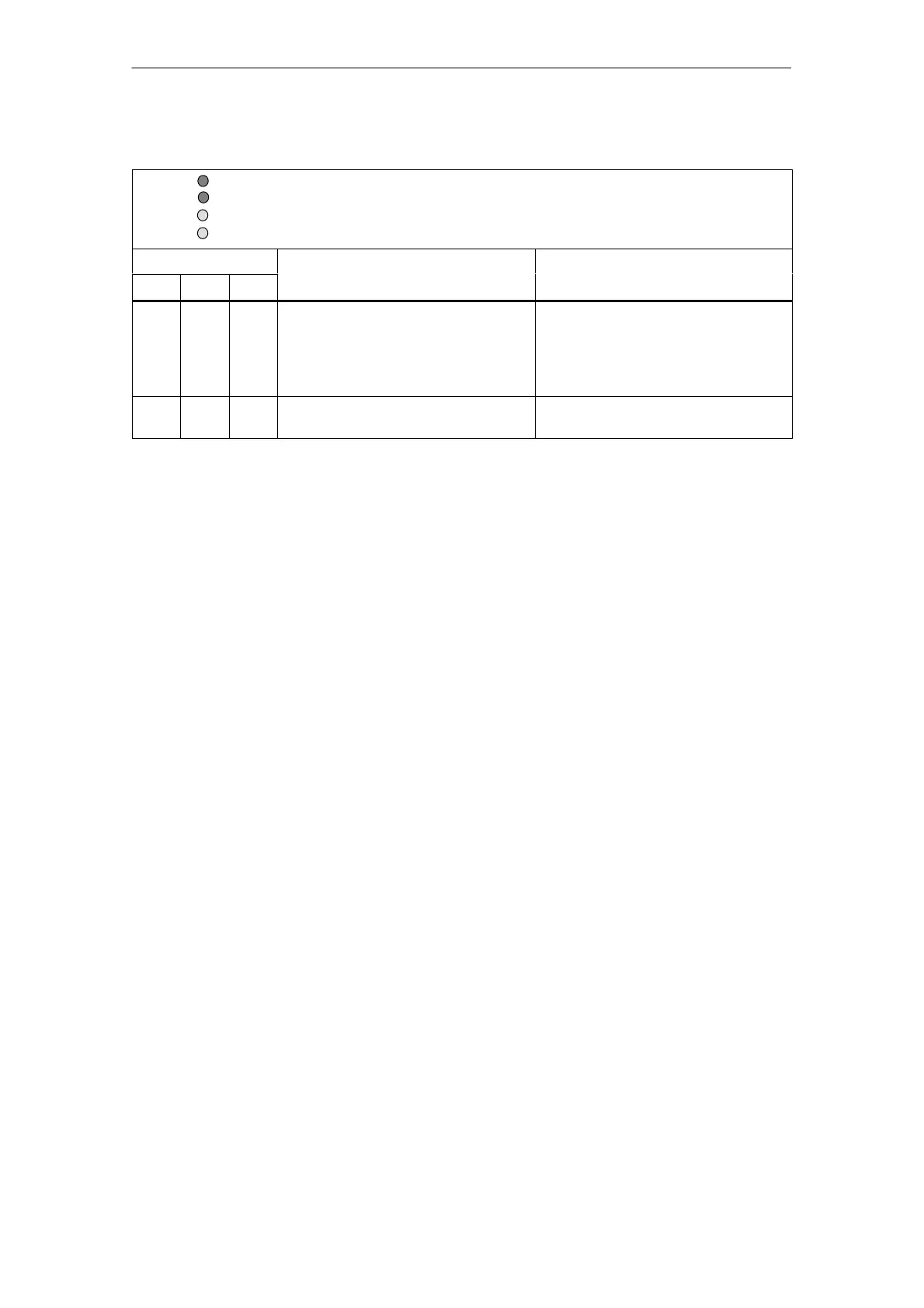
Table 5-7 Status and error displays by means of LEDs on the basic module, continued
SF (system fault): red
BF (bus fault): red
ON (supply voltage): green
24 VDC (load supply voltage): green
LEDs Meaning Action
SF BF ON
Off Flash. On The DP slave has detected the
baud rate but is not being
addressed by the DP master.
The DP slave has not been
configured.
Check the PROFIBUS address set
in the DP slave or in the
configuration software.
Check the configuration of the DP
slave (station type).
Flash. On On A basic module hardware fault has
occurred.
Replace the basic module.
*
Not applicable
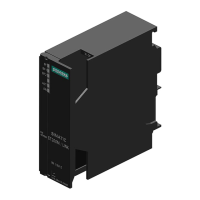
SF LED
On the BM 141 and BM 142 basic modules, version 06 or later, the red system
fault LED (SF) comes on as soon as a diagnostic event is registered. The SF LED
goes not go out unless all diagnostic events have been acknowledged.
24 VDC LED
The 24 VDC LED is on when the ET 200X is connected to a load power supply.



 To Next Page