Installation
3-18
ET 200X Distributed I/O Device
EWA 4NEB 780601602-06
Procedure for BM 143-DESINA and BM 141-ECOFAST
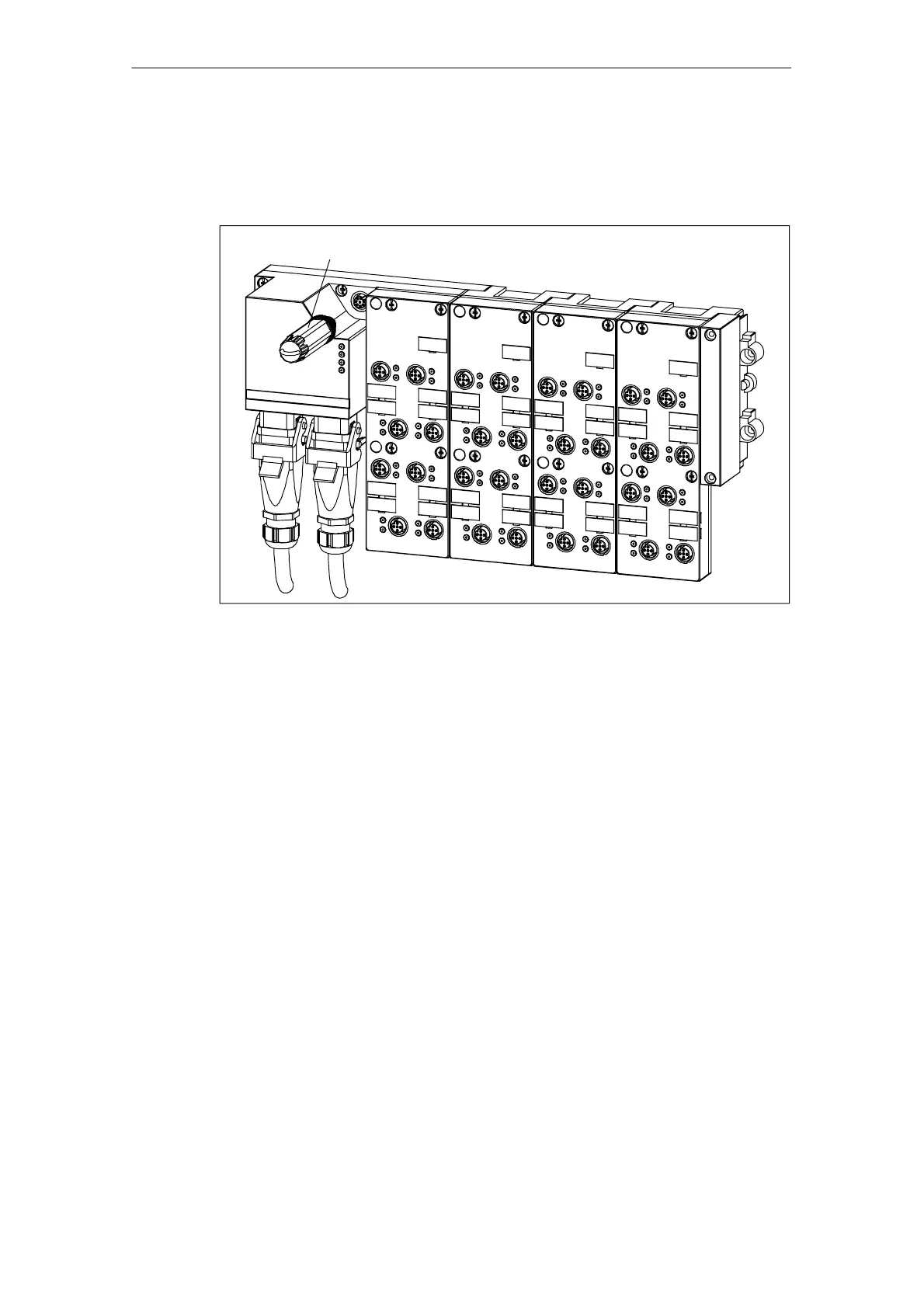
1. Unscrew the configuration connector from the basic module and disconnect the
plug (see Figure 3-12).
Configuration connector
Figure 3-12 Position of the configuration connector on the
ET 200X-DESINA/ET 200X-ECOFAST
2. On the configuration connector, slacken the screw securing the cover and
remove the cover.
3. Set the PROFIBUS address using the DIL switches.
The diagram below shows the configuration connector with the cover removed, as
well as an example of the switch settings.



 To Next Page