Page 114 of 292
11.1.17 Pressure Change Alarm
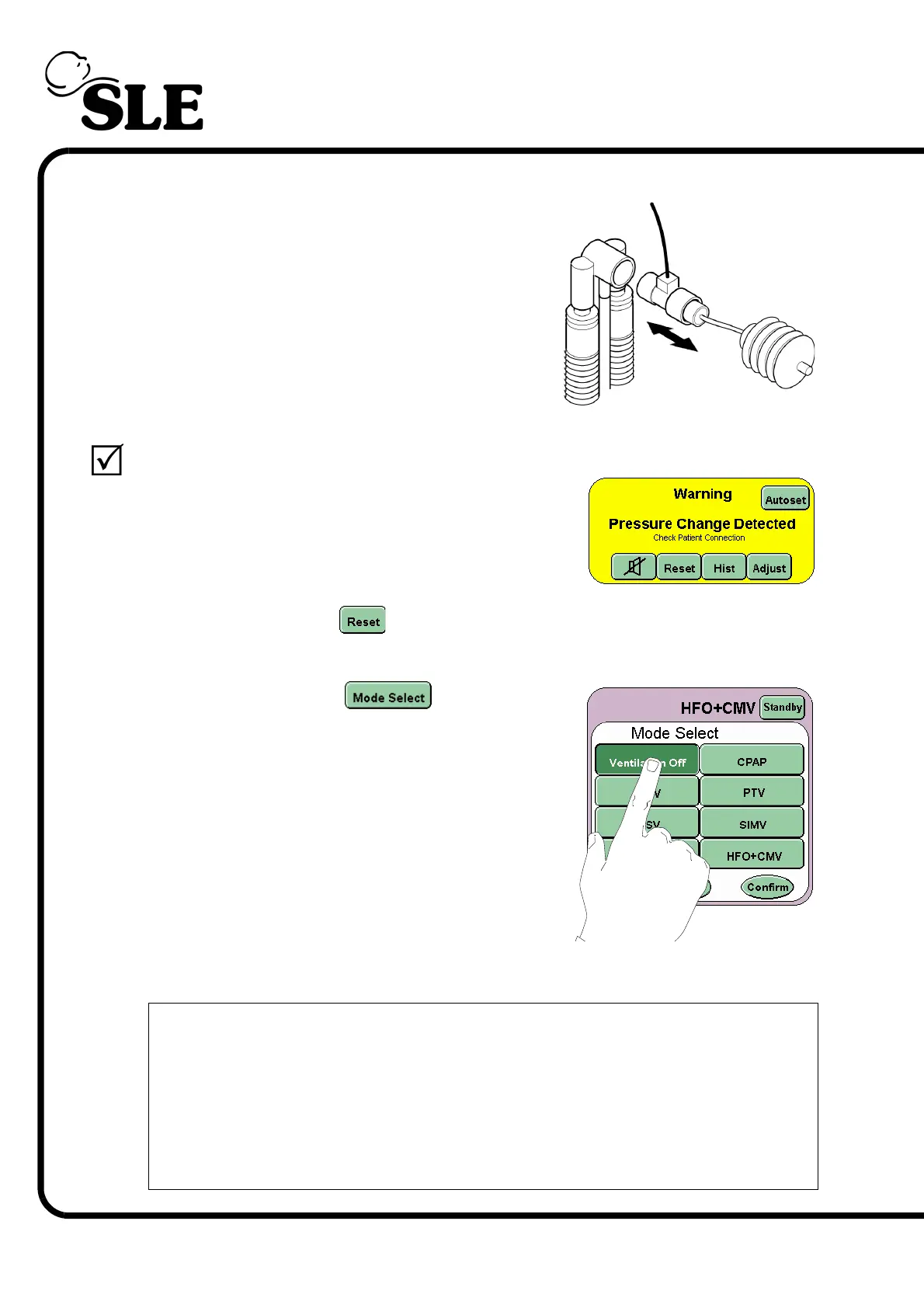
Step 40 Disconnect the flow sensor and test lung from
the ET manifold for a maximum of 3 seconds
then reconnect.
Verify that:
the visual and audible Pressure
Change Detected alarm is triggered.
Press the reset button to clear the alarm panel of the alarm notification.
Step 41 Press the Mode Select button and
select Ventilation Off from the Mode Select
panel.
Press the confirm button to enter the Ventilation
Off mode.
Step 42 Stage 1 functional testing complete.
The ventilator is now ready for basic set-up for patient ventilation if
required. The ventilator should not be turned off, but remain powered up
and in Ventilation Off mode until needed.
Please read the Operational Considerations chapter on page 134 before
commencing with basic setup.
If carrying out a 30 day functional test advance to Stage 2, Step 43



 To Next Page