Page 123 of 292
11.2.3 Functional Test of SIMV Mode
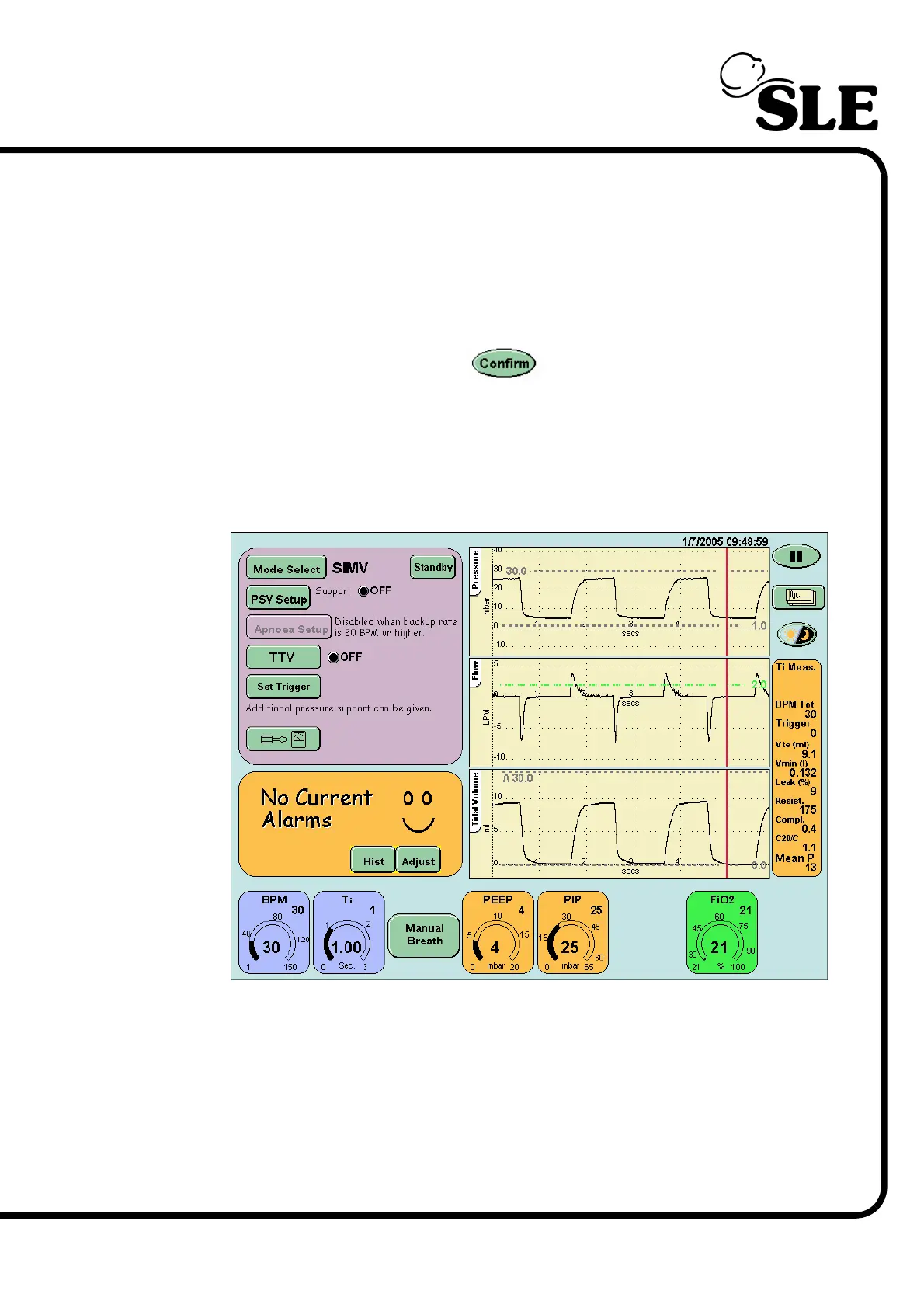
Step 63 For the functional test set the following parameters in the SIMV preview mode:
BPM..................... 30
Ti.......................... 1 sec
PEEP ................... 4mbar
PIP....................... 25 mbar
FiO
2
..................... 21%
After pressing the confirm button the user will be presented with the
SIMV screen.
Check that:
PSV setup........... is set to OFF
TTV...................... is set to OFF (This button will not appear
when functional testing with no flow sensor fitted).



 To Next Page