Page 50 of 292
7.5.1 Flow
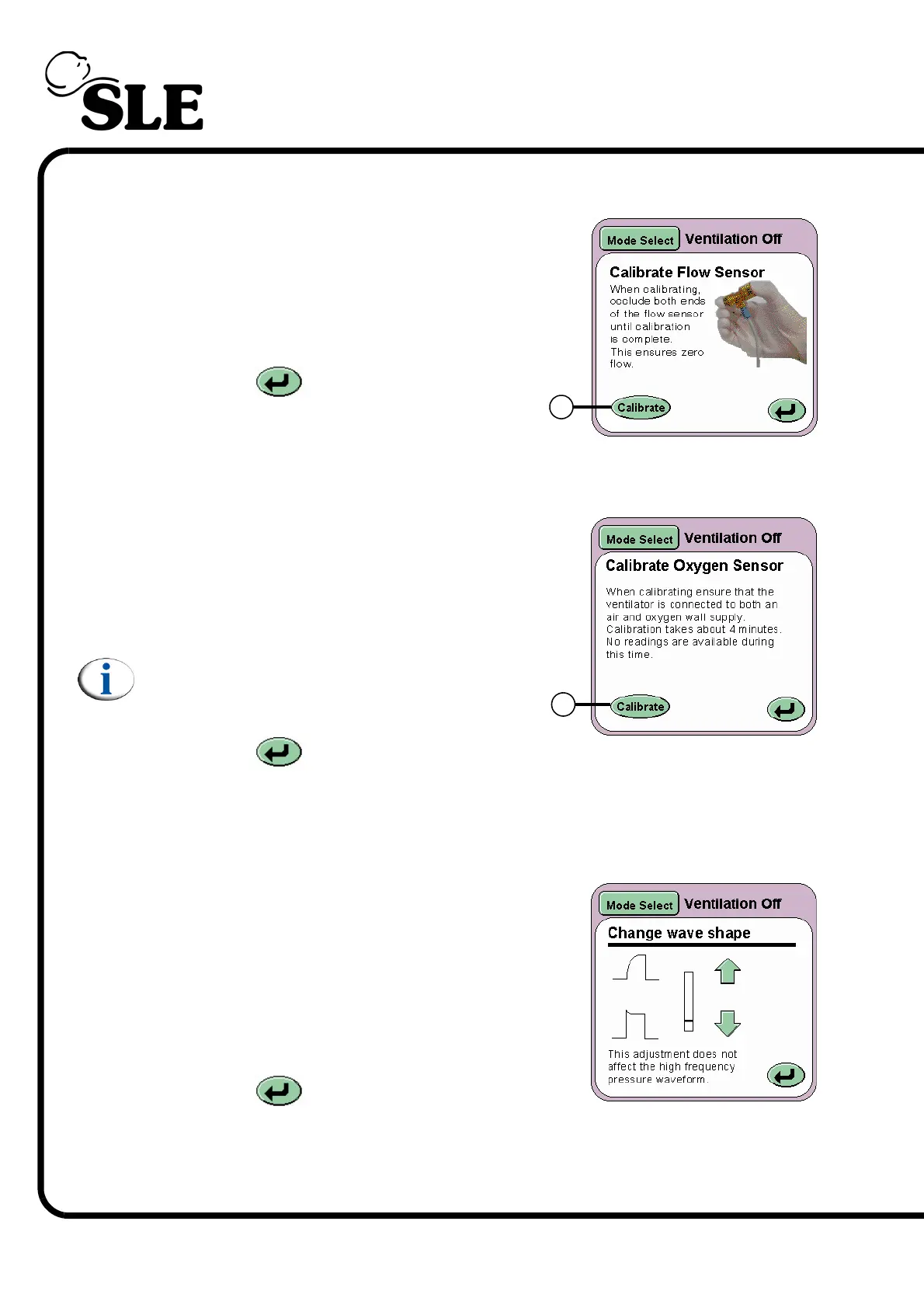
On pressing the Flow button (D) the Calibrate
Flow Sensor panel will be displayed. The
Calibrate button (I) runs the calibration routine
for the flow sensor. For more details on the
Flow Sensor and calibration see page 182.
The Return button returns the user to
the Services panel.
7.5.2 Oxygen
On pressing the Oxygen button (E) the
Calibrate Oxygen Sensor panel will be
displayed. The Calibrate button (J) runs the
one point calibration routine (100% O
2
) for the
Oxygen monitoring system.
Note: See section 21. on page 214 for
information on the two point oxygen sensor
calibration.
The Return button returns the user to
the Services panel.
7.5.3 Wave Shaping
On pressing the Wave shaping button (F) the
Change Wave Shape panel will be displayed.
The panel allows the user to modify the pressure
wave to produce a square or tapered wave shape.
Using the arrows the wave shape is modified in
realtime in the pressure waveform window.
The Return button returns the user to the
Services panel.
For more information See “Wave Shaping” on page 137. of the “Operational
Considerations” chapter.
I
J



 To Next Page