Page 45 of 292
The touch screen as the name suggests is controlled by touch. When using the
ventilator it is advisable to have clean dry hands (gloved hands will also activate
controls). Only a small amount of pressure is required to activate a control.
7.2 Description of User Interface Indicators
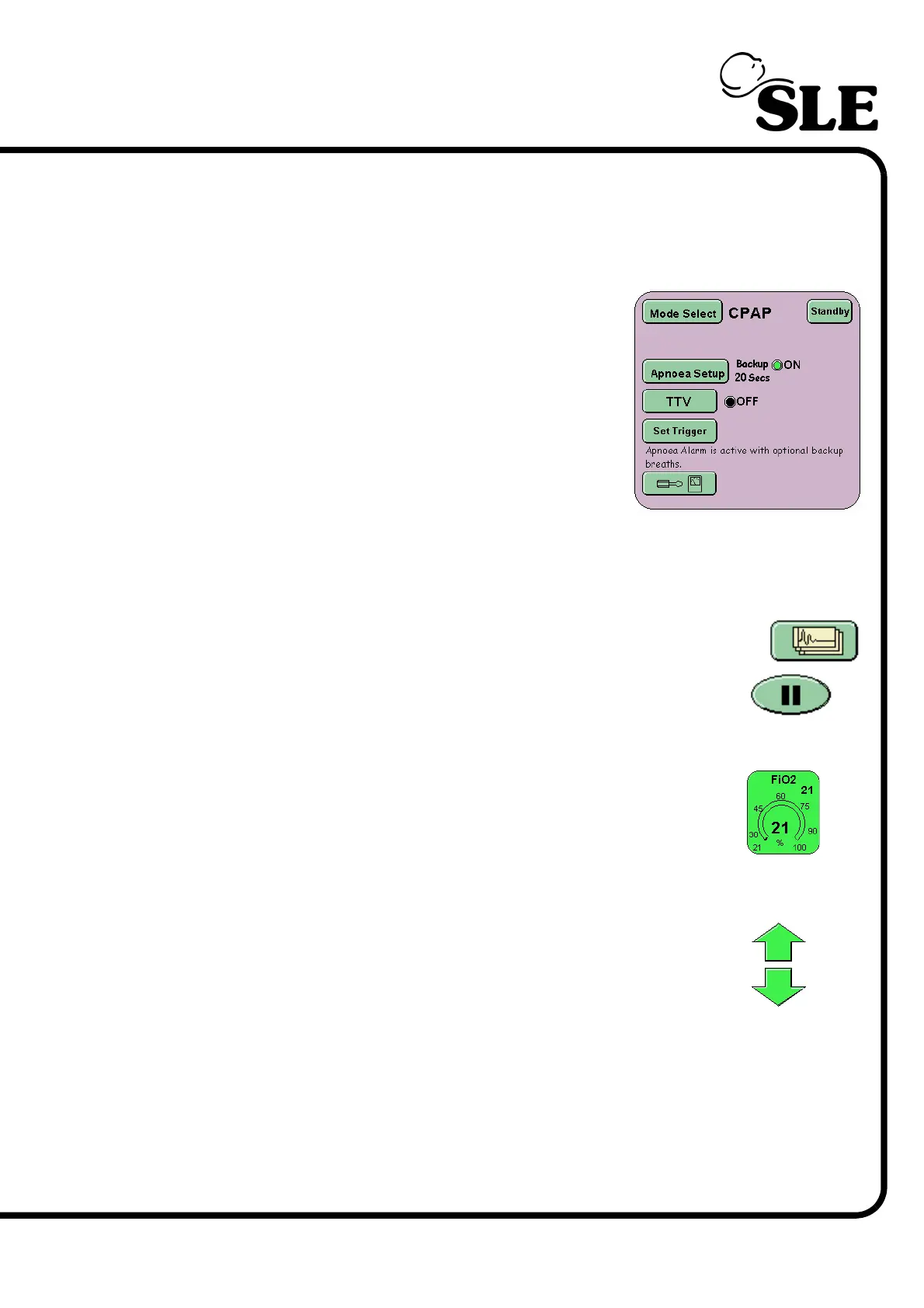
In the mode panel the user will find indicator lights
next to functions that can be turned ON or OFF.
When a function is OFF the light is coloured Black
and the text OFF is displayed.
When that function is ON the light is coloured Green
and the text ON is displayed
7.3 Description of User Interface Controls
The interface has three types of control: Button, Parameter and Arrow.
The buttons are coloured green, change shade when touched,
but vary in shape. The buttons are used to select a function or
mode.
The parameter controls vary in colour but are all the same shape.
A selected parameter will change to black when selected. The
parameter control selects a ventilator setting for modification. In
the center of the control is the measured value and in the top right
is the set value.
The up/down arrows allow modification of a selected control.
There are three colours of arrows ‘Orange’ for parameter
modification, ‘Red’ for alarm threshold modification and ’Green’
for FiO
2
modification.



 To Next Page