Page 156 of 292
16.3 CPAP Set-up
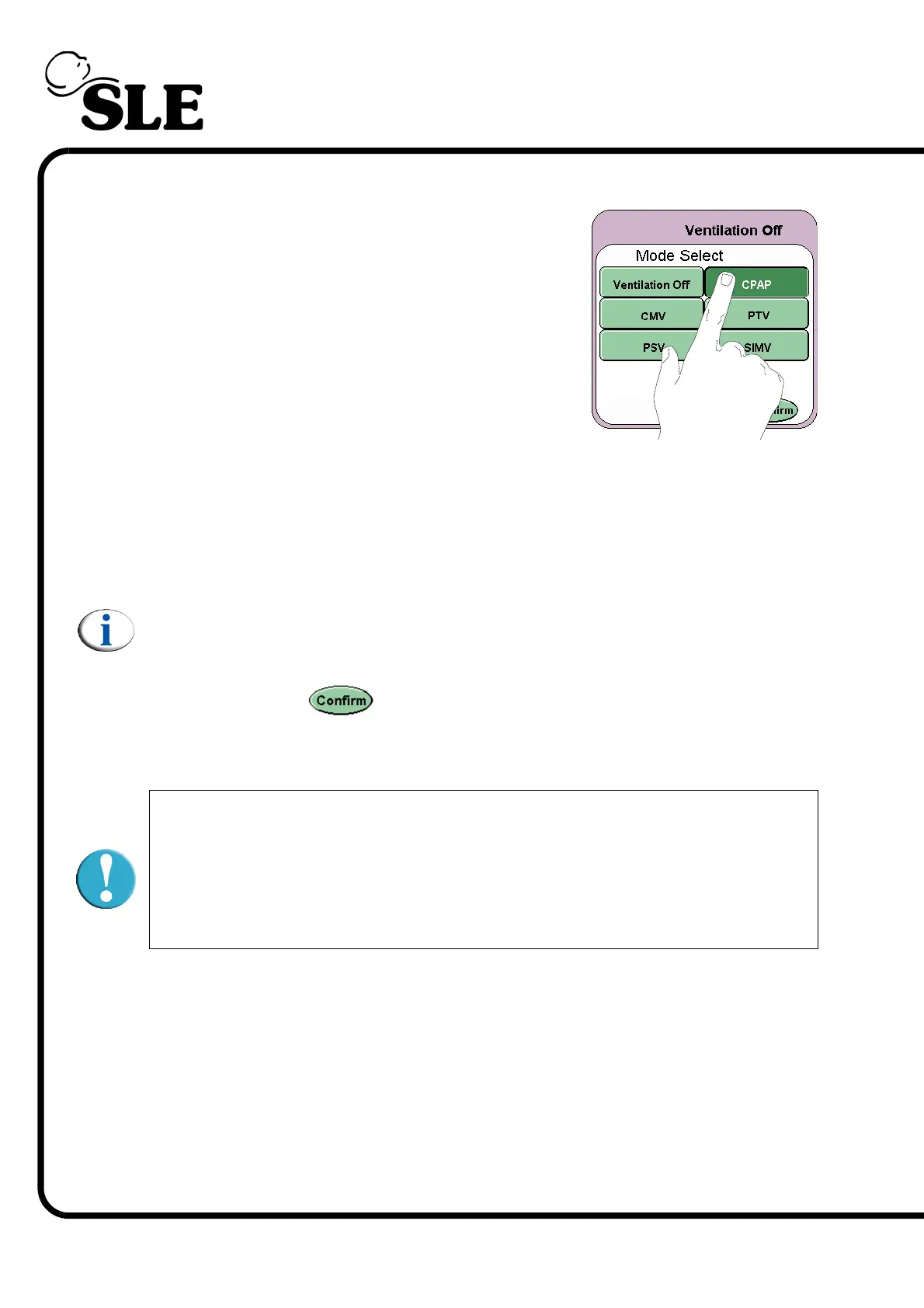
Step 1. From the Mode Select panel select CPAP.
Step 2. Default parameters in the preview mode:
Ti ..........................0.4 sec (for manual breaths)
CPAP ...................2 mbar
PIP .......................10 mbar (for manual breaths)
FiO
2
......................As per prescription
Note: Ti (Insp. time) and PIP parameters are for the Manual and Back up
Breaths.
Step 3. Press the Confirm button to enter the CPAP mode. The ventilator will
now start to ventilate at the set parameters.
The ventilator is now ready to be connected to the
patient under user supervision. Prior to and after
connection it is the users responsibility to adjust and
monitor the ventilation parameters to suit the patients
medical condition.



 To Next Page