Page 96 of 292
11.1.2 Setting FiO
2
Step 2 In the ventilation off mode select the FiO
2
parameter and using the
arrow keys set the value to 21% FiO
2.
The ventilator defaults to
21% on start up.The measured value will be displayed once the O
2
cell has finished it’s self calibration routine. When finished, the set
value and measured value should correspond.
11.1.3 Functional Testing with No Flow Sensor
Step 3 If the ventilator is to be used without a flow sensor
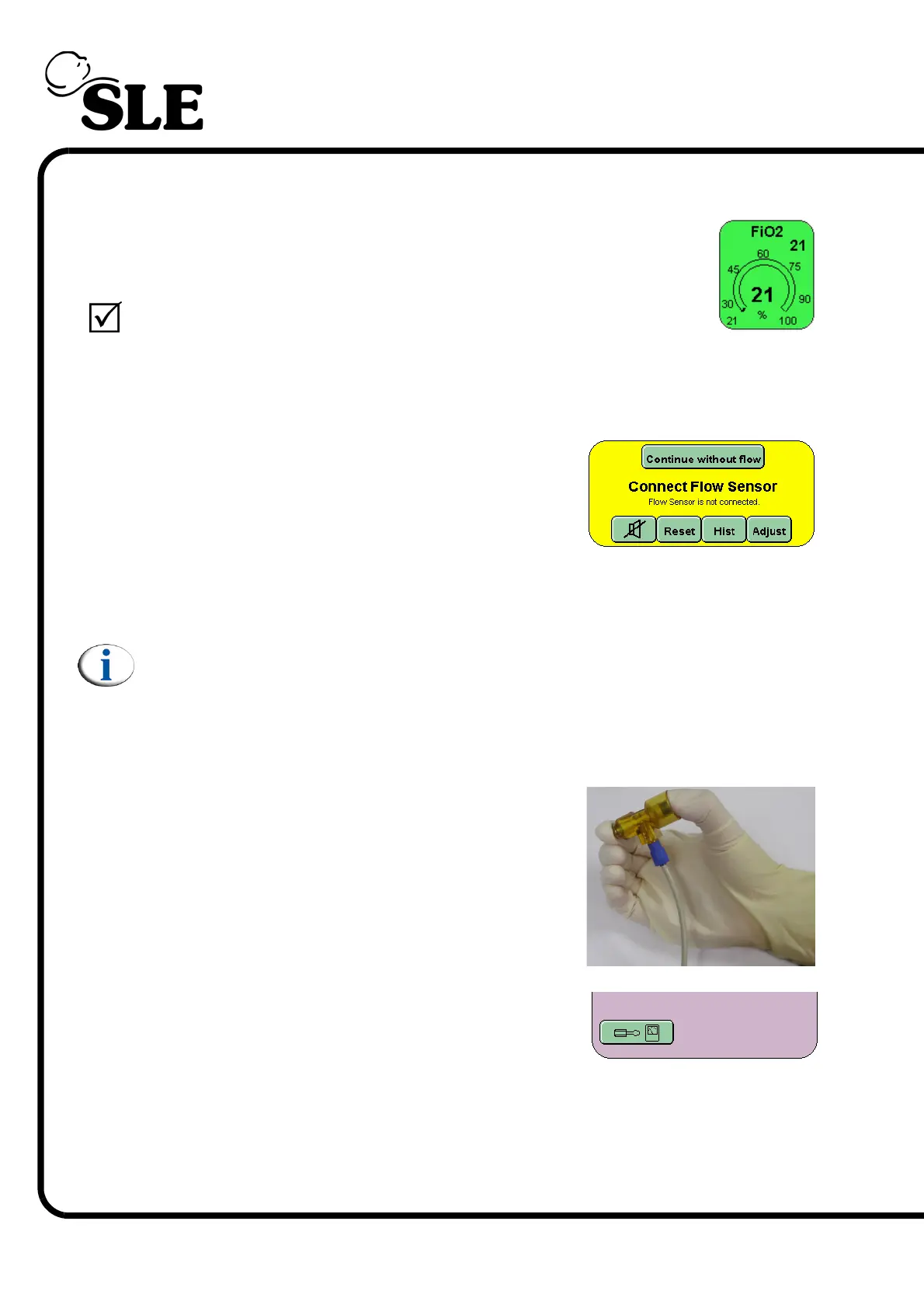
fitted then press the “continue without flow”
button in the alarm panel.
Fit a test lung to the ET manifold.
The user should now advance to section 11.1.5
Note: the functional testing routines have been written with the flow sensor
fitted. The user will be told to skip a section if it applies to testing a flow
related function.
11.1.4 Calibration of the Flow sensor
Step 4 Make sure that there is no flow passing the through
the sensor. For this purpose, occlude the flow
sensor by holding it between two fingers, closing
both ends as shown in the following picture.
Press the Options and Service Data button.



 To Next Page