Page 49 of 292
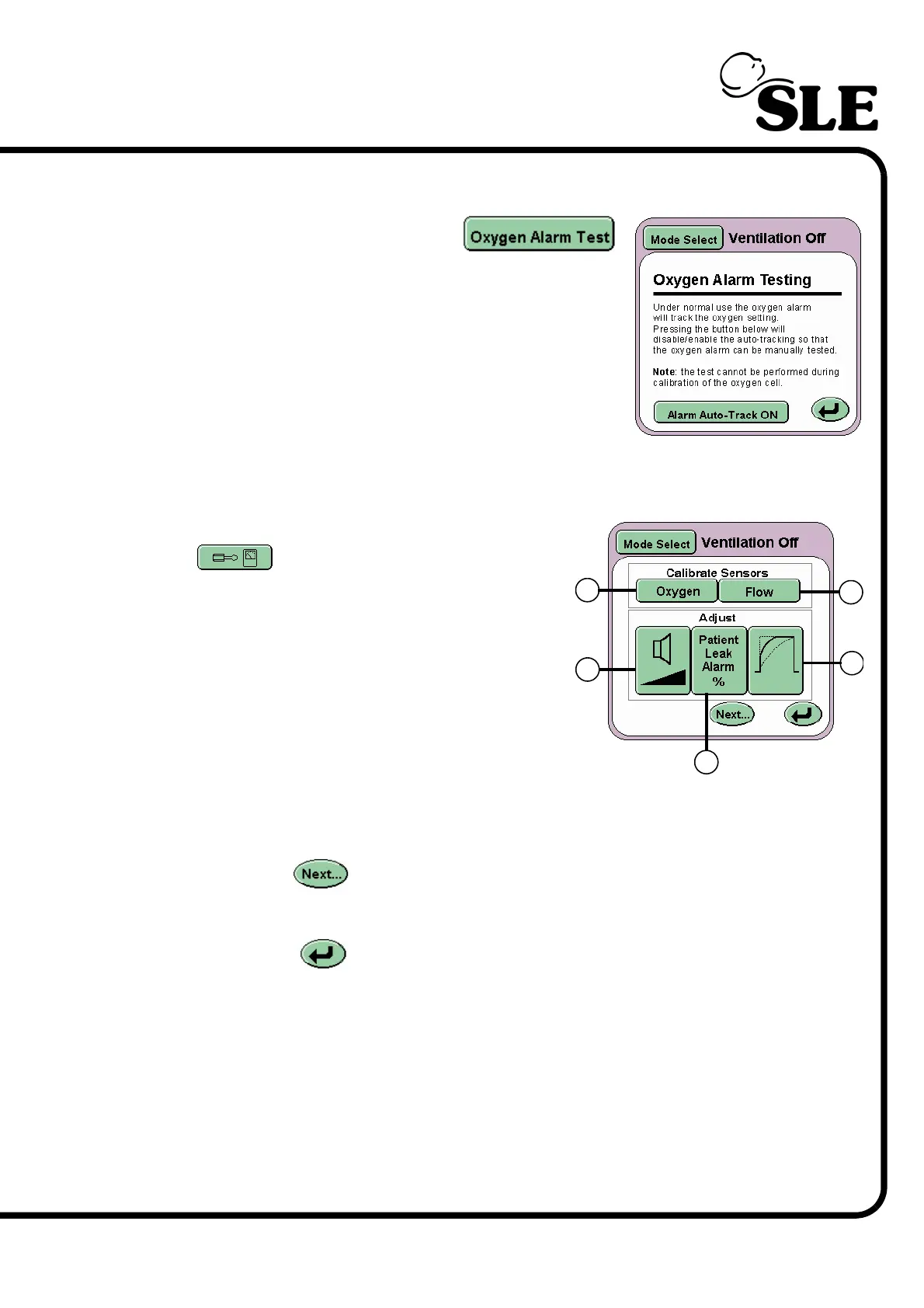
7.4.3 Oxygen Alarm Test
The Oxygen Alarm Test button
activates the Oxygen Alarm Testing panel.
This panel allows the user to test the High and Low
Oxygen alarm prior to use.
For a detailed description on how this test is carried
out, See “Oxygen Alarm Test” on page 98.
7.5 Services Panel
The Options and Service Data button
on the Mode Panel activates the
Services panel.
Displayed on this panel are five buttons:
In the Calibrate Sensors area
Flow (D)
Oxygen (E)
In the Adjust area
Wave shaping (F)
Volume control (G)
Patient leak alarm (H)
The Next... button advances the user to the More Options panel (See
“More Options Panel” on page 51.).
The Return button returns the user to the Ventilation Off panel.
E
G
F
D
H



 To Next Page