Page 57 of 292
7.8.4 TTV for CPAP, PSV, PTV & SIMV
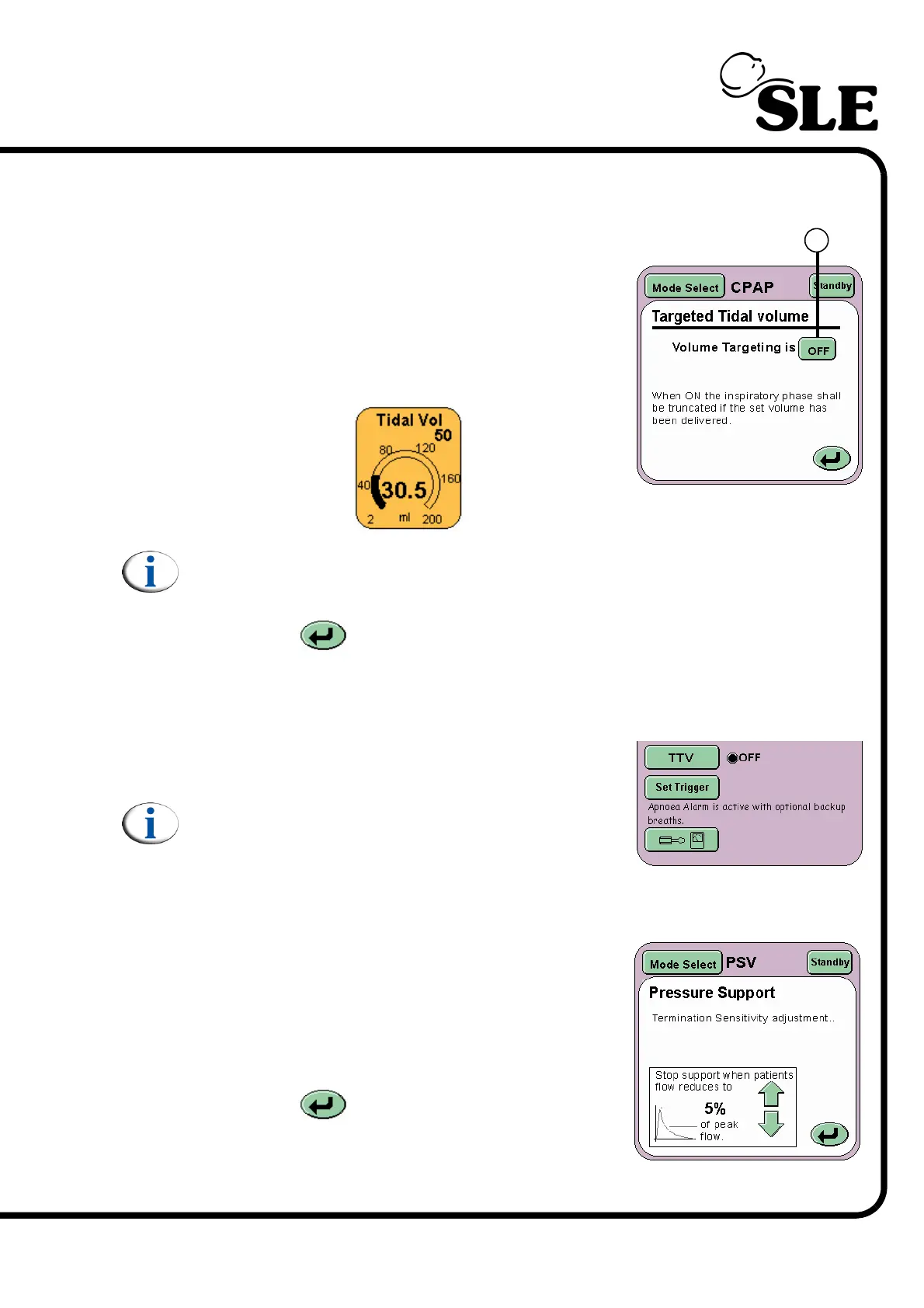
The Targeted Tidal Volume panel allows the user
to turn ON or OFF volume targeting.
Volume targeting (TTV) is activated by the ON/OFF
toggle button (T).
When Volume Limiting is ON the Tidal volume
parameter panel appears allowing the Tidal Volume
limit to be set.
Note: When TTV has been selected the inspiratory time (Ti) and the Peak
Inspiratory Pressure (PIP) change to Max Ti and Max PIP.
The Return button returns the user to the current mode panel.
7.8.5 Set Trigger for CPAP, PSV, PTV & SIMV
The Set Trigger button activates the breath
detection threshold in the flow waveform window.
Note: The breath detection threshold can still be
activated through the alarm panel. See “Alarm
and Breath Detection Thresholds” on page 62.
7.8.6 Pressure Support in PSV
The Pressure Support panel allows the user to set
the Stop Support when patient flow reduces to
percentage (Termination Sensitivity) .
The panel allows the user to increase or decrease
the percentage value via the arrow buttons.
The Return button returns the user to the
current mode panel.
T



 To Next Page