Page 174 of 292
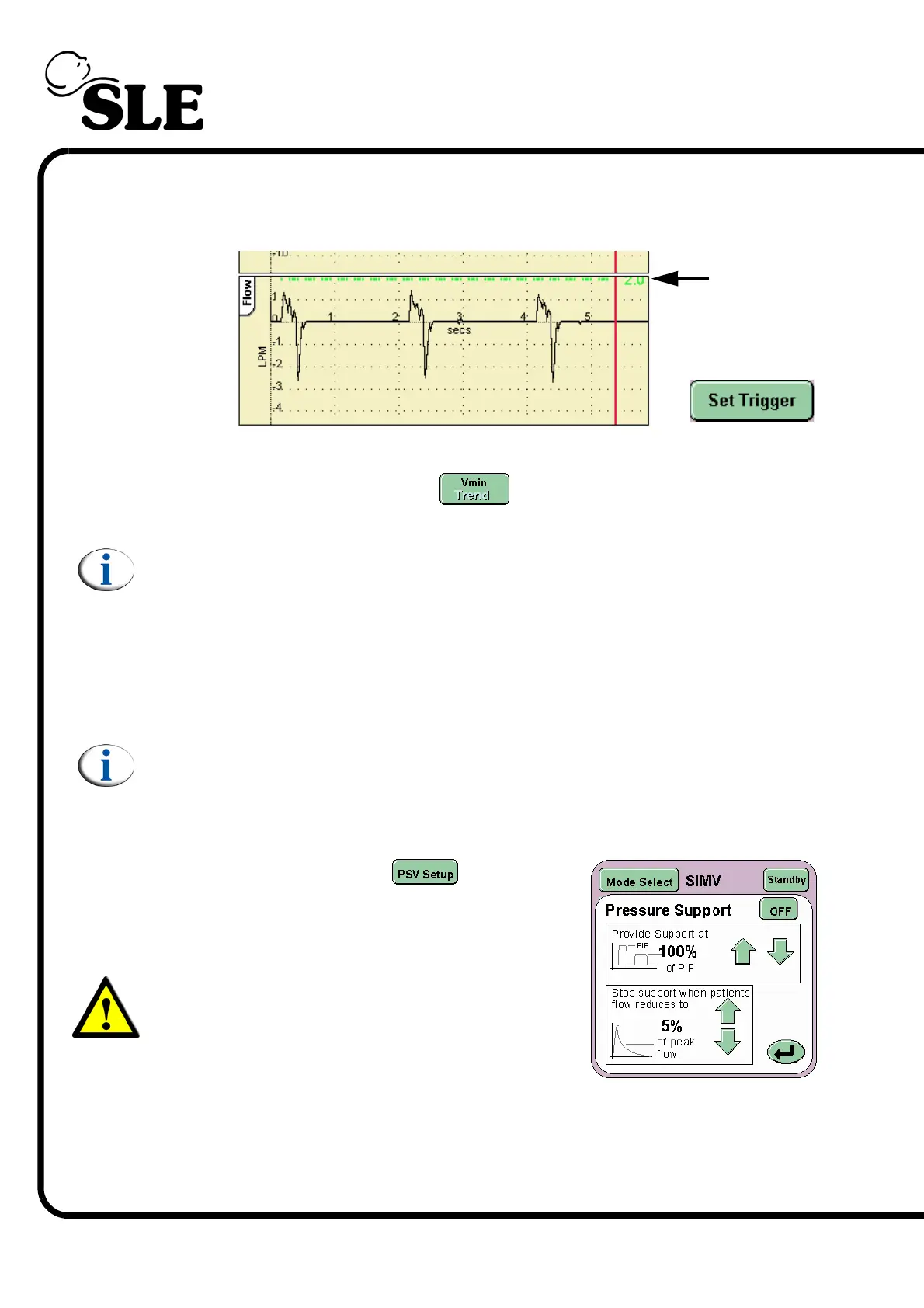
Step 8. Set the Breath Detection threshold for Apnoea settings. The threshold is found
in the flow waveform window. (This waveform will not appear when operating
without a flow sensor).
Step 9. If required, set the minute volume alarms. The alarm thresholds are found by
selecting the minute volume graph . Once set the user can revert to the
default waveform display.
Note: The user cannot set the high and low minute volume alarms when the
flow sensor is not connected.
Step 10. If TTV (volume targeting) of the synchronized and mechanical breaths is
required, turn on the function and set the Max PIP and the Tidal Vol (Targeted
Tidal Volume). The user may have to adjust the Low Tidal volume alarm
threshold.
Note: When TTV is discontinued the Max PIP returns to 5mbar above the set
PEEP.
Step 11. Set the Pressure Support parameters.
Press the PSV Setup button to display the
Pressure Support settings panel.
Set the two values as determined by the user.
Warning: When an SIMV breath is given or
apnoea episode is recognized the delivered
breath will be at 100%, i.e. the set PIP an Ti.
Breath
Detection



 To Next Page