Page 61 of 292
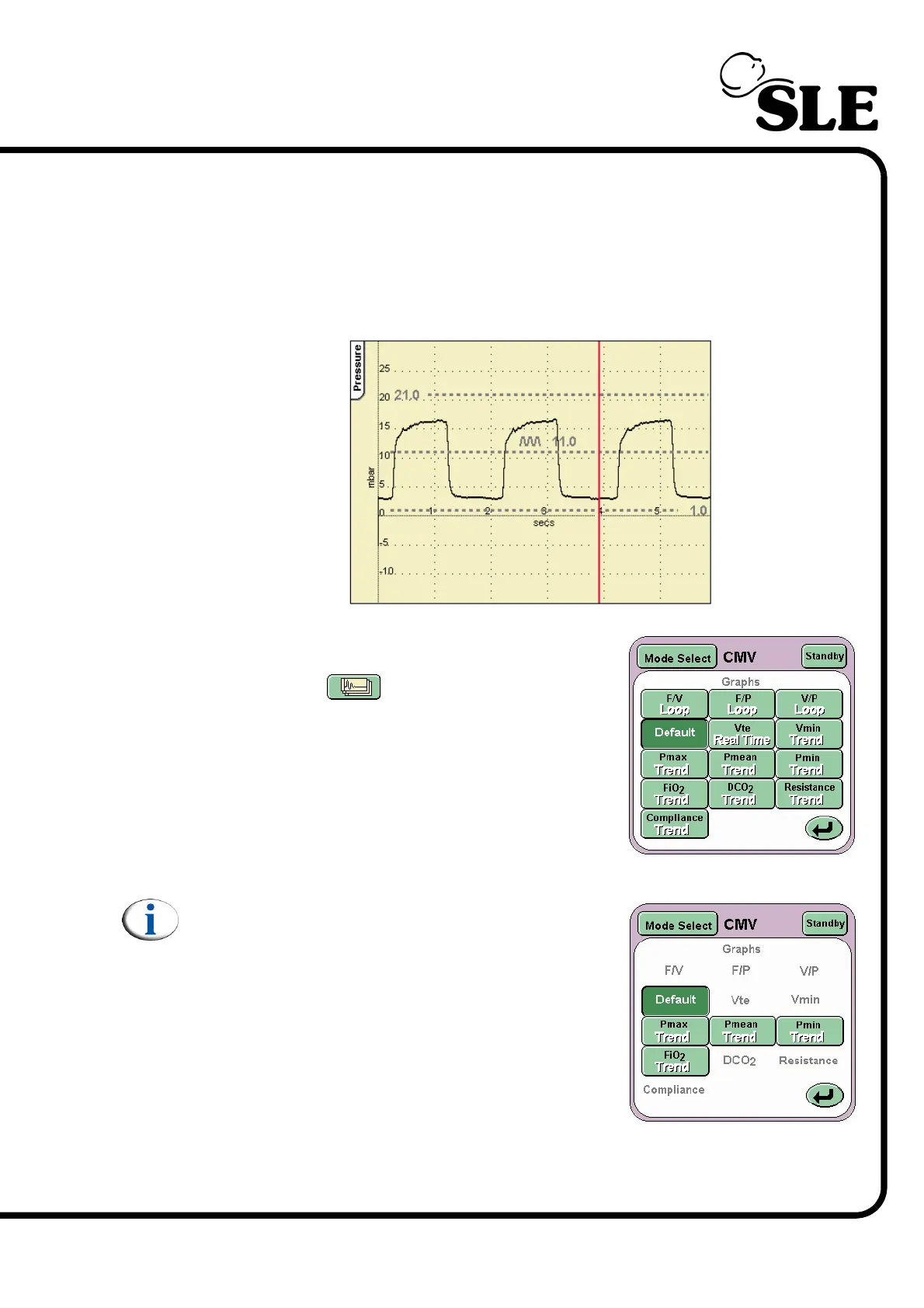
The alarm thresholds are also displayed in these waveform windows.
The scales in waveform windows autoscale to match the set ventilation
parameters.
When the ventilator is used without a flow sensor the default layout changes to
exclude flow related waveforms.
The ventilator can also display loops and trends.
These are accessed from the Waveform Display
Options button .
The button activates the Loops And Waveforms
panel.
From this panel you can select the combination of
loops and waveforms required.
Note: Flow related buttons will not be displayed
when the ventilator is used without the flow
sensor.
For a full explanation of the loops, trending, and waveforms see “Loops, Trends &
Waveforms” on page 72.



 To Next Page