Page 75 of 292
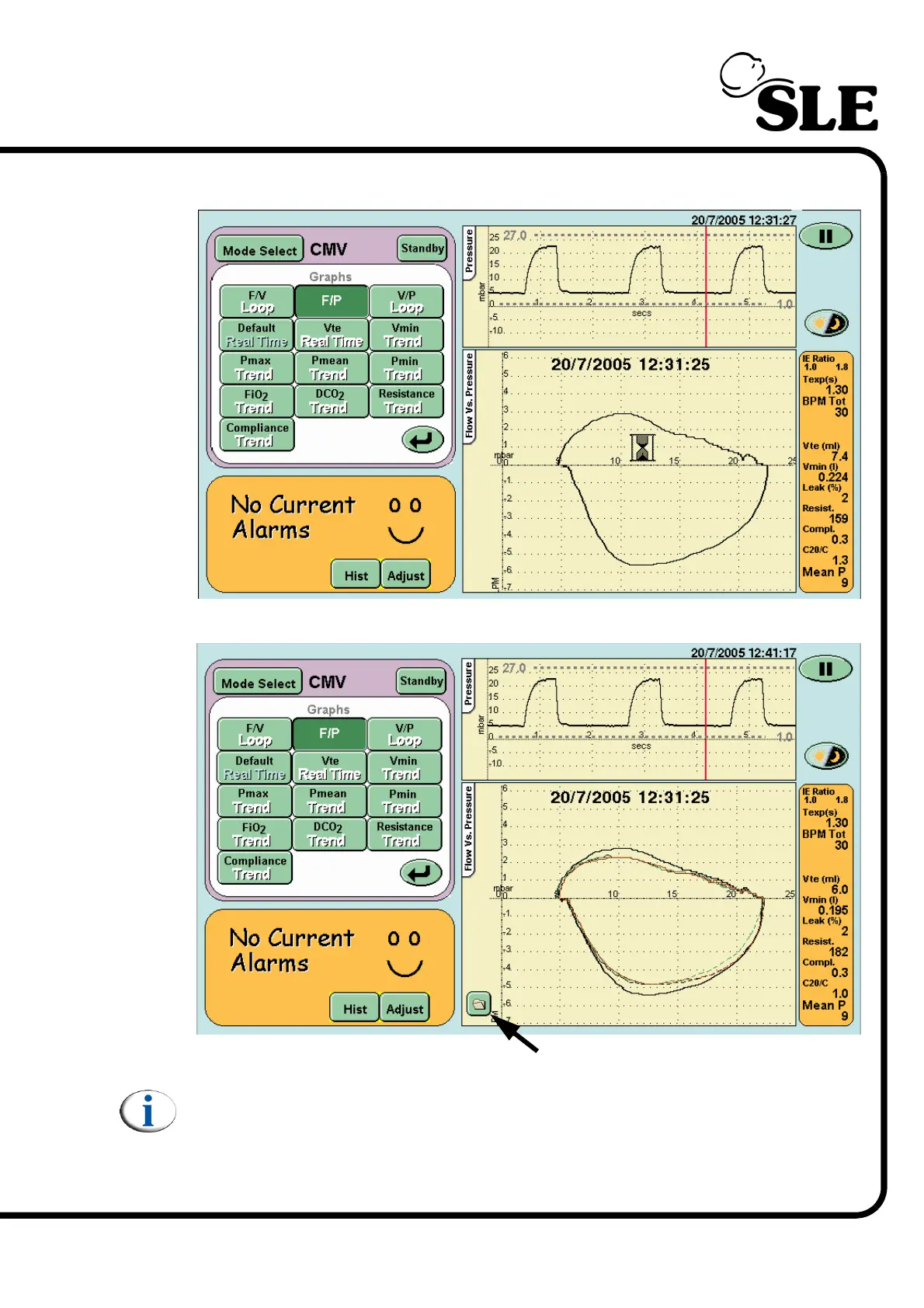
The ventilator will display the time and date that the loop was saved as it copies
the data to memory.
The ventilator will now display the saved looped and the current active loops.
Note: When viewing a stored loop the active loops are shown as dashed
lines.
Step 3: To hide the loop press the Stored Loop button in the loop window. This
removes the stored loop and reverts to displaying the active loops as solid lines.
Step 3. Stored Loop button



 To Next Page