156 Maintenance
2006792 Rev B – 200228
3. Verify that there is no blockage in the Printhead:
a. Check inside the Printhead for blockages, and if there is a blockage, remove it by
cleaning the Printhead. (see “Cleaning the Printhead” on page 142)
4. Verify that there are no obstructions in the hydraulic system:
a. To verify that there are no obstructions in the hydraulic system, contact your certified
Squid Ink distributor.
5. Verify that there are no contaminants in the ink:
a. To verify that there are no contaminants in the ink, contact your certified Squid Ink
distributor.
6. Prepare to adjust the ink drop break-off:
a. If all of the above conditions have been resolved and the printing is still poor, the ink
drop break-off can be adjusted.
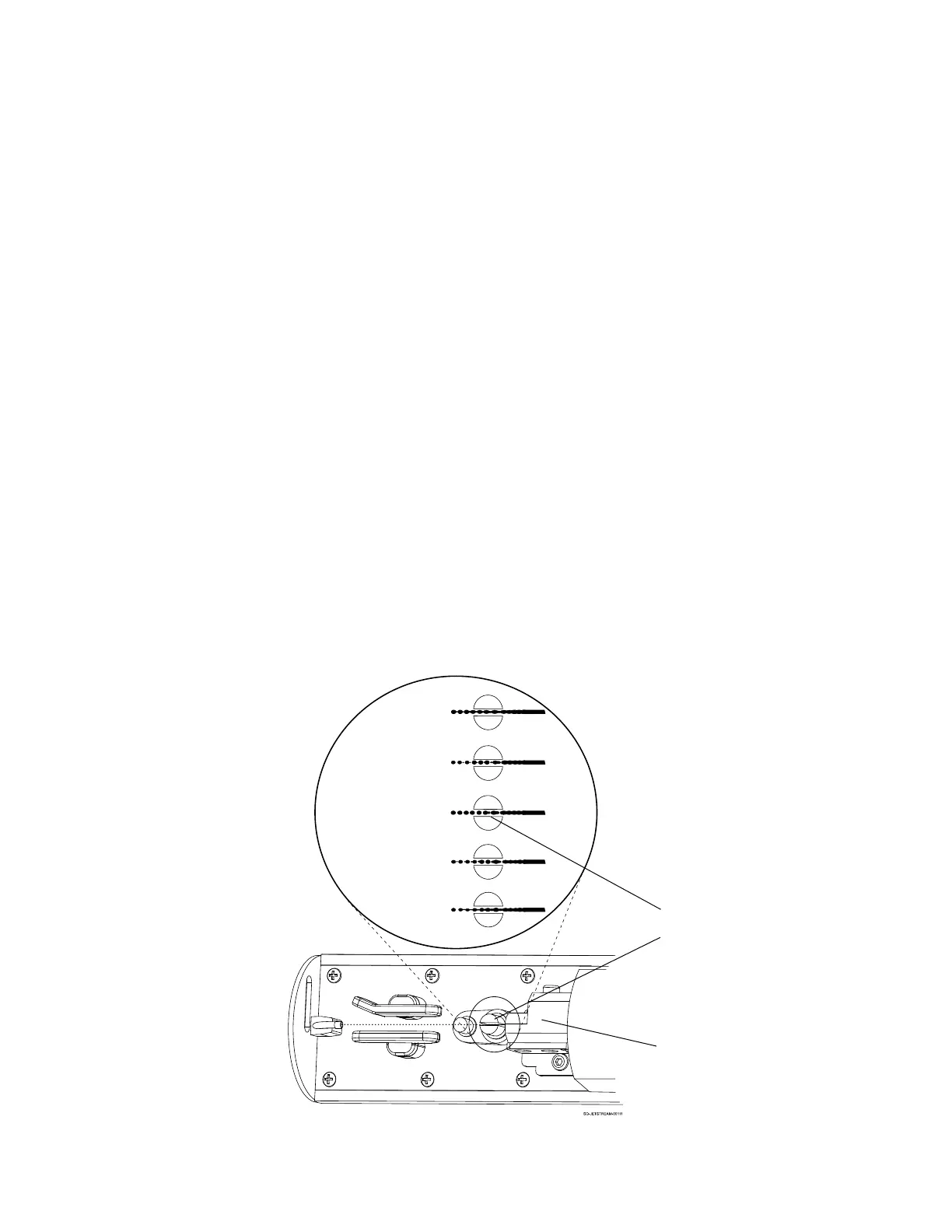
The ink drop break-off is adjusted by changing the Modulation value. The diagram below shows
the relationship between Modulation value and ink drop break-off point:



 To Next Page