Maintenance 157
2006792 Rev B – 200228
To adjust the ink drop breakoff:
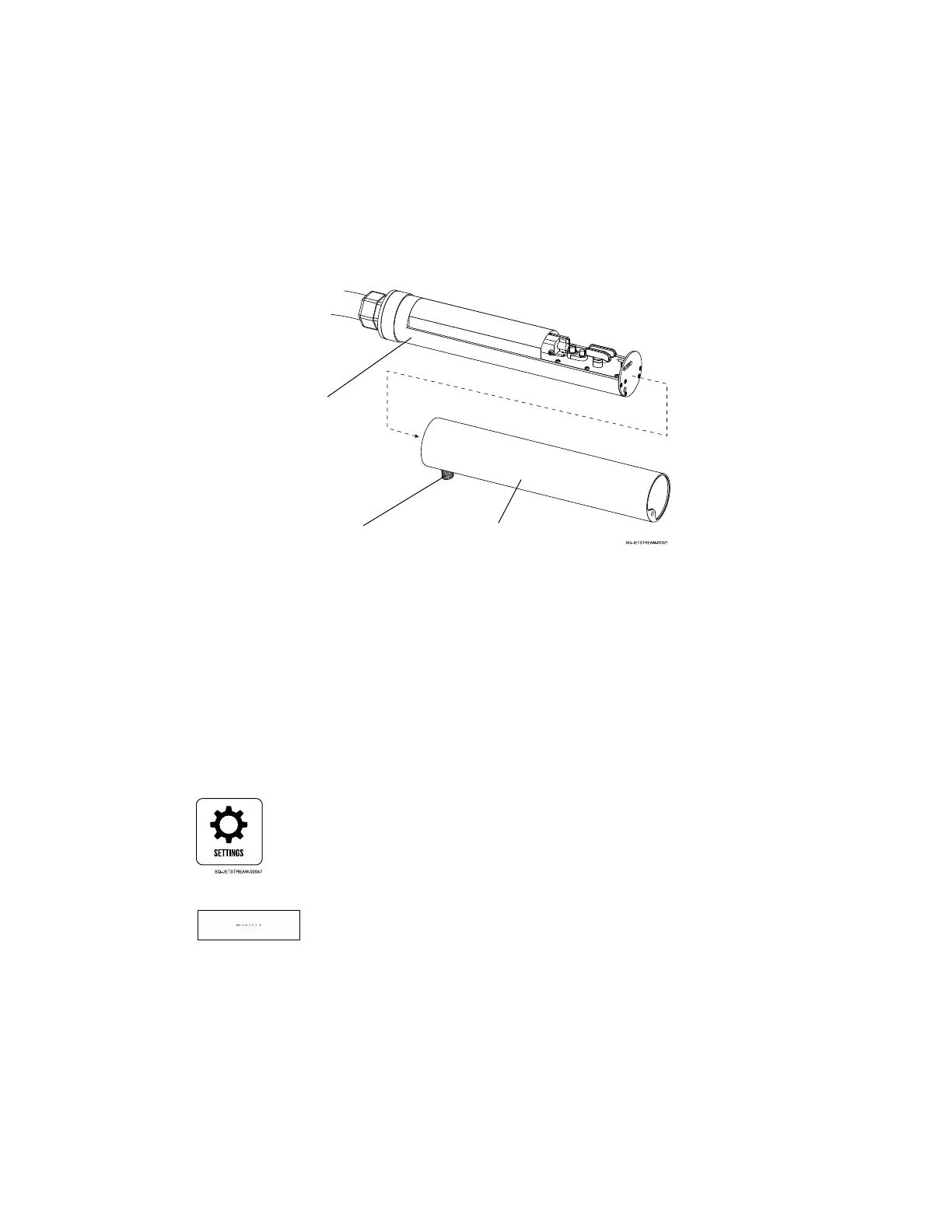
1. With jetting on, remove the Printhead Cover:
a. At the base of the Printhead, near the Umbilical Tube, unscrew the Cover Fastener.
b. Pull the Printhead Cover off by pulling it toward the nozzle end of the Printhead.
c. Set the Printhead Cover on a flat surface.
2. Observe the ink drop break-off point:
a. Using a magnifier, observe the ink drop break-off point in the Charge Electrode
Tunnel.
3. Adjust the Modulation Value:
a. On the Touchscreen, select the Settings screen;
b. In the System Setting section, select Modulation.
c. If the observed ink drop break-off is taking place before the ink stream reaches the
Charge Electrode Tunnel, the modulation value needs to be lowered. If the observed
ink drop break-off is after the Charge Electrode Tunnel, the modulation value needs
to be increased. Adjust the modulation value accordingly in small increments (see
“Modulation” on page 103).
4. Continue observing the ink drop break-off point:
a. Observe the ink drop break-off point in the Charge Electrode Tunnel.



 To Next Page