User Interface 93
2006792 Rev B – 200228
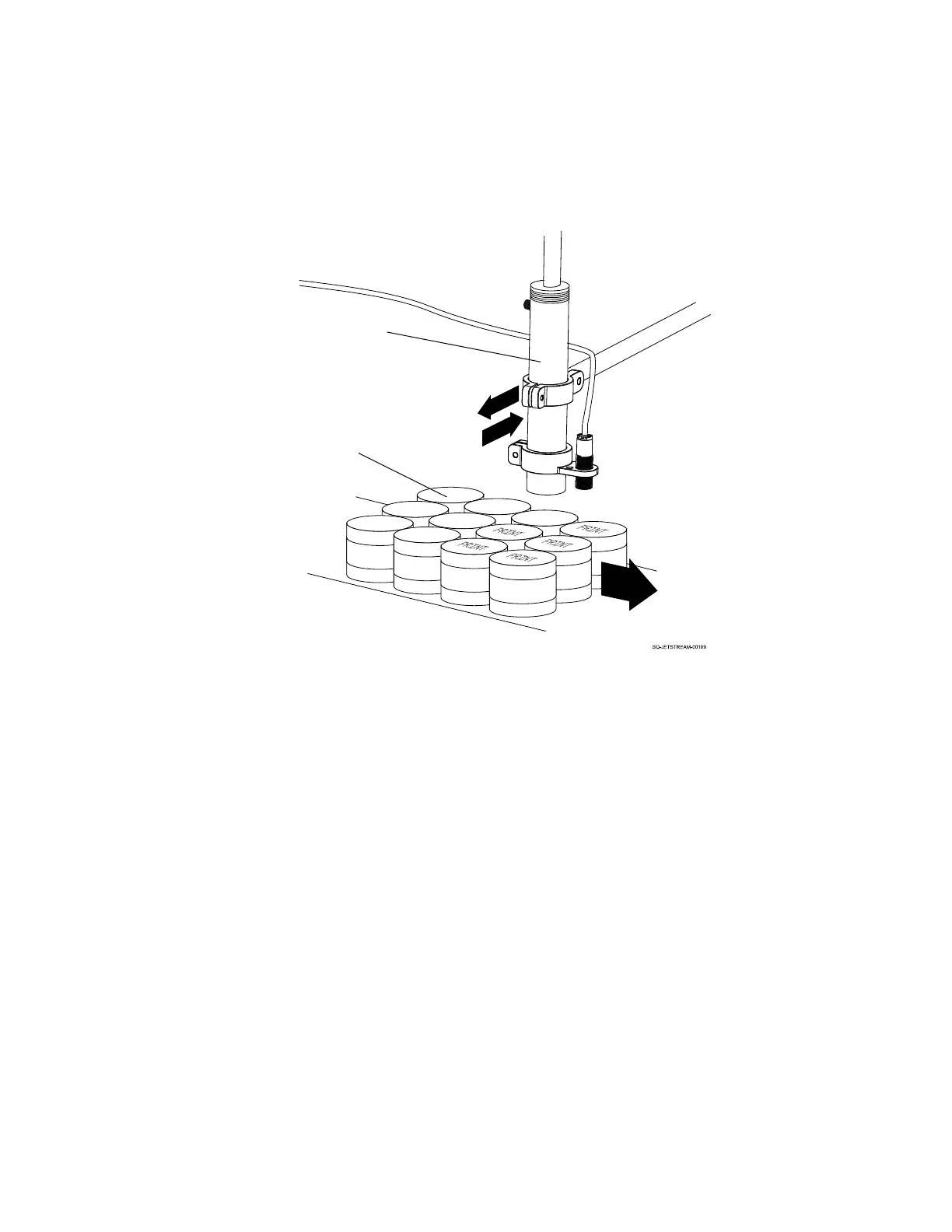
opposite orientation during the backward pass. This is useful when multiple rows of
products are passing by at once. An example of this would be a multipack of yogurt
cups that are fastened together, where the Printhead needs to print on the top of
each individual yogurt cup.
In “Traverse Print Mode,” choose the trigger for the change in orientation:
o External Trigger: If selected, printing orientation is controlled remotely by an
external signal through the I/O port. If a high-level signal is received, messages
are printed with the selected “Orientation” mode. If a low-level signal is received,
messages are printed with the orientation selected in the “Traverse Print Mode”
list.
In the Reverse Repeat box, select the number of prints 0-100. The default is 0. This
function is available if Software Trigger and Reverse & Invert Printing are
selected.
When finished editing Direction settings, select Save.
Select Close to close the Direction settings.



 To Next Page